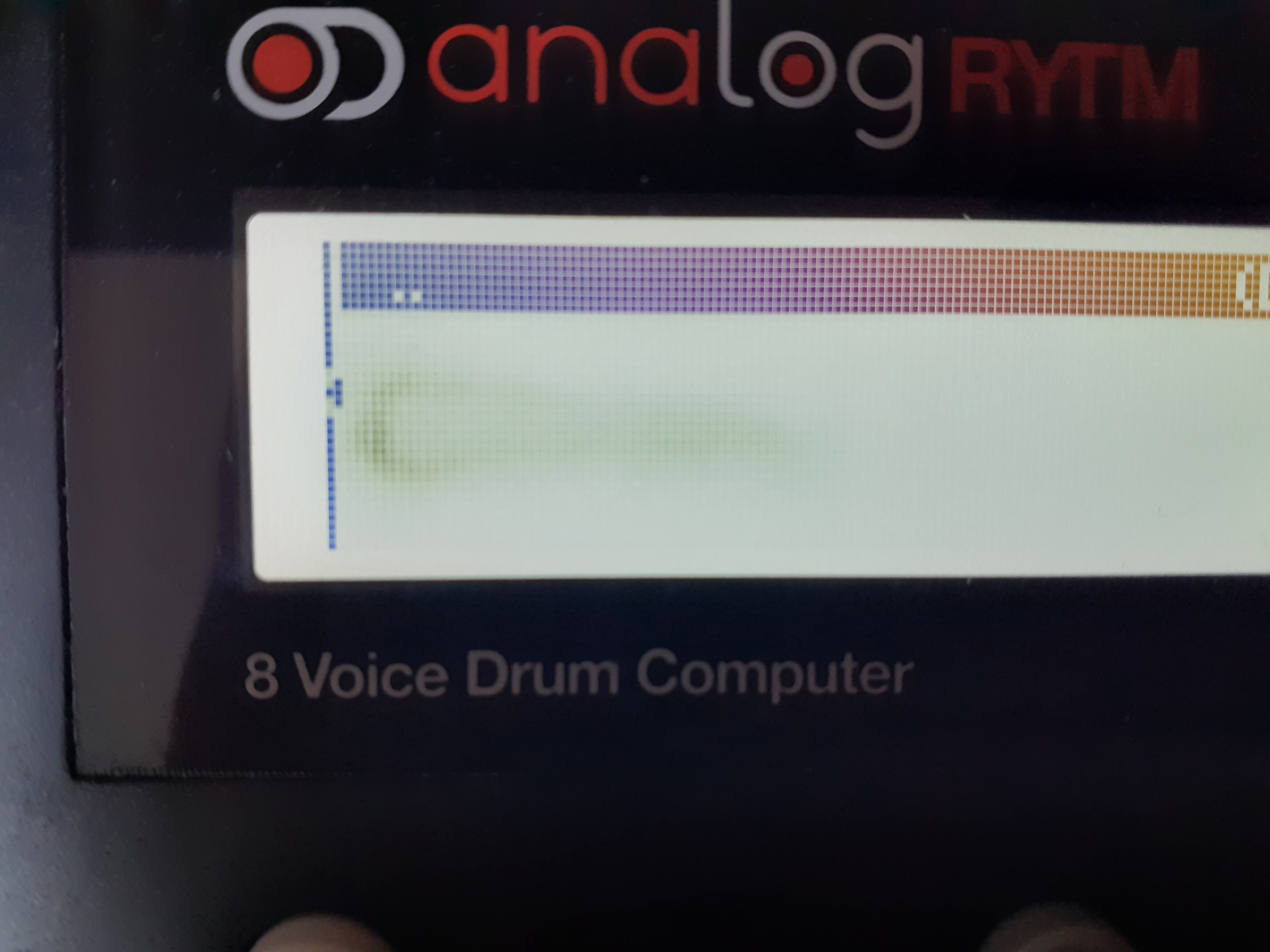
I just got an AR mk1 yesterday. It looks in almost new shape. Though I just found out that it has what looks like a burned screen. What can I do about that? And should I worry?
A bigger problem right now though is that I’m having troubles with connecting to Transfer. It recognizes both in and out, so yes I have set it to USB mode. And I just updated the firmware to 1.61 through the legacy mode in Transfer. So no problem in that department. Transfer is also the latest version.
I’ve restarted the unit several times and tried different cables and ports. Still nothing.
Right now I’m restarting the computer to see if that helps.
Post a photo of the screen for us.
What troubles are you having?
This actually worked haha.
The screen was also black for a long time on the restart, so it was definetly doing something. After the restart I got a popup regarding ‘Codemeter’, which is something you need when running Reason. But it’s not the first time having problems with it. Sometimes I would experience Live freeze, crash and not reopening the program, so I had to restart. And the same thing happened as this time. Black screen for a long time like the PC is working on something in the background. Then after the restart this popup asking for permission to run Codemeter would appear. So naturally I just uninstalled Codemeter and Reason Lite, since I never use it.
Edit: btw the screen I’m talking about here is the computer screen. Not the one on AR.
Coming up sorry…
There we go 
Luckily I can only see it in global mode, since in regular use mode, there would be that black box (like the one you see at the top of the screen in this pic) you have on all pages. It’s like that black box is still somewhat stuck on the screen like an afterimage. But it does also look like the screen is burned.