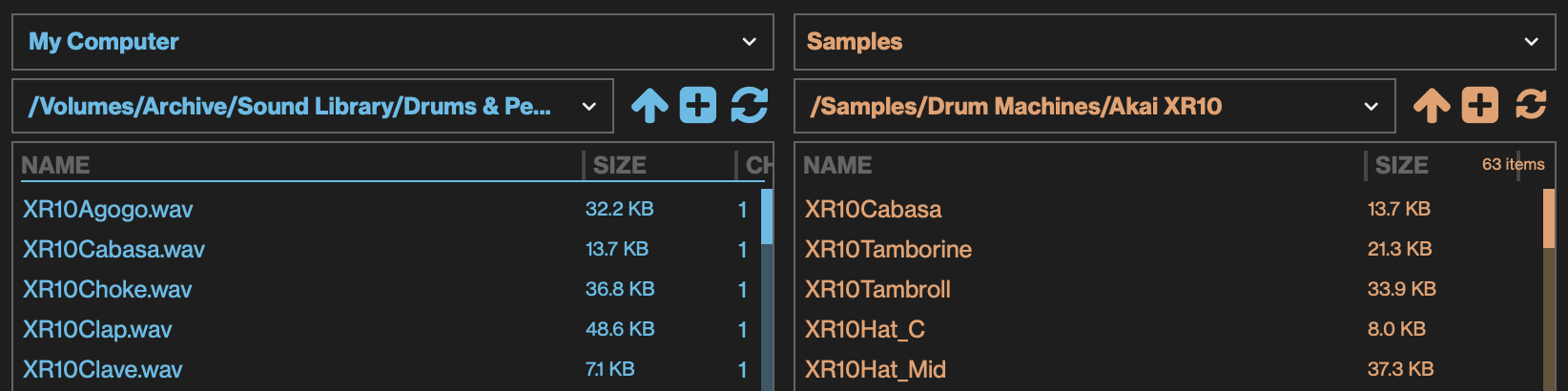
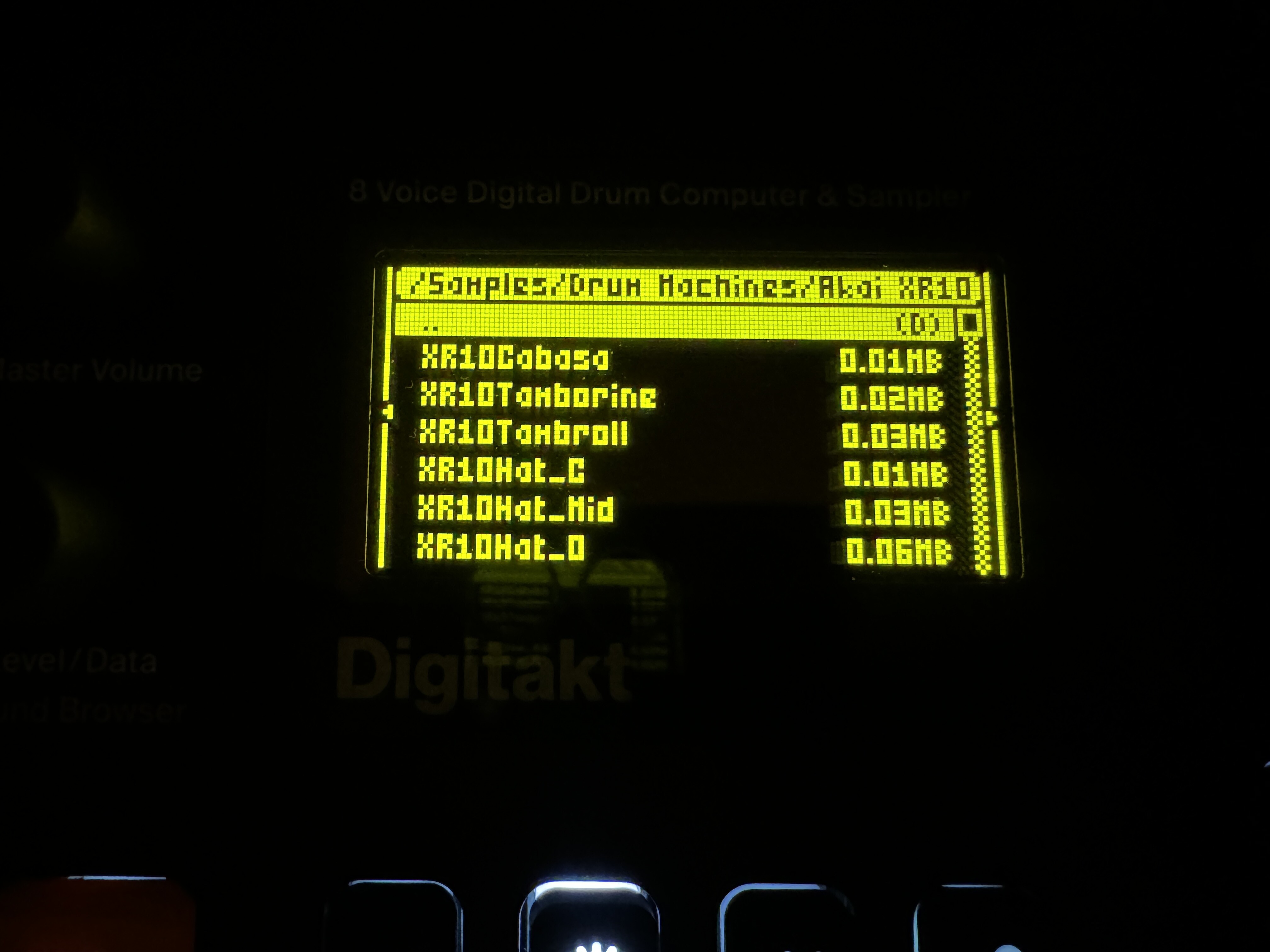
I contacted Support about this a couple of weeks ago but haven’t heard anything back.
Does anyone have a solution for this?
Also if I try to use the Quick Assign function:
In SRC screen
Open sample assign list
Func + Yes to open samples list
Choose a sample to load and load it
It loads the sample but the slots get messed up and I get duplicates… but not always
I can start with a completely empty project, quick assign load 1 sample and I get 2 copies of it in the sample assign list.
(Apparently I can’t upload more than 1 screenshot in a post)
I think if you refresh the Digitakt listing, or go out of the folder and come back, the alphabetic ordering might be restored. It’s certainly happens on the model:samples.
Also on model:samples, even after refresh I sometimes find discrepancies between the computer listing (mac) and the M:S listing … underscores appear in a different place. I’d suspect they’re relying on the ordering done by the underlying OS or filesystem.
Also seen on the model:samples. If I do anything directly to the project ram/pool, like unload a sample, I make sure to save the project and reload, or the empty slots from the unload appear to screw things up.
Which is no direct use to you on the digitakt, sorry, it’s just my experience to be wary and not to expect everything behave perfectly.