3 Likes
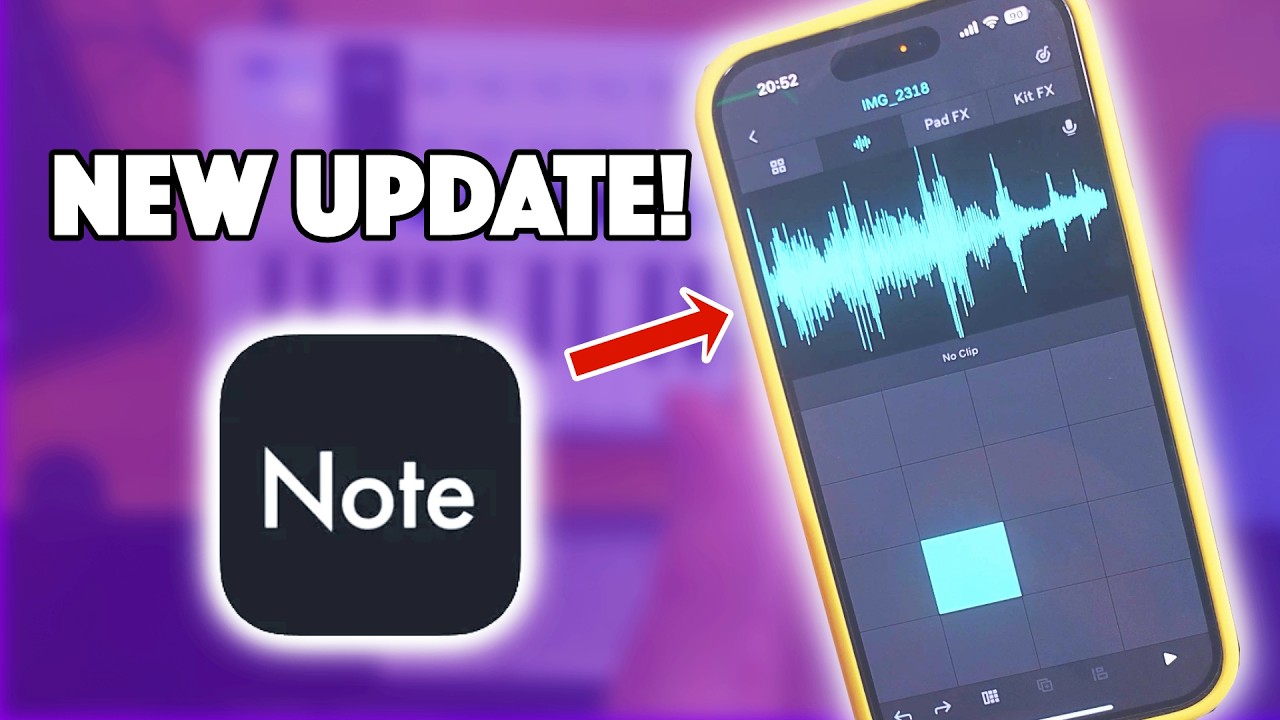
Anyone else noticed the new Note beta update?? It now lets you access your own sample folders!! 
@captain8 this is a biggie for Note!
Details;
Note 1.7.2b1 (28-10-2025)
Introducing external folders support in Note!
You can now navigate to the root level in the sample browser and add any folder
from your phone (e.g. Splice App) to use in Note’s samplers without the need to
manually import samples.
You can now slice loops and samples in Drum Tracks via the dedicated slicing mode!
We also took this as an opportunity to redesign the sample options and make
them more discoverable.
We’d like to hear about your experience at note-beta@ableton.com
New:
-
External Folders: Added “Externals” to root level for external sample folders. (b1)
-
External Folders: External samples will be copied into the set automatically when browser is dismissed. (b1)
-
External Folders: Added logic to download samples from iCloud Drive if not available locally (b1)
-
Sample Slicing: Respect the initial zoom-range when slicing samples
-
Sample Slicing: You can access Sample Slicing via the Sample Options
-
Sample Slicing: Adjust the number of slices via a dedicated slider
-
Sample Slicing: Adjust an individual slice-marker
-
Sample Slicing: Preview a slice by tapping on the waveform
-
Sample Slicing: Preview the slices on the pads while in Slice Mode
-
Sample Options: Added Resampling/Recording toggle to the Sample Options
Tweaks:
-
Autopan/Tremolo: Improved mappings (b1)
-
Sample Options: Now accessible via “…” on each sample
6 Likes
crazy update, looks like they don’t want akai to get all the attention
It hasn’t been mentioned, but the latest beta update for Note has made sample editing so much easier with dedicated start and end points. Slicing is also getting good now too.
I just uploaded a load of my sample library to iCloud to access in Note, and it’s working like a charm. I love being able to upload to Ableton Cloud and carry on in Live.
Last beta release notes;
Note 1.7.2 RC2 (53) (2025-11-20)
Sample waveform now has dedicated start/end handles for easy adjustment,
with double-tap zooming in and out to the selected region for fast navigation.
You can now navigate to the root level in the sample browser and add any folder
from your phone (e.g. Splice App) to use in Note’s samplers without the need to
manually import samples.
You can now slice loops and samples in Drum Tracks via the dedicated slicing mode!
Sample options (choke, reverse, etc.) are redesigned and made
more discoverable.
We’d like to hear about your experience at note-beta@ableton.com
New:
-
Waveform: Overhauled start/stop editing workflow with dedicated markers (RC1)
-
Waveform: Double tap to zoom to selected range (RC1)
-
Waveform: Scrolling now uses scroll acceleration (RC1)
-
Sample slicing: Sample gain can be adjusted per pad during slicing (RC1)
-
Sample slicing: Exposes new start/end markers within slicing view (RC1)
-
Onboarding: New feature tour activated (RC1)
-
Track Color: Added option to change track color in track menu (b2)
-
Core Library update: New Drum Racks by KUČKA (b2)
-
External Folders: Added “Externals” to root level for external sample folders. (b1)
-
External Folders: External samples will be copied into the set automatically when browser is dismissed. (b1)
-
External Folders: Added logic to download samples from iCloud Drive if not available locally (b1)
-
Sample Slicing: Respect the initial zoom-range when slicing samples
-
Sample Slicing: You can access Sample Slicing via the Sample Options
-
Sample Slicing: Adjust the number of slices via a dedicated slider
-
Sample Slicing: Adjust an individual slice-marker
-
Sample Slicing: Preview a slice by tapping on the waveform
-
Sample Slicing: Preview the slices on the pads while in Slice Mode
-
Sample Options: Added Resampling/Recording toggle to the Sample Options
Tweaks:
-
Slicing: Improved double tapping to zoom when the slice region is very small (RC2)
-
Autopan/Tremolo: Added icon for the waveform parameter (visible in Panning mode presets) (b3)
-
External Folders: Added dedicated plus button underneath description text (b2)
-
Autopan/Tremolo: Improved mappings (b1)
-
Sample Options: Now accessible via “…” on each sample
Fixes
-
Fixed a crash when slice markers were too close together (RC2)
-
Fixed showing an empty onboarding page on iOS 15 (RC2)
-
Sample Options were shown while recording (RC2)
-
Fixed a crash when dragging an end marker close to the start of the sample (RC2)
-
Fixed missing paste sample option on empty drum pads (RC1)
-
Fixed a crash when deleting tracks that was introduced in b2 (b3)
-
Autopan/Tremolo: Rate dial defunct when using 16ths (b2)
-
Autopan/Tremolo: Top-level icon missing in Preset Browser (b2)
-
App Size: Removed unused onboarding material from the app bundle (b2)
8 Likes
These will definitely make me re-evaluate Note again.
Accessing external folders crashes every time for me, for some reason. I’m sure they’ll get it sorted soon enough
Has anyone figured out how to solo a Drum Kit Pad for easy resampling? Drum Kits do not seem to have a Pad mixer, so I was wondering if anyone had any workarounds…
Thanks!
Do you want to resample a loop or just one hit?
I think the easiest way would be to just make a new empty clip, or duplicate your existing one and delete what you don’t want.
1 Like
Just one Drum Kit Pad. Seems like a lot to create a separate Clip, but that is a great suggestion!
I can´t get note to follow external tempo/sync start stop commands from a USB connected sp404mkII. Am I right that it just receives note data and nothing more?
Note only syncs to Ableton link afaik…