Sure but they could update it so that it doesn’t do that if you’re actively turning one knob and one of your other fingers accidentally brushes against a different knob. The one being turned should have priority, no?
1 Like
So I’m looking into this now, and there’s no way to batch import the presets from Live. It seems like the people who did the Drift factory presets did everything by hand, one by one. Is that right? If so, this approach won’t be feasible to me. But I appreciate you sending these to me nonetheless.
Import them into Move using the Move manager, you mean?
I found that you could unzip, open the folder, and then drag all of the files into Move Manager’s pane for uploading patches (I forget what it was called). It spins for a while with the Move slurping up all of the files in turn, and then they’re on the device.
2 Likes
I was noticing some bit reduction on the headphone output and decided to try and test the DAC. I first made two bars of a very clean 808 kick in Ableton Live and bounced it. I then took the exact same rack I used, transferred the track into Move, and recorded the output playing the same pattern. I then imported that Move set back into Ableton via Move Manager and bounced that a third time.
The following results were extremely clean - once again this is two bars Ableton only, two bars recorded from Move, and two bars after transferring back into Ableton. Nice!
I still don’t know why going directly into headphones lost fidelity, though. How a device manages to switch between a line out and a headphone out on the same jack and what all that entails is beyond me.
Regardless of your thoughts, I hope to see a jam on your youtube channel with the Move. Some of my favorite jam videos have been your push 3 performance videos and I’d love to see you do one on move.
4 Likes
Oh yeah in controller mode for live, can you still do step sequencing or did it just default to a normal pad controller?. Hope that makes sense.
You still can use the step sequencer in Control surface mode
2 Likes
Maybe it’s your headphones.
I laughed when I saw this just now because duh - I totally forgot to check on other headphones, so you’re probably right!  But using other pairs brought the same issue and using the affected ones for monitoring directly to the computer had clean audio again.
1 Like
Got to confirm my order for the 2nd batch yesterday. Back in stock on the homepage too.
Yeah, it’s some work for sure as it’s an “experimental feature” right now. Like the Push 3, they pushed Move out the door a bit too early and there’s some work to do to in making things more streamlined. 12.1 really moved the Push 3 forward and likewise I’m sure the Move will get some comparable updates within a year or so. All that being said, the workflow is similar to Push 3 in that it helps to do some prelim/prep sound design work in Live and then port it over to the hardware. Once that hard work is done, the magic begins— there’s no doubt that having some of your own favorite sounds in a very compact, portable unit is a heck of a lot of fun.
1 Like
Definitely this - just got my notification and invoice so expecting delivery late next week or early the week after, but just going by Note it’s pretty clear that for me at least I’m never really going to be on board with playing factory presets.
Currently setting up a bunch of racks to import on day one alongside my folder of sounds and recordings and sample chops from the past couple of years. It definitely feels like there’s room for improvement here - not least having some kind of sample chopping functionality on the box, plus a better way of converting an Ableton drum rack to something that’s Move/Note compatible. Right now I’m just using the templates and dragging across samples from my existing racks.
I really like Drift personally, think it’s one of the best sounding soft synths out there, but I can see how it might not seem that way if you’re coming at it for the first time with just 8 parameters available and smothered in effects. I think rather than trying to do complete presets, my approach is going to be to set up a bunch of different jumping off points where I’m pretty happy with the base sound determined by the parameters that won’t be accessible and work within those that are.
2 Likes
For those that like to start from empty, I thought I’d share this set I made.
You can’t have a completely empty set, so track one is loaded with the 909 Drum Rack. Tracks 2-4 are empty.
Empty Set.ablbundle (2.5 MB)
#movepresets
Edit: Actually, while you must have something loaded on to Track 1, you can load an empty drum rack to it, so if you want a totally blank set with no samples loaded to the drum rack on Track 1, and empty Tracks 2-4, then use this one…
Blank Set.ablbundle (70.7 KB)
11 Likes
I’d love to see some acid presets! How well can it 303?

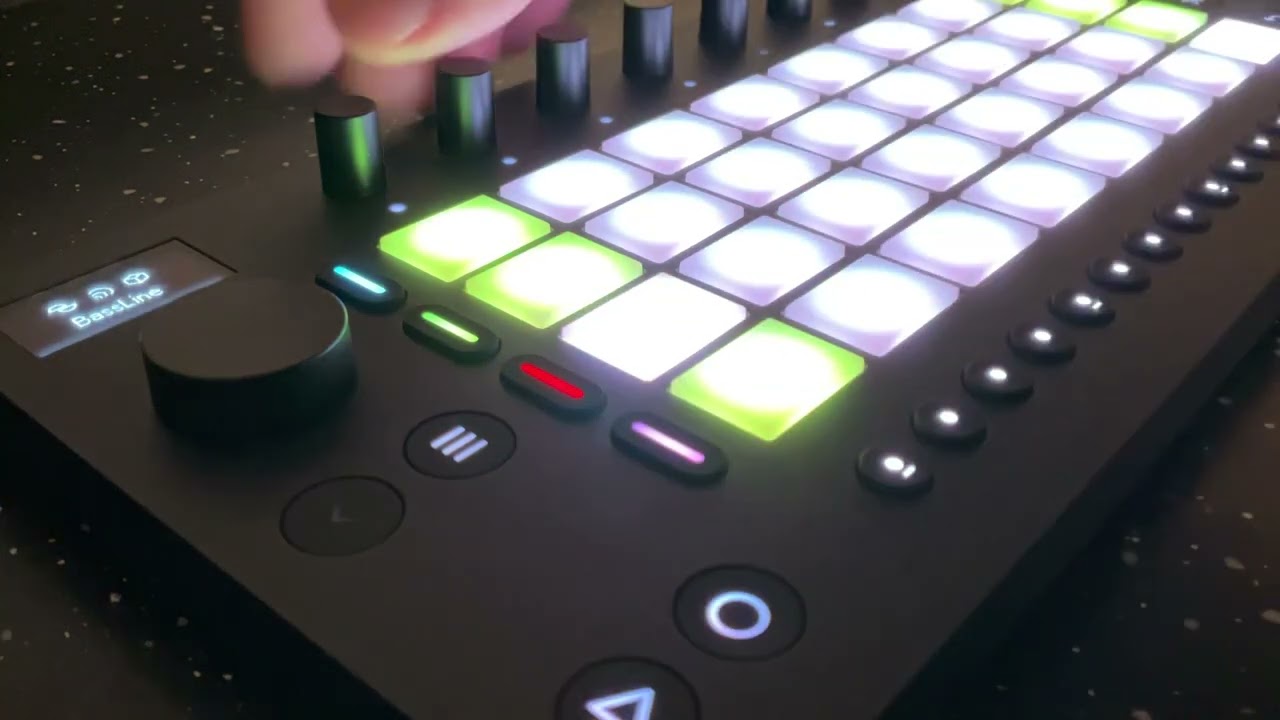
22 Likes
Sick! A gentleman & a scholar. Thank you!
2 Likes
Here’s my FM Machine preset
FM Machine.ablpresetbundle (2.5 KB)
I’m not sure what I think of this one.
#movepresets
4 Likes
Has anyone been able to reverse engineer which Groove setting Ableton Move uses for its swing amount?
Are you asking how much are the notes shifted off the grid?
Move uses the groove called “Swing 16ths”
In the software there’s Swing 16ths 52 to 73
Yeah, exactly. I was wondering which of those choices (52-73) is the one Move uses to calculate 0-100% for its swing.
BTW - I absolutely love what you did with the Move for “Always Open.” Would love to learn more about you used Move to make it!
2 Likes