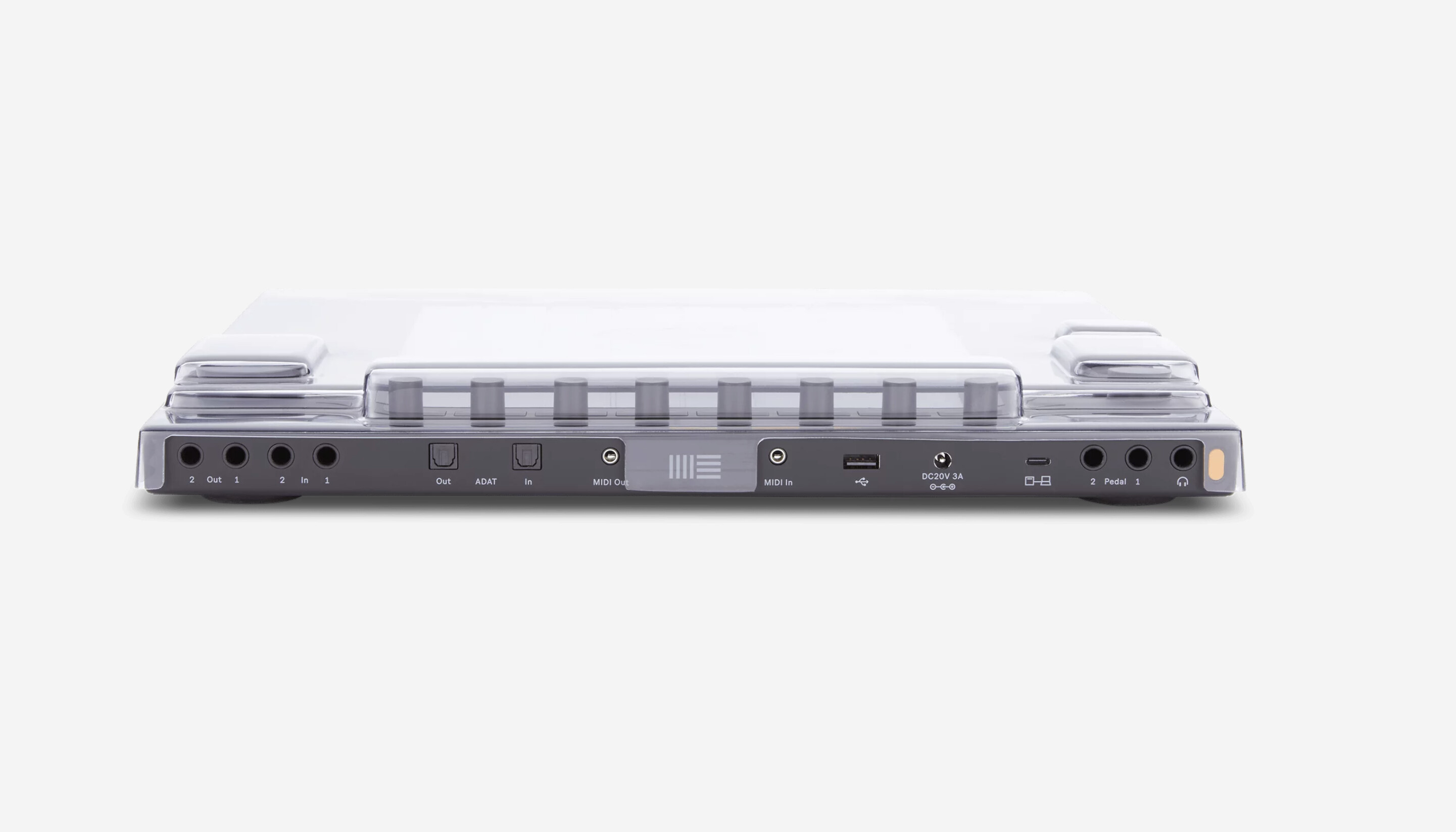
I can see the logic of leaving the jacks open, but not the power button. It’s covered on their Push 3 unit.
2 Likes
These covers are mainly made for dust and dirt protection etc. I don’t think much is going to happen to the power button or usb and other ports back there?
It’s not about “something happening” to the power button; it’s about protecting the power button from being pressed and turning the machine on inadvertently during transit. The MPC Live 2 asks you to hold down a button on the touch screen when powering on without the AC adapter connected, and if you don’t press the button within 30s or so, it auto shuts off. This is extremely useful, because it means your device won’t turn on in a bag or backpack and run down the battery (and generate heat) for a few hours without you knowing.
The Move and the Push both don’t confirm that you actually meant to power the device on when operating on battery power; they just turn on. When I was lugging around my Push 3 in my backpack, there were multiple instances where it had turned on inadvertently because something in the bag had pressed the power button. I either noticed because it became very hot, or I would miss this, and the battery would run down entirely without me realizing.
Covering the power button on the Move is far more important than covering it on the Push. The Move is designed to be a portable instrument, and if you’re carrying it around with you, you sure as hell don’t want it to turn on inadvertently and run the battery down without you knowing about it. Imagine pulling it out when you’re in the middle of nowhere, hoping to play some music, and the battery died because something hit the power button without you knowing it! There are zero reasons I can think of where I would need access to the power button while the decksaver was on the Move. Sure, leave the ports uncovered, but the power button should absolutely be protected. No reason at all to leave it uncovered. (If anyone can think of a GOOD reason to keep the power button accessible with the decksaver on, please share, because I’m actually really curious as to why that decision could have been made that way.)
I sent them a message about this. Anyone else planning on using a decksaver to help them protect their Move while transporting it around should do the same. This is actually an extremely important detail!
5 Likes
Ohh I see now, yes I guess protecting it would be helpful indeed especially for users on the go with it!
Ok I sent them a message from that link above as well with…
“So we now see what the MOVE cover is going to look like and some people have brought up that the power part of move needs to be protected as well. We don’t want accidental presses on the power while it’s in a backpack or something else and draining the battery. Therefore the power button needs to be protected by the cover as well please!”
3 Likes
I’ve also sent them a message about covering power button.
2 Likes
New EP out. Christmas Misfits. Short musical misfits done with Polyend Synth and Ableton Move.
3 Likes
That’s a lot of pads 
6 Likes
Paddington Station
8 Likes
padtastic!
2 Likes
From the creator of Move, maybe something that resonates with plenty of us in here x
13 Likes
Thanks for posting, I’m going through this sea change currently, it’s heartening to read that stuff…
7 Likes
We’re with you pal  all the best
2 Likes
So what’s the general consensus about the ideal, affordable travel case for the Move?
2 Likes
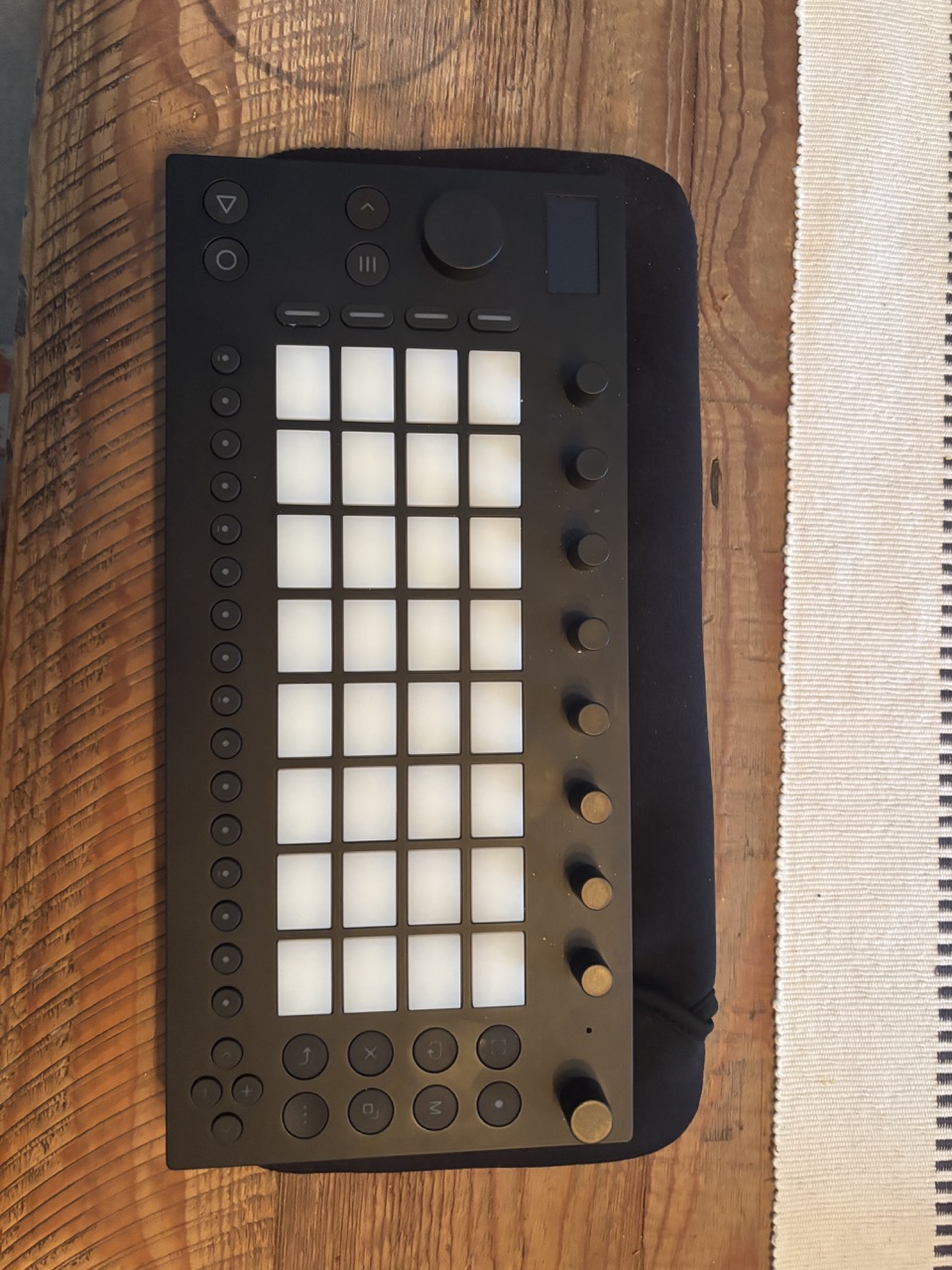
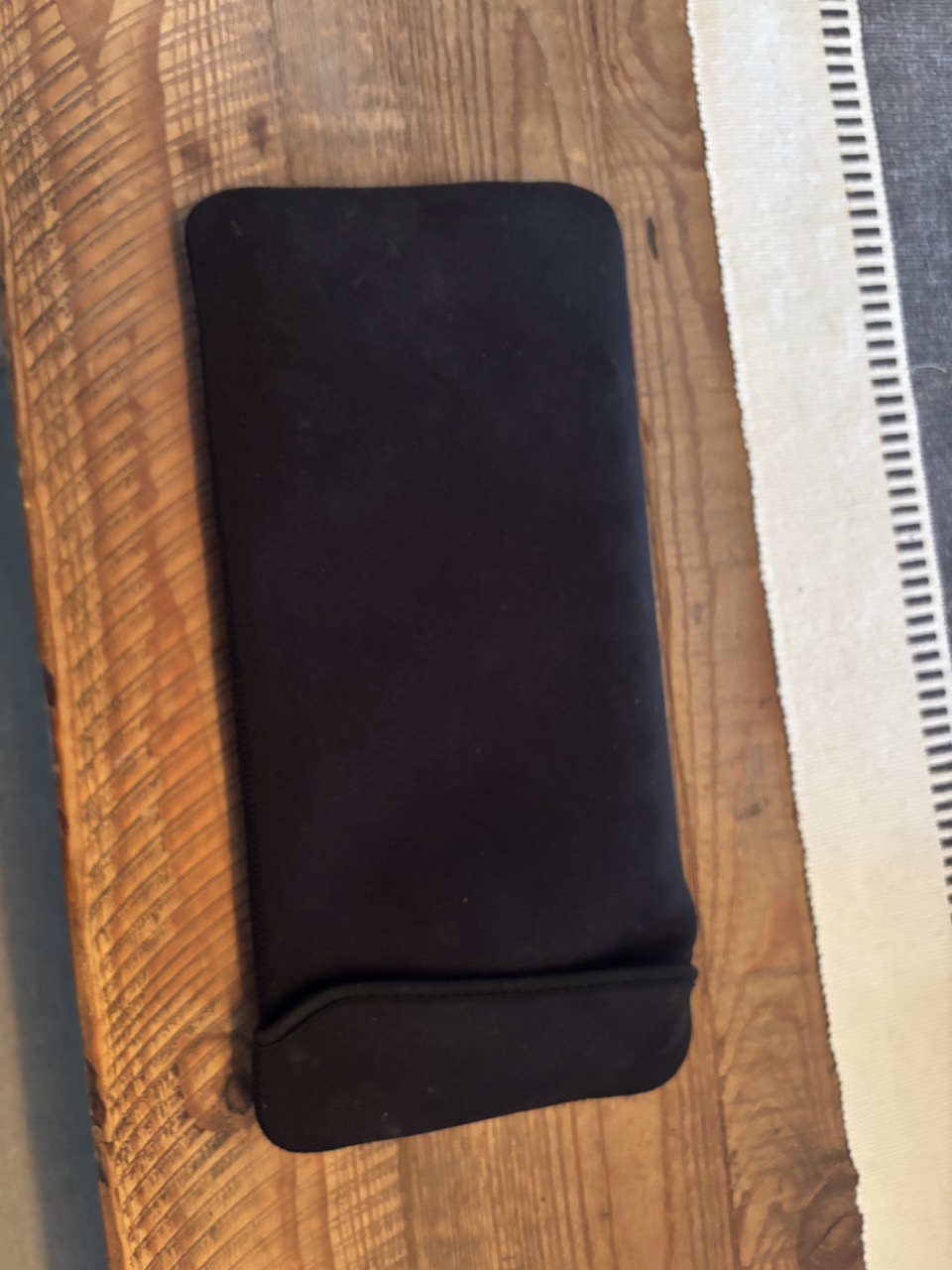
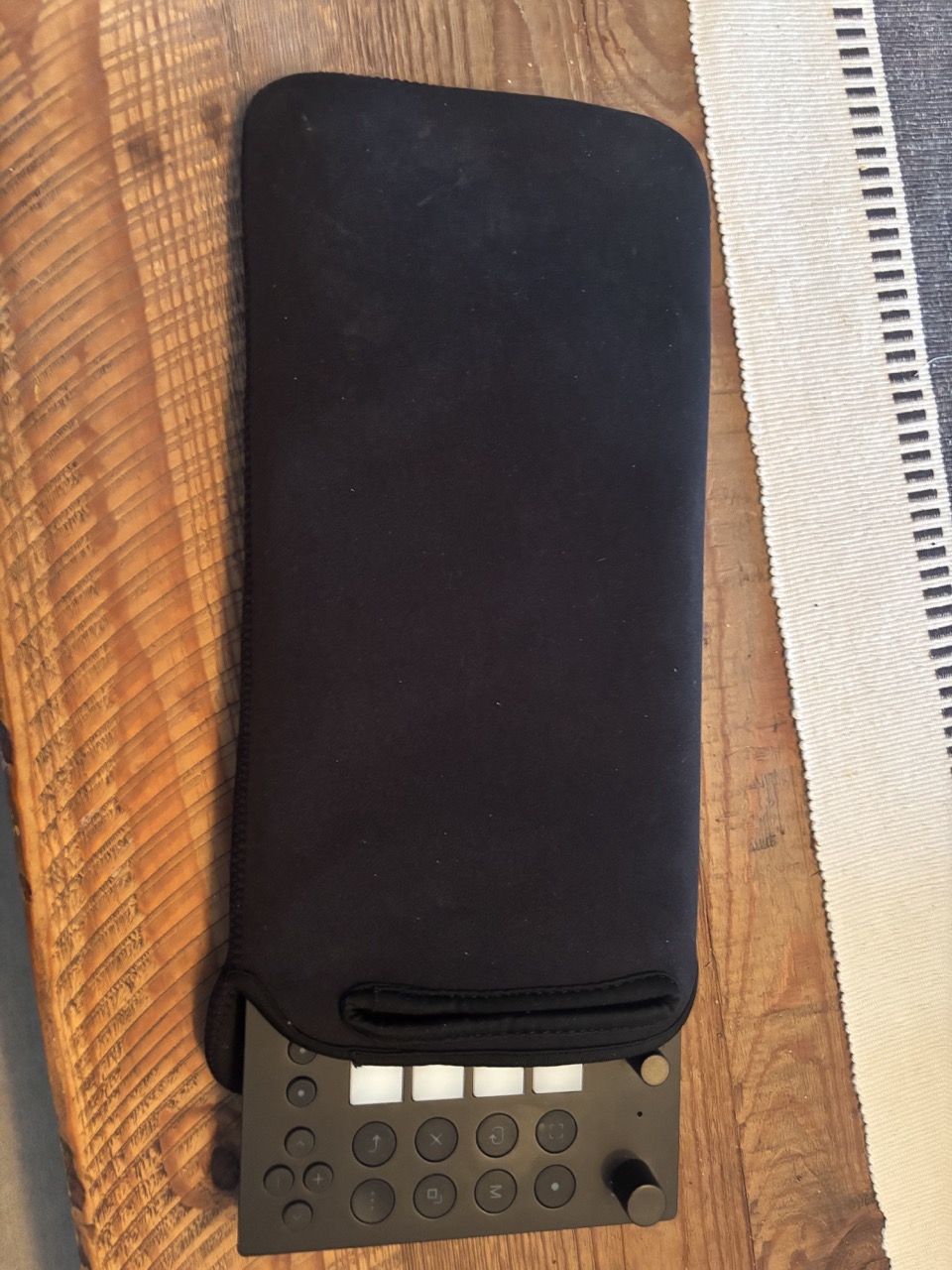
I love this case - super easy to get the Move in and out, smaller and way better for me than a hard case with a zipper. Has some room for cables etc. too. Not the same protection as a hard case of course, but if you like neoprene cases this is perfect.
4 Likes
Cool but it looks like a sleeve cover not a case which should offer superior protection.
I think Analog Cases TD-3/Crave case is the best option.
1 Like
Nice find. I was looking for something like this before just making my own.
Would this sleeve work with a deck saver? I know they’re only making one now so no way to check, but if you had to cal it, would it? I don’t like hardshell cases and decksaver + this neoprene thing would be sweet.