Objectively better to insert a character.
There is no way to route Send to another Send (partially). A typical use case with Delay on Send 1 and Reverb on Send 2, I want to send part of the Delay return to Reverb.
Not possible, or am I missing something?
(Yeah I know there are ways to do it not using Send tracks, but since they are there…)
1 Like
Oh come on, it absolutely is. I own the MKI of the Octatrack, Analog 4, Machinedrum, and Analog Heat, and have two newer boxes as well (Digitakt 2 and Tonverk). I noticed the change, found the solution (arrow keys), and never thought about it again.
This is absolutely a preference thing. That doesn’t invalidate your personal concern, but I’m not seeing any lost functionality in terms of outcomes, just methodologically shifts in approach.
3 Likes
The same thing happened to me! I posted about it a couple of days ago here in this thread, and I also panicked HARD, but you’ll probably just have to use the PSU, everything’s fine 
I have not come across anything that I’d call a bug.
I’m not a HEAVY user, though, and I’m just a hobbyist, not a pro: nothing SERIOUS in my life depends on the Tonverk working as expected by a pro…
But no bugs here at the moment, no.
1 Like
Maybe with external loop >>> sending out CD and comming back to AB?
1 Like
Yes, possible with cables between Out CD / In AB.
I’ve used it to make a number of songs now, and I haven’t had any trouble with it. There are a bunch of rough edges — it sometimes feels like an Elektron box someone tried to recreate from memory. But that makes sense to me. It’s a new architecture so they can’t share anything from their previous products with this one. They’ve had to build everything from scratch to work like the other boxes, not exactly as they do.
Careful imitation like this is really is hard to get perfect, and it usually takes a number of iterations to start to feel right. But none of this has stopped me from making music with it.
So if you’re looking for polish, it’s not yet. Wait until it is, if that’s what you need. You’ll save yourself heartache and treasure.
If you’re okay with rough edges, though (and are specifically looking for a polyphonic sampler with an Elektron sequencer), you can have a lot of fun with it!
12 Likes
It’s literally a confirmed bug man I don’t know what else to say.
Do the Transform operations always work on all Subtracks tracks?
Has anyone come across (pattern) mutes not effectively muting tracks with the arp running? It’s almost like it latches onto one of the arp phrases and mute won’t stop it. Not sure if it’s a bug or a quirk really, doesn’t always happen so I presume it’s got something to do with the timing of the mute presses vs arp vs note length?
hi,
trying to control my TV with a Midi controller via USB-C but not working. If I connect via Midi-In it works fine.
Midi config / Port config / Input from is set to Midi+USB.
Any idea?
Thx in advance.
The Tonverk is not a USB Host. You need one in between to plug a USB device and go the midi din route.
3 Likes
ship!
ok. thx.
is there a way to set a track „in focus“ like with pressing track-btn + track-number-btn.
have not found a midi value for that.
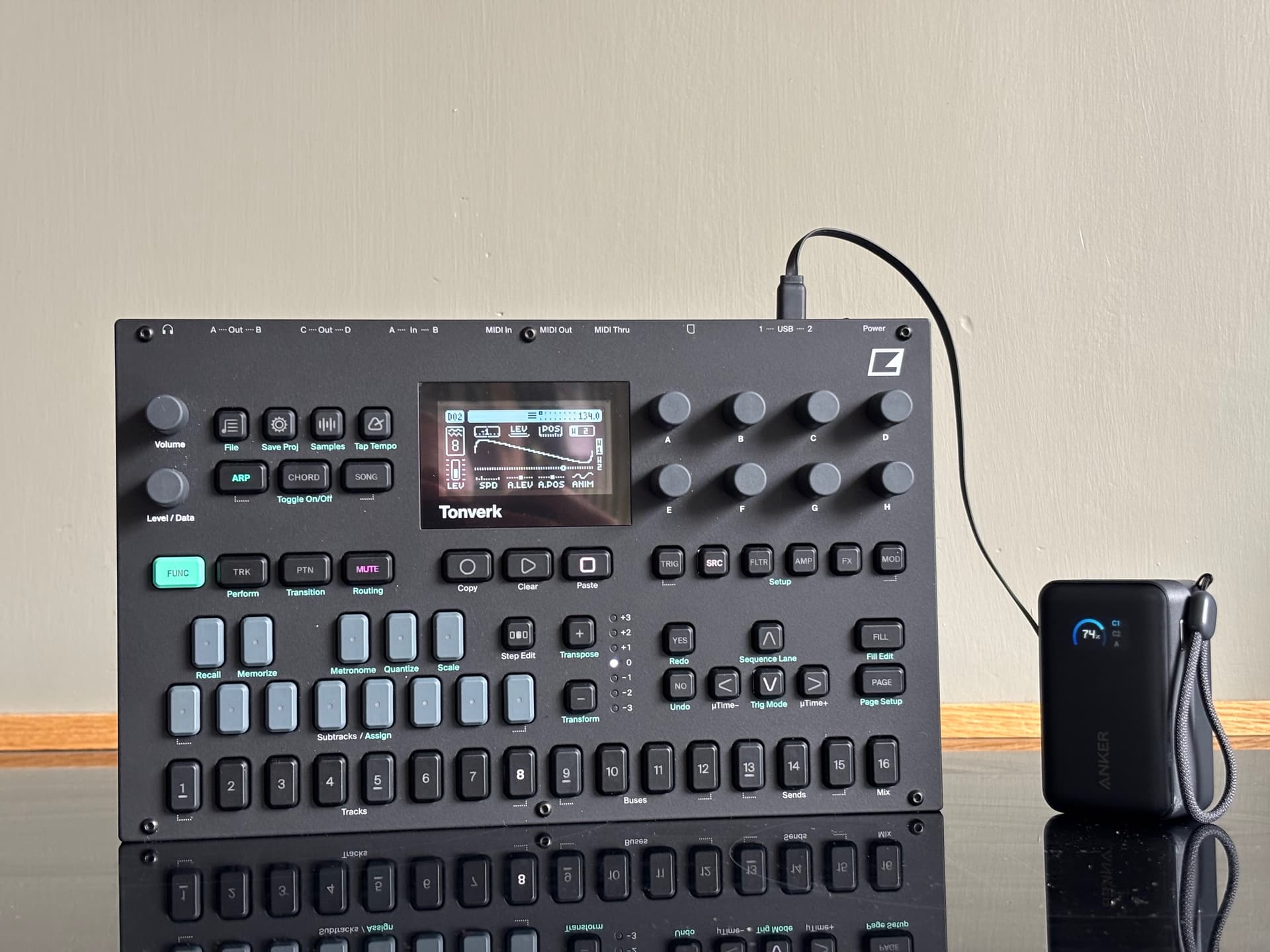
I’ve been using this little guy here to power the TV. Has been working absolutely great. Easily 2 hrs of fun, or even more.
5 Likes
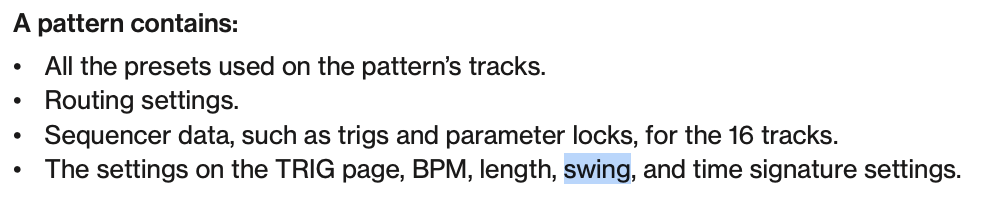
Quick Question. Does Tonverk have swing per track?
Not that I’m aware of. The classic way to send MIDI messages to different tracks is by taking advantage of different MIDI channels. Messages sent on channel 1 control Track 1, messages sent on channel 2 control track 2, etc. This way you can sequence many tracks concurrently.
If you want your MIDI to only ever end up on the “in focus” track, as you put it, you can set an “auto channel” in the TV’s MIDI settings. Messages sent to the channel you set here will automatically be routed to the “in focus” track.
But you still have to select the “in focus” track using the buttons on the TV. There’s no way to do it via MIDI.
I would say it is the logical behaviour, not a bug. Even if it is different from Digis, and if Elektron say it is a bug.
What is written :
FUNC+YES:INSERT
Tonverk allows to insert any character, whereas Digis insert a space without a choice.
Digis behaviour seems more buggy to me. Clumsy way to insert a character as you have to go backwards with left arrow.
If the concensus is to restrict insert to space, I think it should be written differently.
FUNC+YES:INSERT SPACE
Or, as there is not enough space :
FUNC+YES:SPACE
Fn+Y:INSERT SPACE
Fn+Y:Insert Space
Fc In Space…
If you insert spaces only, I see your point…
I insert anything but spaces.