Yes, exactly how you described, there is also a option to turn off monitoring of channel that you are sending to ipad, to evade feedback/phasing (phasing is more common as ipad introduces a tiny bit of latency). and only hear processed sound. Very nice feature overall! 
2 Likes
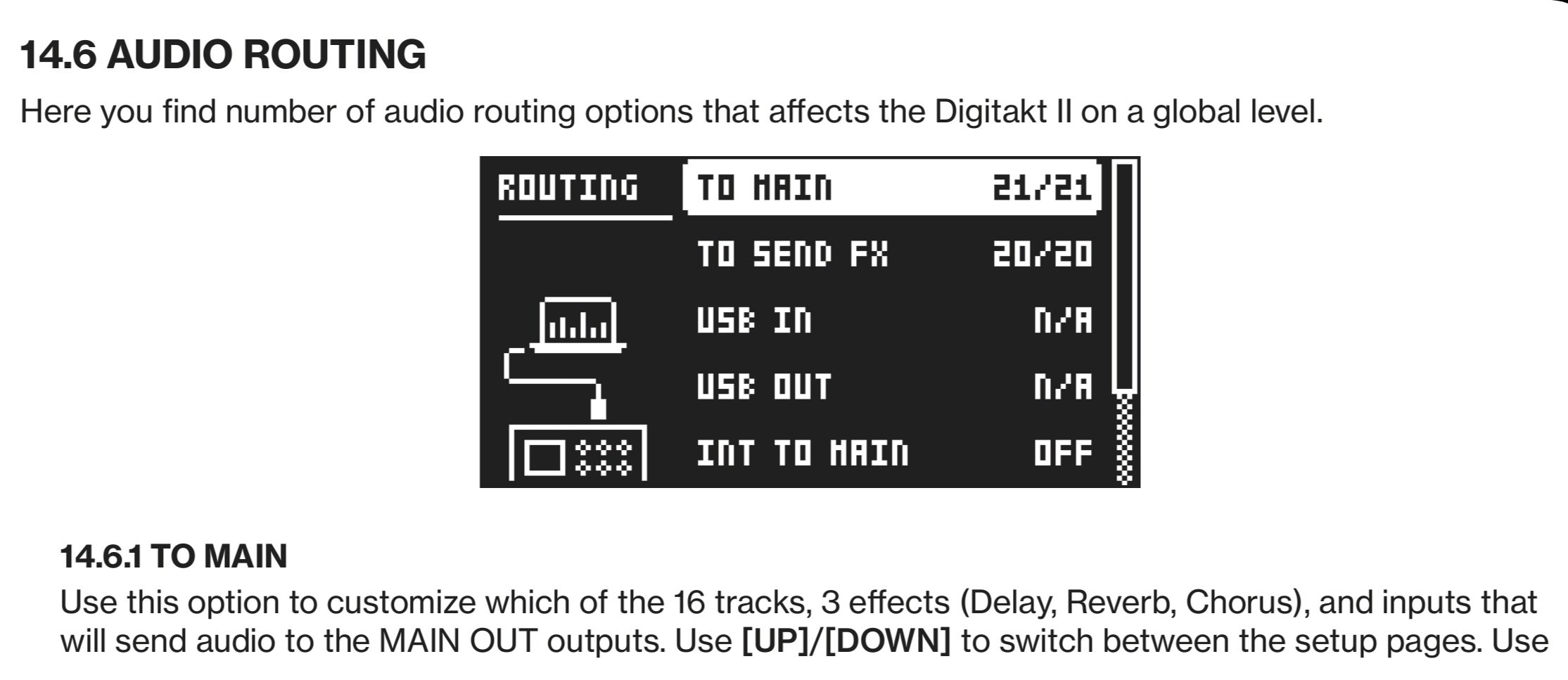
Looks like i will need to do some experimenting. So many options.
And this is one of the times where i read a manual and still am not sure i understand what i read.
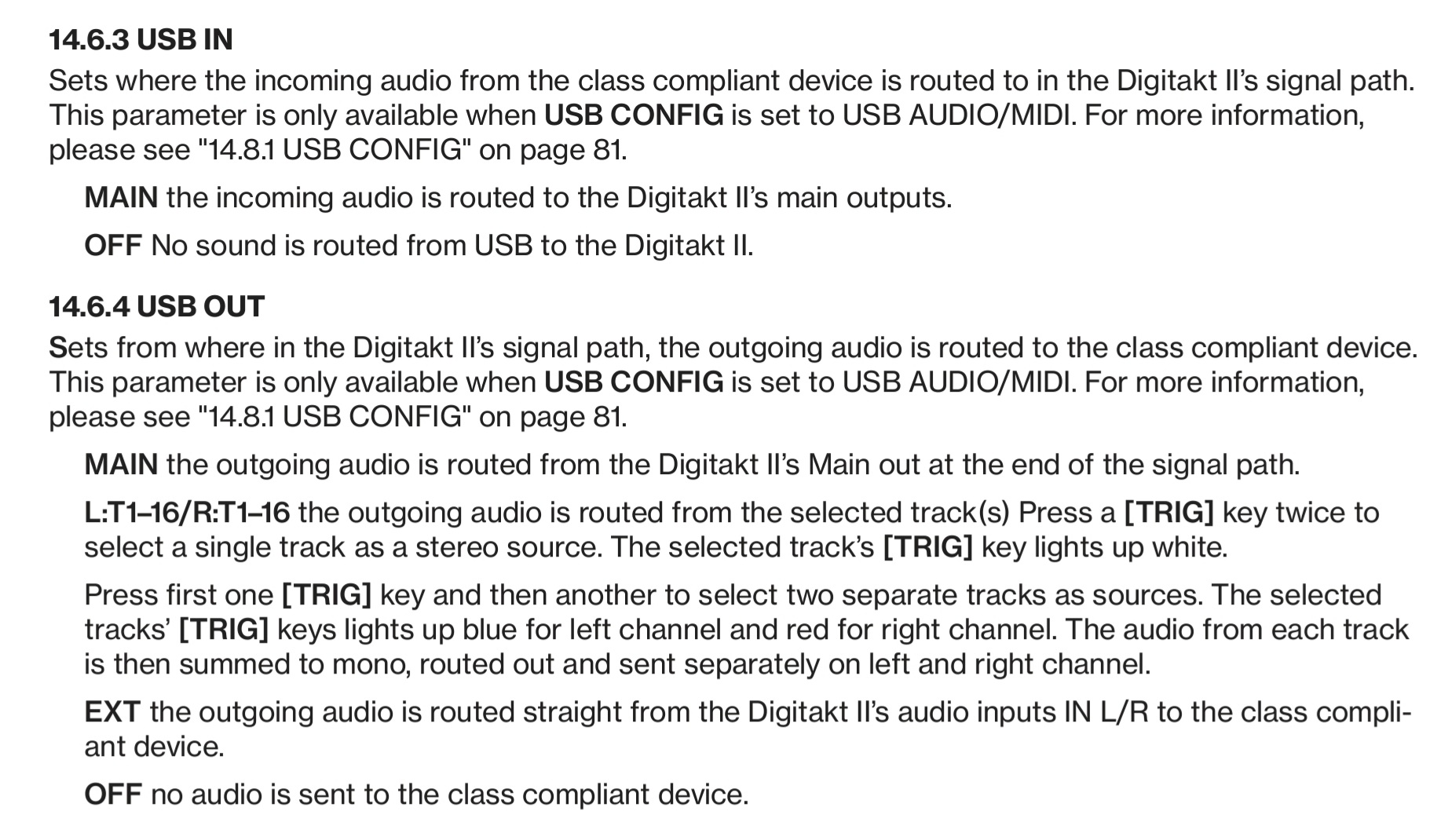
So: "EXT the outgoing audio is routed straight from the Digitakt Il’s audio inputs IN L/R to the class compliant device.“
The way i understand it is „Outgoing audio is routed from the Inputs-> to the class compliant device (so, the ext device)“ which would mean that the Inputs can also act as Outputs? If not then the sentence makes no sense to me or better said, i don`t understand what it means
Ok i know what i am doing this afternoon. I hope it is not easy to fry something with the wrong settings
Awesomeness!
I will try it tonight. Wish me luck !
I use a bluebox for this, but you can use any mixer: I send my synths and the main outs of the DT into the mixer and route them to the cue out (not to the main out). The cue out goes into the pedal chain back into the mixer. Then this track goes to the main out and goes into the inputs of the DT (which are not sent to the main outs of the DT to avoid feedback loop). Then I use the headphone out of the mixer to listen to the mix.

there are people that have questions even after they read a manual.
The manual might make perfect sense to you, but there are others in this world also
1 Like
This means adding more cables and more devices.The Set Up I’m trying to achieve is more portable. Meaning I would make a little enclosure for the DT-+fx pedal and maybe my Aira S1
Something that would fit my lap and used with batteries
It means that you can send External audio in (IN L/R) to USB out.
For instance you can control an synth with a DT midi track, plug it in IN L/R, send it to USB out, apply FX with an app, then play it with USB in (routed to MAIN if you want to hear it).
2 Likes
This is the right answer, IN L/R is the physical inputs, USB LR is how usb audio comes back from an fx loop.
4 Likes
Ah so its like a „Sends“ thing i guess? Sorry if i ask such basic things but i always did a big circle around more complex routings of things and started combining hardwear synths with computers not too long ago.
I was always „either one or the other“ in a way and only used the most basic connections like „Midi out of the laptop into the synth and Audio from synth into Interface- Done…“ in a nutshell
My mind is a bit fried now from the whole info but will try to do all these suggestions maybe in the weekend when i catch my breath from work.
Thanks so much for chippin in !
1 Like