Thanks all. So it seems like the outputs are balanced and the inputs are unbalanced. There is a setup guide on the Sweetwater website that says the same thing, so I guess this is what I am going to go with!
In my testing, It seems that both input and output are unbalanced.
1 Like
Note that the outputs are non-differentially balanced. In other words, the ring is not driven, only impedance-matched.
2 Likes
Ah thanks, it was mentioned in the manual…
1 Like
Just got my MKII a couple of days ago and is already head over heels with it. Plan to sequence it from standalone sequencers (Pyramid, Hapax) and already loaded up 8 “kits” of my favorite drum samples into a project, 16 samples per kit (each in a bank).
Now these will be my go-to kits, and anticipate I will use a separate project for each track I make in the external sequencer.
Therefore it would be super useful to be able to copy whole sample banks between projects, preserving all settings, etc.
Does anyone know if this is possible? Was not able to find it in the manual, or this thread.
“Exit” is usually the synonym for “whole bank”. So try “copy”+”exit”?
Oh, between projects. Never mind 
Hi. Just ducking into the thread here, not (yet?) a mkii user.
Couldn’t you just use a project as a “save as” template. Just rename the project from your template save-state every time you want to build a new song.
I haven’t done this in a while but I’m fairly confident you can just copy one project to another, effectively duplicating it. If that’s all you’re after just hit shift and project to select a project, then hit copy and copy it to a new project number. It does take some time to do this on the machine itself though if there are a lot of samples already loaded. Not sure if that’s exactly what you’re after though.
Between project import/export would be great. For quick and dirty though, you have 25 seconds of skipback that stays in memory when you load a new project. That’s usually enough for you to play samples 1 - 8 dry which you can chop and assign to pads on the new project, and then repeat.
2 Likes
Easy. Use the Sp-404 App.
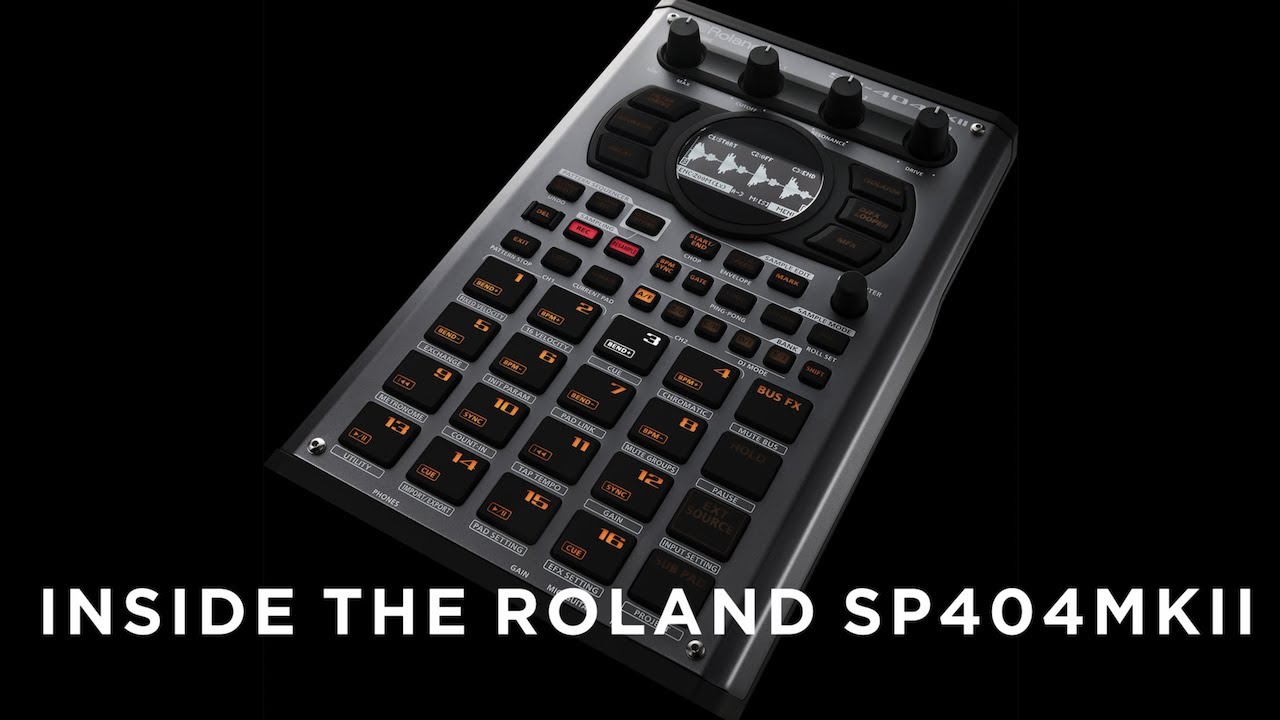
Not sure if this was posted yet. Could be handy to watch once thick pads are released and you want to install them.
1 Like
Cool to see the BMC chip in there, thanks for posting.
So how much RAM does the SP-404 MK2 have?
I can’t seem to find this anywhere.
How large, in file size, of a project can be loaded up, with all samples included?
BIG enough
Not helpful.
Anyone else?
1 Like
Doesn’t it stream? I didn’t think RAM was an issue.
1 Like
I’m pretty sure it streams but there is a time limit per pad. I can’t seem to find it though. I believe this is because storage is baked in.
The SX could hold however much your SD card was sized.
1 Like
Looks like 16 minutes per sample is the limitation. And 16GB internal storage
2 Likes
And it is streaming that from the 16GB internal storage, yea? Not streaming it from the SD card?
Correct, SD card is for offline storage and import/export function.
2 Likes