I don’t have the DT2.
But using overbridge you have the choice to record the stereo mix output with FX.
Or you can record each channel separately using each channel track.
But there is no possibility of recording each channel with only the part of the FX of the channel.
And in some way it’s normal because each channel has a variable send value per FX.
So technically you only have one stereo FX channel. Not multiple one.
the next issue you’ll likely ask about is why ableton doesnt display all 16 channels plus fx etc…
ableton cant do over 16 channels from 1 device.
try running the standalone app if you want to do basic ‘recording everything’ .
also click on the cassette icon to see all available channels … its easier than trying to configure ableton to understand how things work.
and to clarify
if you want track 1 with fx only , you’ll need to record track 1 and fx … with everything else muted.
if you want each track with relevant fx, you have to capture them one track at a time… you cant capture ‘track 1 plus relevant track 1 reverb/delay etc etc’ while everything else is also sending to the fx block.
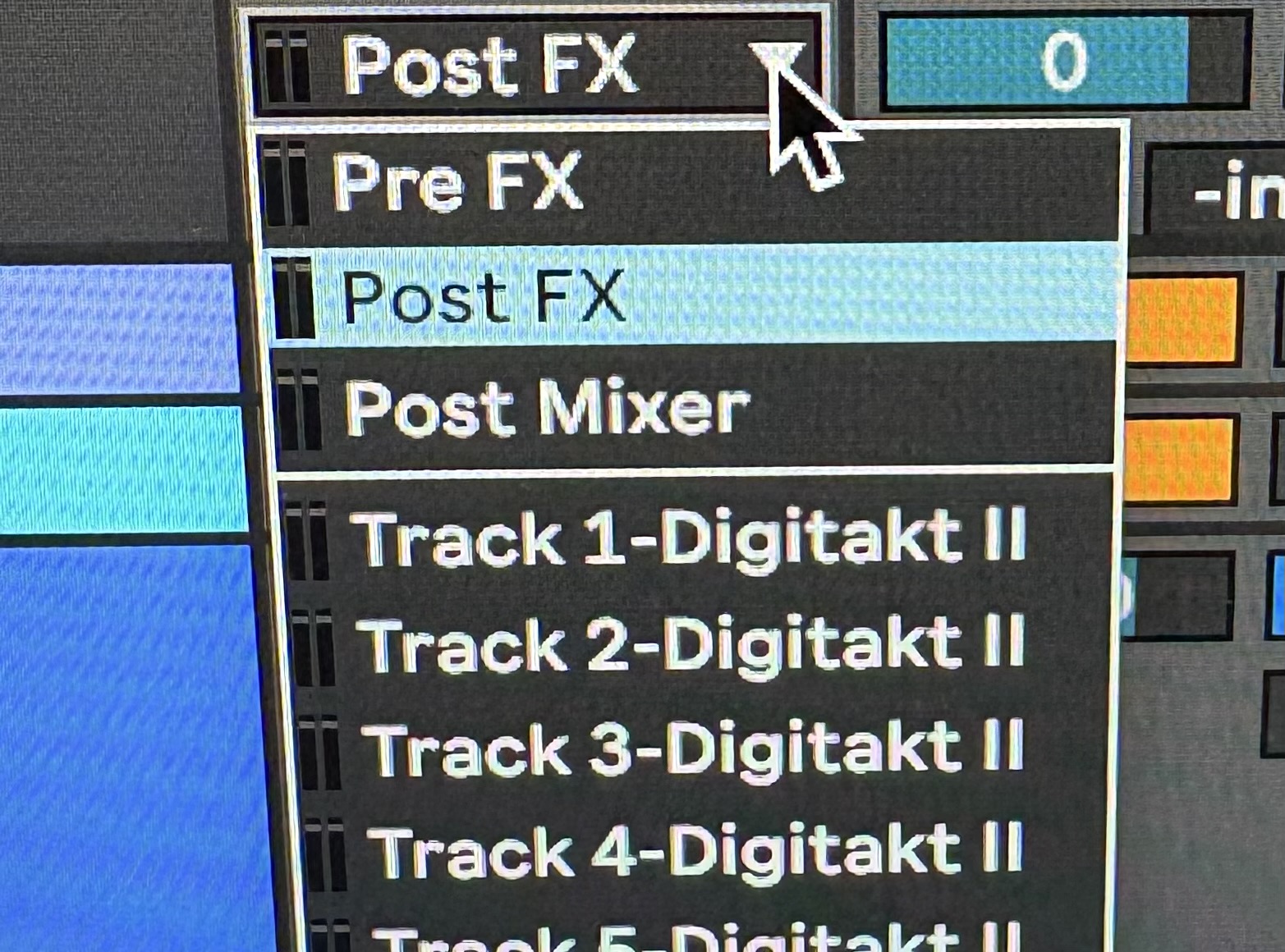
Just spotted the Pre FX / Post FX / Post mixer as selectable channels within Ableton! Makes sense now… also realise that’s another channel gobbled up as well as the 15 limit, I’m not using anywhere near them all though.
if you check the standalone app you’ll see you can route channels to other channels … so you can eventually (i think) route all 16 stereo channels however you want to fit within the limit of ableton.
though ive not done it myself.
theres also a ‘Pattern audio to’ option on the far right… i have no clue what that means.
Also just realised (sorry might be mentioned above) that I only need to record the Post FX channel in Ableton with each individual TRK unmuted at a time, not with both. Again sorry if that sounds daft a eureka moment for me though.
 a eureka moment for me though.