I really like how they work together. As I get more and more used to the Push 3 Controller, and as I tweak my favorites etc, I find I do more and more on the Push.
But really, I kind of bounce back and forth naturally. I’ll rename and reorder stuff on the Mac, but some stuff isn’t so clear cut.
For example, I might adjust a delay send on the Push, or I might tweak the dial in Live. I might quickly dial in a bass sound in Operator in Live, but then fine-tune it with the knobs.
I also find I live-record a lot more, thanks to the amazing MPE pads. Especially MPE drums, which take me in a totally different direction than using a step sequencer.
And I never really think, “Oh, I should be able to do this on the Push’” or whatever. The work just gets divided up naturally between them.
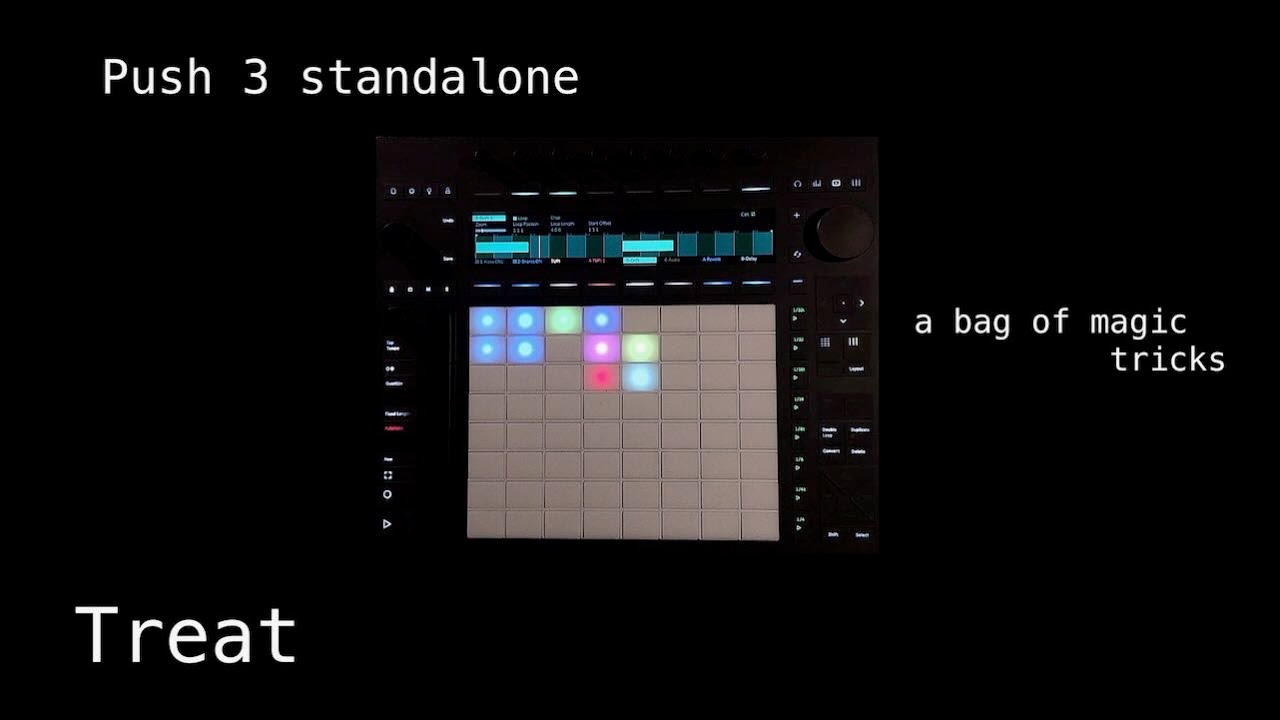
And sometimes I sit with the Push on my lap, with a long USB-C cable to the Mac, and use it like a standalone, only with VSTs.
For me, it’s the perfect setup. Even after I live-record clips into the arrangement view, I still go back and forth while editing.
In case it’s useful to anyone – I modified the LFO for Push device to create an Envelope for Push midi device which works in standalone mode. Note that this can be put on any track, not just the track of the device you want to modulate. In particular, you can put it on a midi track and use midi notes from that track to control parameters on another track. It has midi thru, so you can chain a bunch of these on one track if you want to control many parameters. This is generally how I use it: I set up a single control track and stack envelopes on that track to control other tracks.
Here are some features!
Full control over envelope parameters.
Option to scale the modulation with velocity.
Option to either trigger from a single note (useful if you want to use a few in a row and control different parameters from different midi notes) OR trigger from the full keyboard (eg if you put this in front of an instrument).
Completely broken interface in computer version of Ableton (sorry, I can’t be bothered to fix it) featuring hidden parameters accessible only through Push and a bewildering display. If you’re familiar with Max4Live it would be easy to clean up if you so desire.
I’m offering this as-is… I doubt I’ll be making any updates unless a bug is found. Please let me know if you find any bugs. Have fun! Env ctrl midi.amxd (348.2 KB)
so new issue bugging me. if i record an external instrument into an audio clip i get a slight lag in the record - which is normal in Ableton. However, how in Push 3 standalone can i manually set the 1st position of the warp mark - i need to just nudge the loop position / start offset to the exact start of the bar. Going into edit ‘Warp to grid’ seems to make things really really off. So not sure if im doing something wrong.
There is currently no way to fine-tune the start point of a clip. I’ve submitted a feature request asking for it since it’s an essential feature imo. Adjusting hardware latency doesn’t always work for this purpose.
Agree - it’s actually unusable with my hardware. if I can trim audio super accurately on my small S2400 OLED it seems wild I can’t do it on my Push. likewise SP404 which has an even smaller screen or the Deluge.
When recording the Behringer Edge I’m directly recording to an audio clip not using the external instrument plugin which has that setting.
Adjusting the grid to 1/32 and holding Shift while turning the “loop start” encoder is relatively fine to me so far. I also use Quantization, sometimes.
You have to be in clip view on an audio track, and then select an empty clip in the session grid, and then you can press the hot-swap button to browse for any audio clip in your library. This one took me a while to uncover.
Oooh. Okey. yes it feels a bit counter intuitive compared to the + button. Why cant it work both ways? I think it works like that in the desktop app as well, when you drag and drop a sample.