it does indeed 
Im afraid I can’t help any further… my skills are limited to soldering
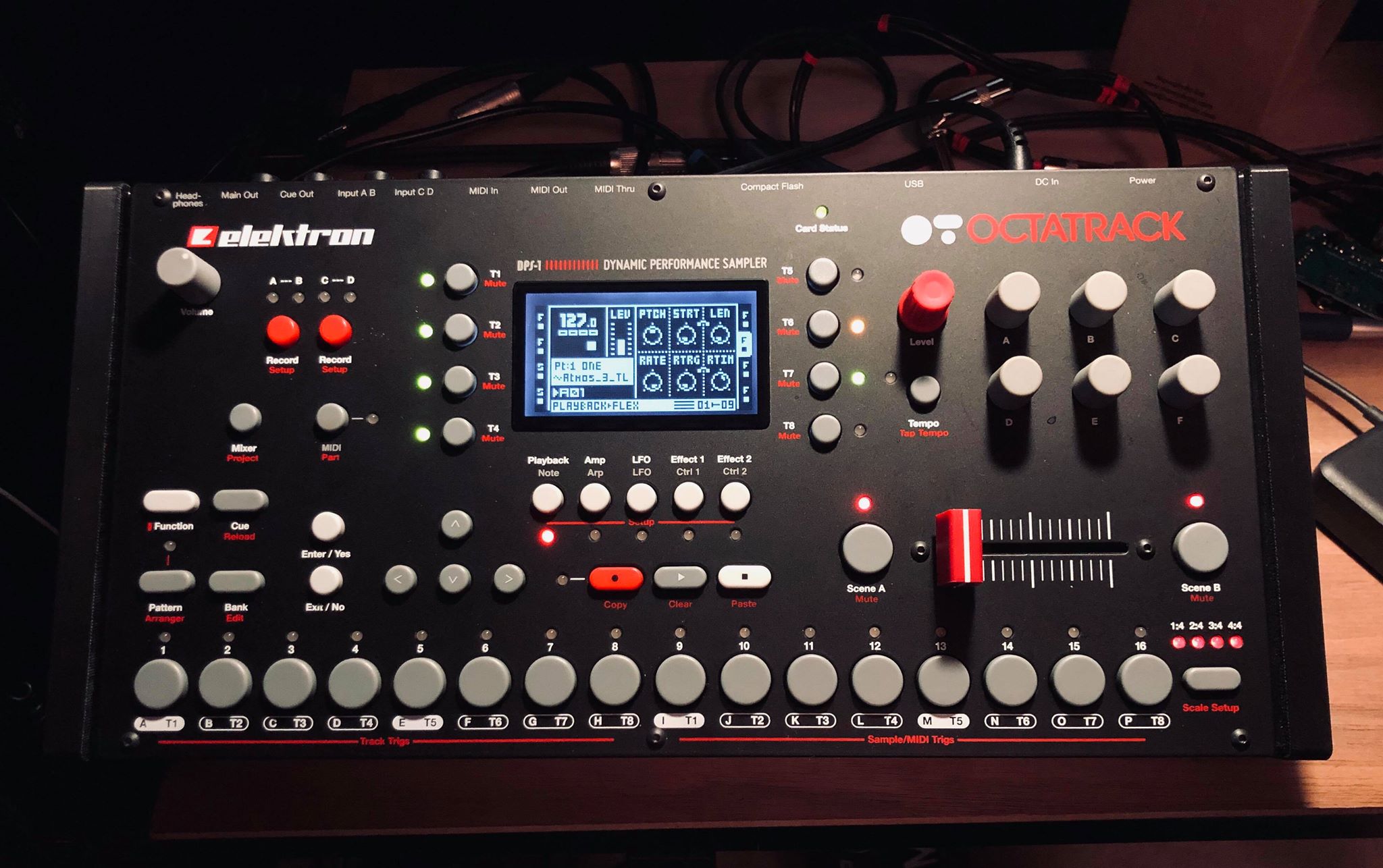
Nice. i like red knob / crossfader too. Any tutorial for the screen?
I’d like a red one too…
Yep, especially the red knob. My muscle memory with the OT is still not there where it should be, so the level knob gets too often in the way when I want to operate the parameter encoders.
I’ll guess an other cap on it which feels differently whould help heavily.
(No, @sezare56, not the mouse trap thing. I like my fingers how they are  )
)
1 Like
Its a shame you went with red/blue as they dont harmonize well together.
Highly recommended! A mouse ate one of my knobs!

I use that knob for LEVEL. A different texture / form is interesting too.
1 Like
Anyone know if this would work as a upgrade/replacement screen?
I don’t think so, it’s a non-trivial bit of soldering to do the screen replacement, someone did it in the past though Customising LCD display - #48 by selsiusx
so this is the relevant thread for expressing my love for ot mk1?
just been diggin into for the first time really properly as a sampler mangler whatever and the parts thing is basically like the kits thing on a4 mk1 i think - anyway its super fun and i did have a mk2 but the mk1 seems very similar and goes well with my other mk1 stuff plus was cheap!
right now i am just using it as a sampler with four different parts on one bank of patterns so i can maximise the wierdness and have loads of samples at my disposal for creative fun
would love to hear from dedicated ot mk1 users about anything that they think is essential that one must learn to go from here?
will be sharing jams on current sounds soon!
3 Likes