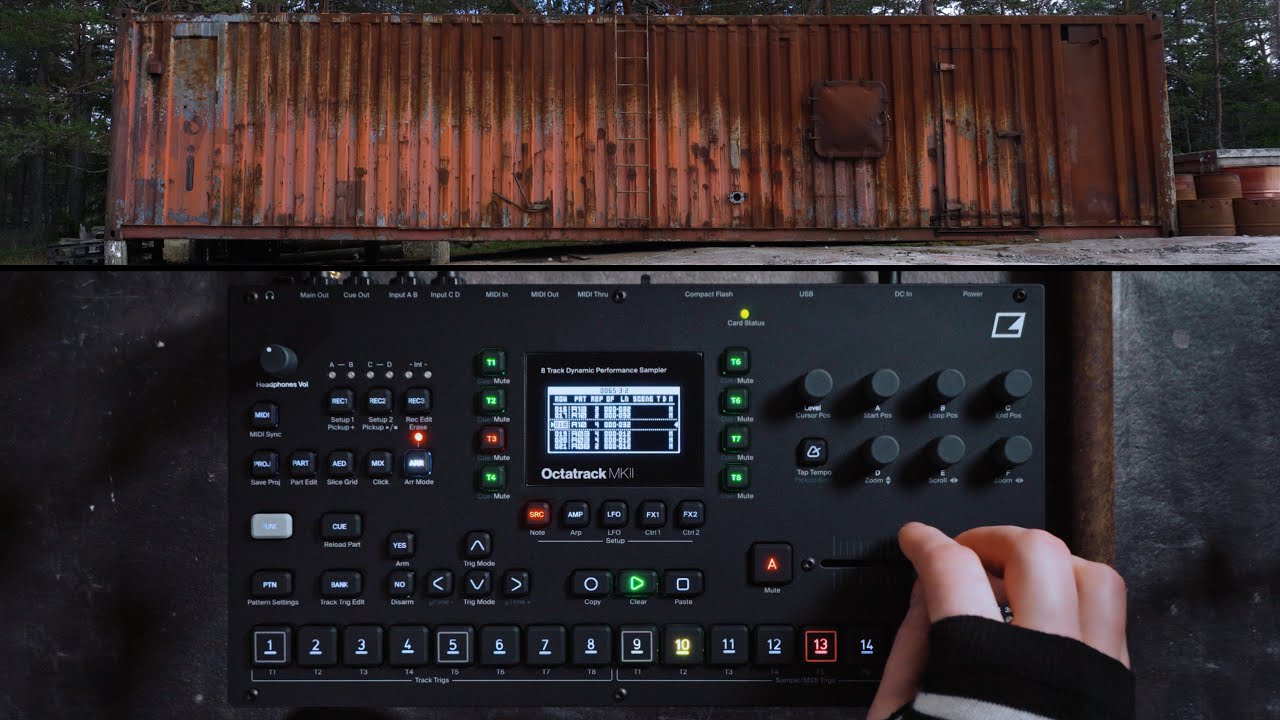
Seem to work flawesly for me, at least on that project.
At first I set pattern to 64 steps, boring ! So I set pattern LN to 2 steps in Arranger row.
Tracks muting well after the 2 step pattern end.
Btw, do you have any other particular setting in Arranger ?
(OF,LN…). Does pattern length matches Arr LN ?
I don’t have this problem with any arrangements but also my project and all arrangements for the most part predate 1.40 so maybe it’s an issue with new projects?
The Mutes of Arranger are an in-depended set of values to be applied on the Mute (more precise Quick Mute) of the entire project, therefore they apply in Arrangement Mode when the Arranger-Mutes are read which is at the beginning of each ROW. If you like to immediately Mute you will turn on QuickMute View and then opening the Arranger and maybe the Arranger-Edit, the QuickMutes are still visible and controlling the entire Project here unless you open Arranger Mute states of one of the Row, in which case those override the controlview but are still applied at the next Row-Entry.
That makes also technically sense because in a Live-Set you don’t want Mutes to apply in the middle of a beat therefore cutting it. QuickMute cuts the sound of a channel by User interaction, so on purpose. And because both “views” look same same on the Sequencer-Buttons, it can be quite confusing. Rule: QuickMute of the Project have higher priority than Arranger-Row-Mutes.
This limitation made me a couple of yours ago invest in a Faderfox PC12, never regret, ever since i Mute with Volume per Channel with a potentiometer just same as if i would Dj
Ha yes, indeed the massive parametric labor is the real deal of the OT. Anyone develops some kind of muscle memory to circumvent complexity. Most users double tap Stop to be sure the clock starts/continues again in sync and not from pause. I have good muscle memories when i think of my OT. lol
PS: In case that helps, Chain-Behaviour (to be found in non-edit/non-rec-Mode: FUNC+BANK at PAT page) is the magic word. A pattern has a length but chain behaviour declares when the next pattern will be applied when a pattern request (programchange) is set. Default is plen (pattern length not master length) and can be changed to let’s say 1step. Then switching to another pattern goes for the next possible step to hock up. By using this technique the reason why Arr-Row-Mutes and QuickMute are different becomes even more obvious.
welcome, the list of possible improvements / not yet understood features requests with this 10year old technology is still endless. Understood your approach i think, you structure your “song” with Mutes rather than Volumes (the latter is somehow expected by design making use of the Scene’s or simply providing patterns with missing trigs on purpose to have the mute).
Oh I set trig mode to mute and don’t use the mute row
I suppose this is a problem if you want to unmute something early. But if I’m doing that I’ll use offsets and several rows. I’m also usually playing guitar and letting the octa do everything kinda on rails. And for songs I’m not playing guitar I just drive it outside of arranger mode
I have this exact bug now on 1.40B, as described by @jb in 2018, except mine is reproducible every single time, after “silence selection” it’s like FUNC stays held down when it’s not (brand new OTmk2, button is fine).
My OT freezed for me 2x today , i had USB disk mode disengaged but USB connected.
I did boot diag, which was fine.
I removed USB cable now - as others reportet this could be a possible issue.
From the diag log, its not seeing two files, which i removed/renamed from the project, as the names were to long. They are also removed from the sample slot list, not sure why i see the log, maybe it was created before the freezing.
The freeze looks like: everything lit up, no flickering, but also not possible to change anything, reboot fixed it, but had to reboot twice in a row. If its the CF card - can i check it from the OT? Or just reboot , wait if a freeze occurs after some hours?
USB is connected via a standard unpowerd 3 port hub, which is otherwise working very reliably.
Os: Ventura. Not sure how to diagnose usb problems in Ventura.
USB cable should be plugged only for a transfer/update and unplugged straight after. It is causing too many issues.
I already had issues before but since i got a Mac (Monterey) i got a severe issue where my project got seriously corrupted after i plugged to save it.
I don’t think there’s a way to check the CF card itself. You can always perform a boot in checking mode to be sure nothing is coming from the OT hardware itself.
I’m 99% positive this is another typical USB cable plugged issue though. You’re actually quite lucky it did not damage more of your project, it almost totally destroyed mine and caused hours of working to fix it as it messed the veryyyy long arrangement i had made for a project i was about to play live the next day.
I try to be clever, and create empty patterns, with the same settings, and copy these over before actually filling samples, and slices, not sure if can be as persistant with it, i made a backup copy of my folder structure before i started, and saved the bank, but you are right - i should do more copys to be on the save side, it already costs me hours of troubleshooting. Especially when a bank is filled.
the OT is stuck in an invalid USB state, guessing the firmware 1.40A introduced on display feedback when the USB cable is disconnected but seems to run out of tune with the state of DISK MODE, therefore waits to exit that state but cant, because the signal never arrives and so does also not act on disconnection and connecting, it is simply frozen. Reported that 3 years ago directly to support. This also appears from time to time when a computer hosting a Hub goes into sleep mode and wakes up again but does not power up the USB hub unless requested, which down the row fails to signal the OT which then ends up in an unknown state, freezing.
Ever since i always disconnect USB directly after use. Something fundamental changed with firmware 1.40A because this was never an issue before that firmware.
As a coder nerd i can immidiately identify actually 2 or 3 bugs, not just one. Because there is an invalid USB host state that seems to be not thought of at all but also an invalid assumption of a state in the firmware plus an action that does not address possible failure but instead freezes…
The positive sideeffect was that i had never issues to connect at all, it simply connects and goes into disk_mode on user request but disconnecting or dismounting is always a risky operation.
It seems to work now without hickups, i managed to resample my beat with track recorders, switched to a transition pattern, where my flex was played out, i recorded before. This a structured approach pays off ! I still have to learn, and relearn things, but i am already a bit further than the last attempt.
Staying razor focused on this thing is a must. Also mapped the EC4, without trying the mapping, just with the manual, and it worked straight.
Not sure if this has been reported already but if you copy a track’s LFO page to another track, it won’t correctly use the displayed custom LFO wave shape if you’ve selected one. The T1-8 shapes. If you change the shape value and back again it will work as expected, but initially after the copy/paste operation it will be wrong.
There might be more particulars to this bug but that’s what seems to be happening just now.
Not sure if this qualifies as a bug exactly but it’s something I’d like to see fixed/improved. When using a recorder that’s same number as a track set to a THRU machine it will record samples into the buffer much quieter than other non-thru tracks would. At least with SRC3 and MAIN so far in my testing.
In my use case I’m trying to use a thru track’s buffer on another track set to play slices via MIDI, because there’s no implemented CCs for REC1/2/3 recording for some reason, just the notes in the standard mode. When playing back the recording from SRC3 = MAIN it’s at a much lower level than what was played.
I know about the thing where the Thru track makes things quiet unless you set the amp vol up to +63, but I don’t know why this should also affect the corresponding track recorder? I guess it’s just due to the way the OT is set up but it’s a pain if you want to use that recorder on another track for some reason such as my own.