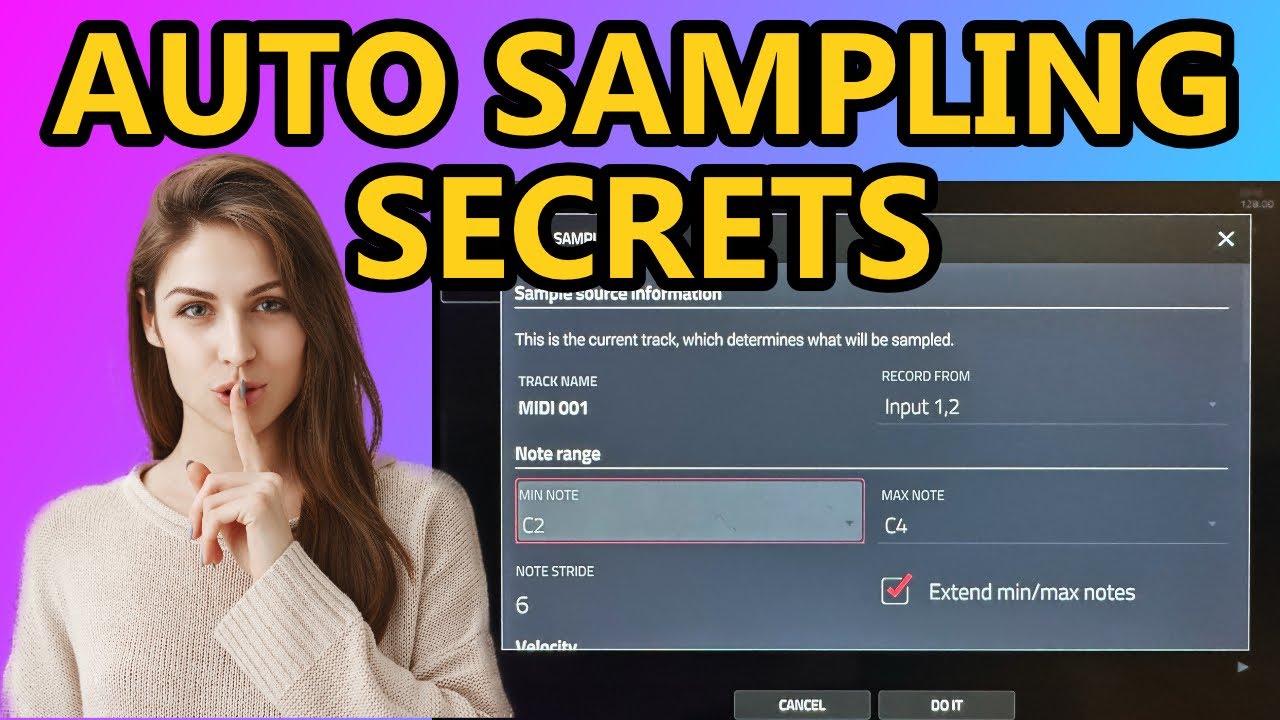
I cam close to a bunch of older MPC’s/Samplers in the last few days, but I just got highest bidder on an online auction lot, on an MPC Live 2… £575 after Hammer/VAT, which is too good not to go for.
I’ve always found it weird that with synths and other electronic instruments there is an expectation to be productive with them, which doesn’t exist with other instruments.
If I play piano or guitar, I am quite happy just playing them, learning them, enjoying them for what they are. If there’s no recorded end product, who cares?
But with synths the first question anyone asks is, “Where is your music?” I’ve since started using my hardware synths as simply something to enjoy, and I’m much happier.
Tldr:- if you enjoy your hardware, if it makes you happy, great. Forget the impostor syndrome and just play some music.
18 Likes
I wonder, if the bluetooth option is just a firmware thing. The MPC One does not support bluetooth but the guide says:
Bluetooth
The settings on this screen will determine how your MPC hardware’s Bluetooth connection works, so you can use Bluetooth MIDI controllers (e.g., LPD8 Wireless or LPK25 Wireless) or a Bluetooth computer keyboard with it. These settings are available only for MPC X, MPC Live and MPC One when used in Standalone Mode.
Maybe, the MPC One already has the hardware for bluetooth (and even wifi?)…
Where’s this quote from?
I opened my MPC Live years ago to paint it white, and it had an antena wire and a small chip glued to the case.
I obviously opened the MPC One when I got it (to see if it has the battery connector) and the board is different and also no BT antena was found.
I’m sure the chipset is there somewhere but unused.
It would be dope to be able to retro-activate it.
It´s from the manual v2.7.2
Is anyone here using a Tascam Model 12 or similar with their MPC?
I’m wondering how it works for applying MCP effects to a channel.
Eg, if I plug a synth into channel 3 on the mixer, bring it into the MPC as an audio track and apply some insert effects, then route the MPC back out to channel 3, will I be able to use the channel 3 fader on the mixer for the MPC output, or will I need two mixer channels for this?
Model 12 mixer faders will only respond in a live situation, you can’t record post fader movements. You can record the gain and EQs pre-fader.
You can’t route in and out of the same channel (if I understand your question correctly). You have 2 options.
- Cables connections
Connect your synth to any input/s and then connect the sub out to your MPC input. And the MPC output can connect to another Model 12 input. Using the submix buttons you can send any or multiple tracks to the sub out to record into the MPC. The MPC must utilise one of the Model 12 inputs, probably the stereo pair (E.g. 9/10). This way you can send any 1-8 inputs into your submix to apply FX.
- USB connections
Connect Model 12 USB to you MPC. Make channels 9/10 set to USB/PC and the set your MPC outputs to 9/10 of the Model 12. You can then record any other input of the Model 12 just by selecting the input in the audio tracks or sampling mode. This method has less cables and allows you to multitrack. You can apply MPC FX to essentially 8 inputs individually (remember 9/10 stereo pair is reserved for your MPC).
I was actually use method 1 as I don’t really got much use out of multitracking into the MPC. My setup is a bit different as channels 1-8 are used by my S2400, and my MPC takes the submix and routes back into the S2400. So I can use the MPC as a sound source and an FX engine for the S2400. Still working it out but Model 12 allows for pretty flexible routing, which is why I love it.
4 Likes
Previously when i have tried connecting my usb audio interface directly to mpc via USB, i was experiencing crackles and pops. Im using gen 1 Focusrite scarlett 6i6, anyone had this issue?
1 Like
Hey everyone, is a second hand MPC touch still relevant and supported by MPC software as a good entry to the MPC world or would an MPC studio be a better option? I just can’t justify an mpc one/live right now. Can it be run hooked to a laptop with lid closed (provided said laptop is configured to not go to sleep when closing the lid) ?
No longer supported by current Gen OS for both pc and mac
The manual for ver. 2.11.7 mentions Touch device, but is it no longer supported?
Cheers, that’s really useful info 
Shame you can’t forward the input to MPC while having it set as a USB track but makes sense thinking about how it will be wired underneath.
Still think I’ll pick one up at some point though.
Is there anything similar on the MPC to the macros you get with Ableton Live drum racks?
Absolutely you can, yes.
You can set up the q-links however you want to, as well as having a bunch of fixed modes to use.
You’d be best to find a YouTube tutorial on them, or have a read of the manual.
1 Like
NO there is not. The Force has MACROS like Ableton Live however.
These aren’t MACROS, you can’t control multiple parameters with a single Qlink at the same time.
1 Like
Yes, you’re right on that, MPC’s q-link assignments are single function, not multi like on the Force… that’s how I use the macros in Ableton on drums though… I’ll usually control Kick and snare decay, filter, tuning, Rev/del sends, etc… and keep them to one function per knob.
So the MPC can do that, and does it well with 16 individual assignments.
Personally, I find the multi-function macros harder to manage mentally… I have this on my Analog Rytm too, and tend to keep the macros as stripped back as possible.

The upcoming “Juno” plugin. One thing I like is that it seems like it does have an internal arpeggiator, something every program type should have instead of relying on a global arpeggiator. No idea about the polyphony, but 6 should be the minimum.
7 Likes
uh what now