CC120 (DT) is ALL SOUNDS OFF. It is different, but I can’t elaborate for now.
That CC120 thing might have change over the years. At some point Elektron updated the way the Stop button works on the DT to prevent freezing when using MIDI loopback. Maybe it doesn’t use MIDI CC anymore? This is all conjectures tho!
@JohnnyLucid You mentioned you tried with the DT as the master but was the Syntakt audio going through the DT? Because it feels like double-tapping the Stop button on the DT would also stop the incoming sound.
2 Likes
@AldoVino I just tried routing the audio and MIDI from the ST to the DT and I am getting the same results. Thanks for the suggestion.

That’s what I was thinking about too (no CC120 send). I wonder why they used CC120 instead of CC123, which doesn’t seem to cause freeze with midi loopback btw. Anyway it concerns Digis but I’m curious about it…
No very funny but I’ll try to check that tonight and compare with OT…
1 Like
Checked with USB midi and Miditest monitor (w10)
DT sends CC120 ( B0 78 00, Hexadecimal) with double stop, and it also send four “empty” sysex. Don’t know what it is.
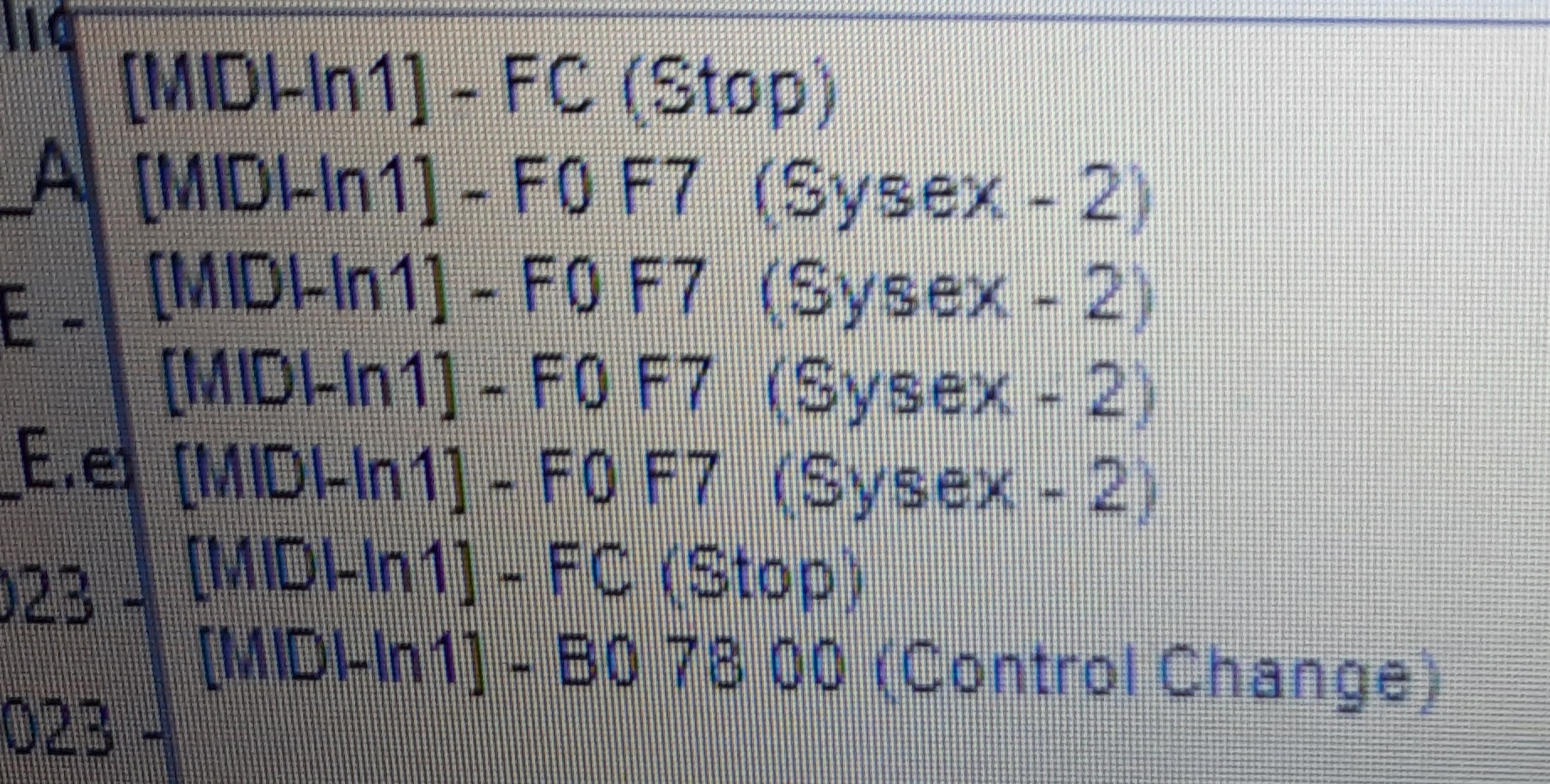
DT single stop, same as ST :
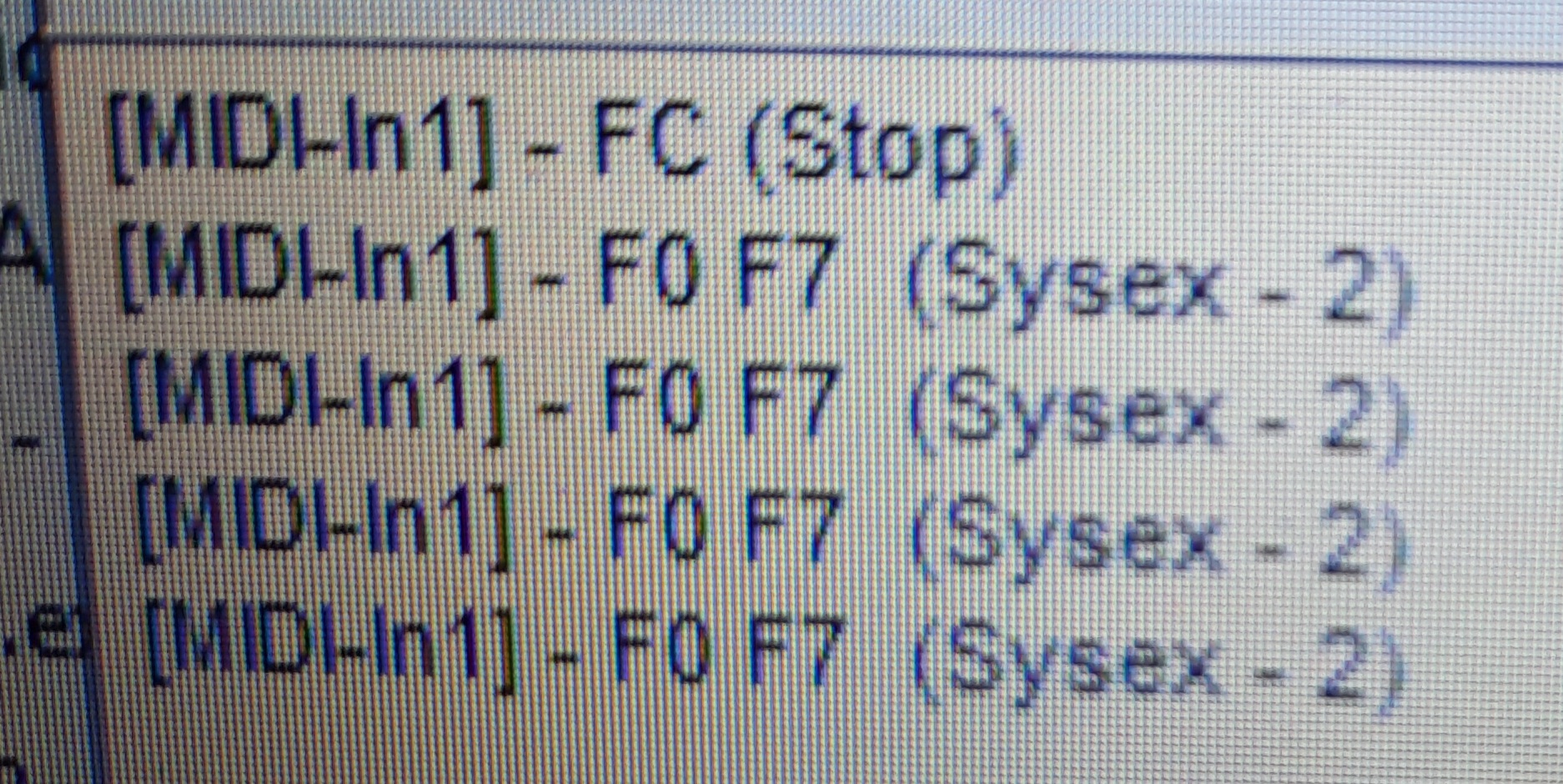
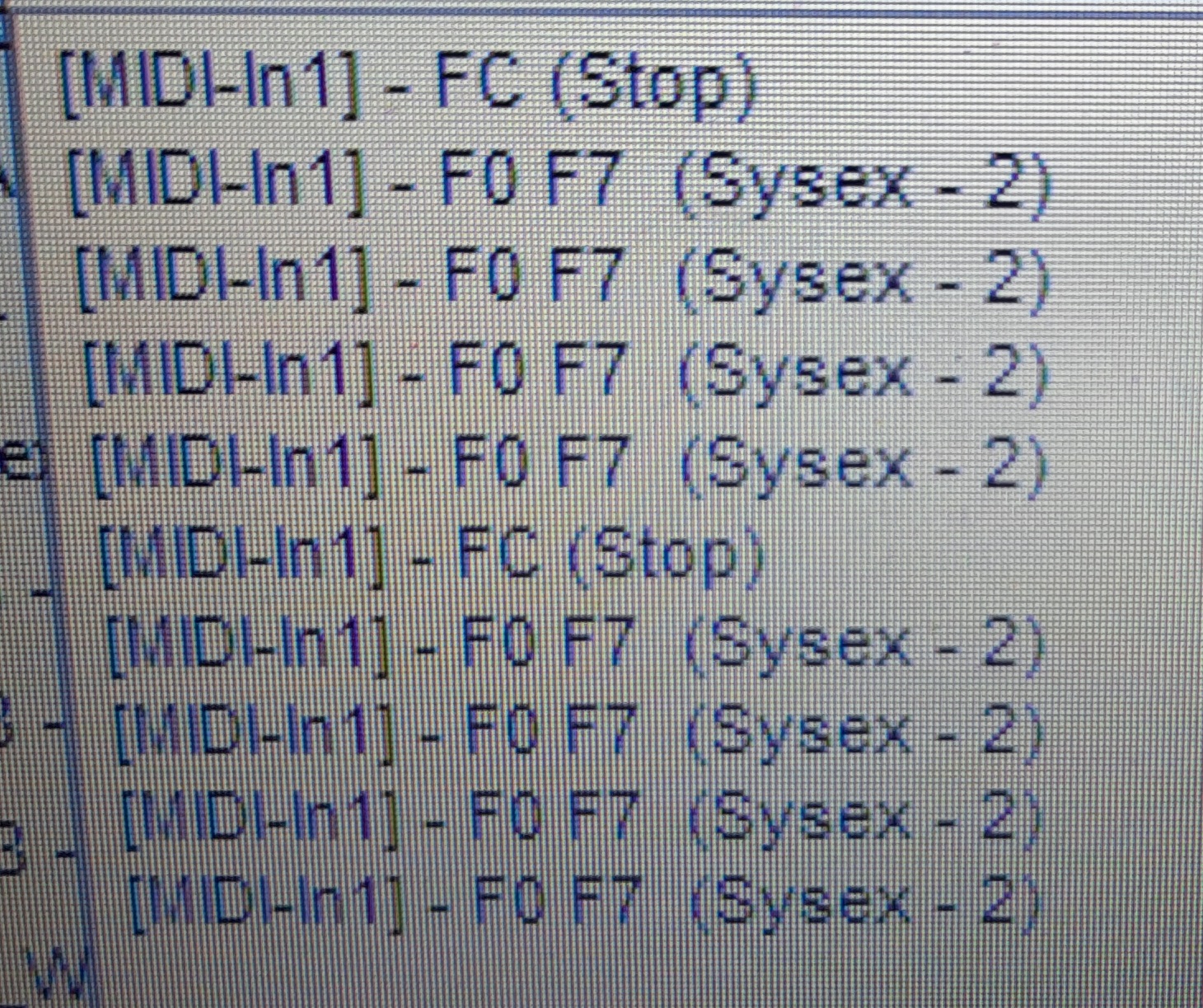
ST double stop doesn’t send CC120, also sends four F0 F7, twice. Seems like there is nothing specific sent with double stop, so behavior is different from DT
Don’t know how ST is supposed to behave with CC 120 receive…
2 Likes
Thanks for the help. I just tried the built in MIDI monitor in Ableton and Max4Live and I didn’t get near the detail you are getting. I just get the patten PGM # from both DT and ST.

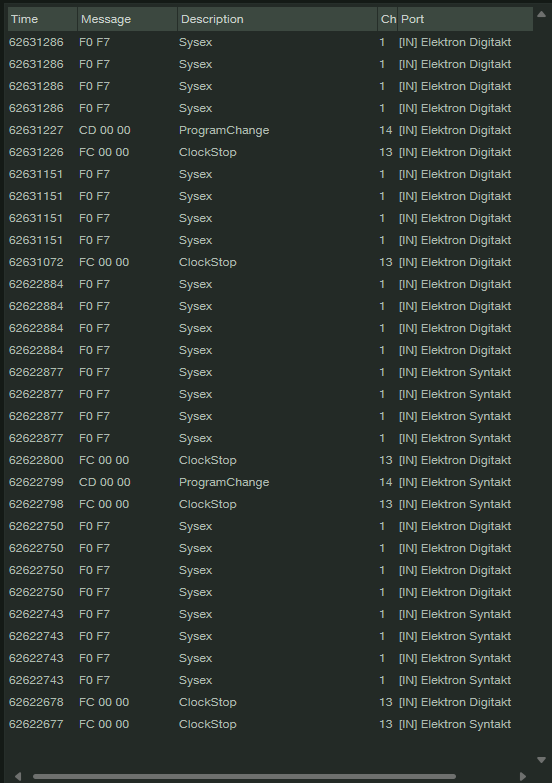
This is what I get from Studio One’s MIDI Monitor with a double tap on stop from both the ST and DT.
This is more inline with what you found
I really appreciate the suggestions and help.
Thanks in advance for any and all assistance.
1 Like
UPDATE: I had a problem with this solution when it mysteriously stopped working for me earlier, but have been able to use it successfully now and replicate the setup.
For anyone reading this in 2025… while I can’t speak to the OG Digis, here is the TL;DR answer for Digitone II and Digtakt II: The sending box must have a track enabled as a MIDI machine, on the auto channel for the receiving box for full stop (all notes off) to work.
DETAILS:
From all the tests I conducted, this applies whichever direction you go (DT2 sending MIDI to DN2, or DN2 sending MIDI to DT2). And first, make sure your receiving box is actually getting messages from the sender (i.e. basic MIDI connection is working).
Sending box setup – all of these are submenus of Setup → MIDI Config:
- Sync - clock and transport send enabled
- Channels - set Prog Chg Out to the auto channel of the receiving box, so patterns change together (optional, but recommended; won’t affect the full-stop)
Finally, set one track on the sending box to be a MIDI machine on the auto channel of the receiving box, so NOTES OFF messages flow to it.
Receiving box setup – all of these are submenus of Setup → MIDI Config:
- Sync - clock and transport receive enabled
- Sync - program change receive enabled (optional but recommended, see above)
- Port Config - receive CC/NRPN enabled
- Channels - ensure that at least one of the following is true:
- Auto channel is set to the MIDI channel you used above for receiving the NOTES OFF and other messages, OR
- At least one track is receiving on that channel
Things that don’t matter include:
- Sending box settings for encoder, trig key, or mute destination (internal only is irrelevant)
- Whether the receiver is receiving note information – the NOTES OFF message is a CC or NRPN message
- Whether the same MIDI Channel being used for NOTES OFF is used for other hardware/purposes – but keep in mind some synths respect NOTES OFF and may be affected!
- Whether the sending unit has any MIDI channels enabled per track in in Setup → MIDI Config → Channels – only the receiver setup matters, there has to be either auto channel or a track channel set to receive on the designated MIDI channel
I only have a handful of HW synths but if I have other boxes downstream of the receiving Digi on the MIDI chain that respect All Notes Off, they’ll do so.
Hope this helps someone else in the future.
1 Like
Bump, edits to above on achieving full-stop on a 2-box setup.
I would be interested to know, if a willing Elektronaut has 3 or more Elektron machines, like DT2/DN2/ST, whether all of them can be setup as receivers to have full-stop work properly. I would expect the second (and any subsequent) receiving machine must be wired either from:
- MIDI Thru on the first receiving machine, OR
- MIDI Out from a router that also gets input from the sending machine…
…since the first receiving machine doesn’t generate any ALL NOTES OFF CC message in this scenario.
Again, this may be well known information elsewhere, but I wanted to make sure search engines can pick this up, since as of this writing they don’t appear to contain correct information from anywhere else.