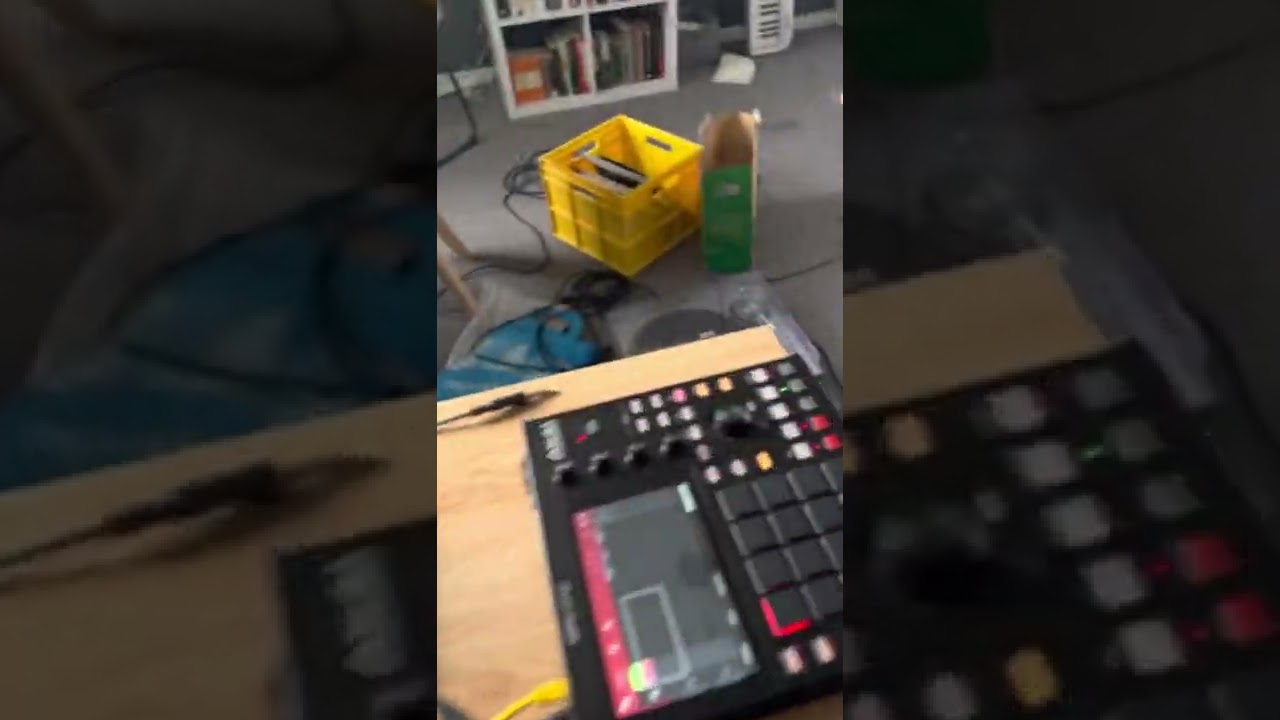
Ok, thanks for all the tips here. I bit the bullet and purchased a 8gb M1 MacBook Air.
Initial thoughts, it’s very pretty and feels amazing. As a computer it’s amazing. For music… hmm, it will take me some time I think. The touchpad and keyboard don’t feel great ways to interact in a musical way. I’m also learning tips but it’s very easy to get distracted by emails and YouTube etc-obv not an issue with hardware.
I’m unsure on the DAW. I’ve been using ableton live lite which is working ok but it’s not straightforward, I guess it will take time. GarageBand is the easiest and the MPC stuff I can’t get my head around at all despite being an MPC user!!
I’m most used to using either the MPC or using the RC505mk2 so very much used to a very fast workflow.
Questions I do have - how do I best connect and use my MPC one plus with the Mac? I tried just plugging it in via USB but that doesn’t work, not sure how controller mode works, or what it does.
Another question, if not the MPC would I get more joy with a midi controller for ableton, and if so what works. I’d def want something that supports both playing and step sequencing - looking at the launchpads, a push 2 or the Akai apc64 - any feedback on those? Are they worth it? Assuming maybe if I use one of them and create a template I’d be at least up
And jamming quickly (which is important to me) as it is at the moment it’s too slow and feels like programming a computer and not playing music.
Yeah, memory management is somewhat complex. And then in the Apple world it’s proprietary, so it becomes harder to fully understand.
I thought that video was interesting. I think he made the point well that with the M3 line, 8GB shouldn’t be considered enough. I think it’s implied that the M1 and M2 are ok with 8GB though.
Another interesting thing about that video was that he focused on graphics processing quite a bit. In our world of sound, maybe we think we don’t care about graphics, but the reality is some of these plugins do some super fancy graphical shit, and macOS tends to prioritize graphics processing. I would love to see that guy running a bunch of tests on those two MacBooks with audio applications, like running the same DAW with the same plugins, the same tracks, etc.
I can’t help you with the MPC questions as I have never even tried one.
For the second question, I use Ableton with the launchpad pro and I really like the experience, but for visual feedback I still have to use the screen.
A computer DAW is very good for mixing and editing… and I think it is a necessary thing for anyone looking to release music into the world. You mentioned in your first post this would be your main usecase, but from what you are saying now, you want to use it more as a production machine. This is fine, it is very powerful and you trully can do anything you want, but it’s still a computer. For a mid ground thing, between a computer DAW and an interactive instrument/effects suite, you should maybe have looked into getting an iPad rather than a Mac, as an iPad is much more hands on, literally.
Ha, yeah, an iPad might have been better! No, I think I am still looking at the mixing and recording thing, I’ve just not got my head around it yet.
In terms of taking a live hardware jam and getting it into ableton, I think that’s where I am currently stuck. I am comfortable just recording out a stereo mix, but obv that doesn’t give much room for mixing etc and need to find a work flow to either live record multiple tracks, or export the stems… I think!
honestly if you’re going with Live then I’d put that controller aside for a while, imho get a bit into Live and try just seeing what works for you first, what I mean is Live exists in 3 dimensions
session view
arrangement view
controlling the devices
try session view see if you glue with the idea of doing clip based workflow, if it’s not for you then ditch the idea of controllers that focus on clip launching as they are big and most of it’s size won’t do you any good.
for arrangement/device controlling you’d want something that can support some macros, so pots/encoders will do you good.
another thing to take into consideration is a controller that can do the mixer, so some faders and basic channel panning/sends etc.
so, imo, before getting a controller try the software itself, doing the manual labor will get you to know it better and faster, the controller part can easily come after that and enhance your experience when you’d get a better idea what works for you.
and for sequencing, honestly there’s so much software sequencing available out there, you might even not want a physical sequencer… even just the new Live midi tools are so good for both sequencing and melodies…
basically what I’m saying, don’t buy extra stuff until you at least try doing something with it, once you get the hang of how things work it will be much easier to understand what controller to go for…
Like I said I don’t have an MPC, but I’ve used some gear with USB audio multiple out (overbridge has that as well), and it’s quite straightforward to set-up multi out in Ableton. Did you check the manual of MPC? If you are using several pieces of gear the analogue way, then you need to get an audio interface with equivalent stereo/or mono inputs and connect it that way. Then you can track each piece of gear right into Ableton. If you want hands on level controls for it, there are several mixers which are also audio interfaces. Note that Ableton Live Lite only supports 8 simultaneous tracks.
Basically this. I’ve got almost 18 years in Ableton Live which is just crazy to think it’s been that long and can say the only reason for a dedicated controller is the clip based workflow.
Not everyone gets on with it, and no pressure to do so especially if you already have a productive workflow.
@alechko has great advice in that post, if you’re going to consider Live.
Thanks for your feedback. I think that an MBA 15" will be an realistic option as my next Mac. Like the MBP 16", it has six speakers too (but without the label “high fidelity”, whatever this means in this context).
You plug it into your computer via USB and then open MPC software. Might have to switch the hardware device into controller mode and now the MPC is controlling the MPC software on your computer, which gives you access to much more power, easier sequence editing (eg by mouse/touchpad rather than on that atrocious MPC standalone pianoroll), plus it allows you to use any plugin you want and to play & control that via your MPC (mostly).
If you want to use your MPC as controller in Live, if I remember correctly, you‘ll have to load the MPC VST plugin onto a midi track in Ableton (look through your plugin folder in Ableton, if you have the MPC software installed, it should be there). With your MPC connected via USB you should now be able to use it as a midi controller in Live. Also, not sure if the MPC One+ has this, but the MPC Live has a Live Control mode, which is specifically designed to control Ableton Live.
EDIT: according to this guy, Live Control also works with the MPC One, here‘s his How-To: