You can keep it in 3.5mm midi land with an adapter, e.g. TRS-A to TRS-B Dongle - Retrokits
5 Likes
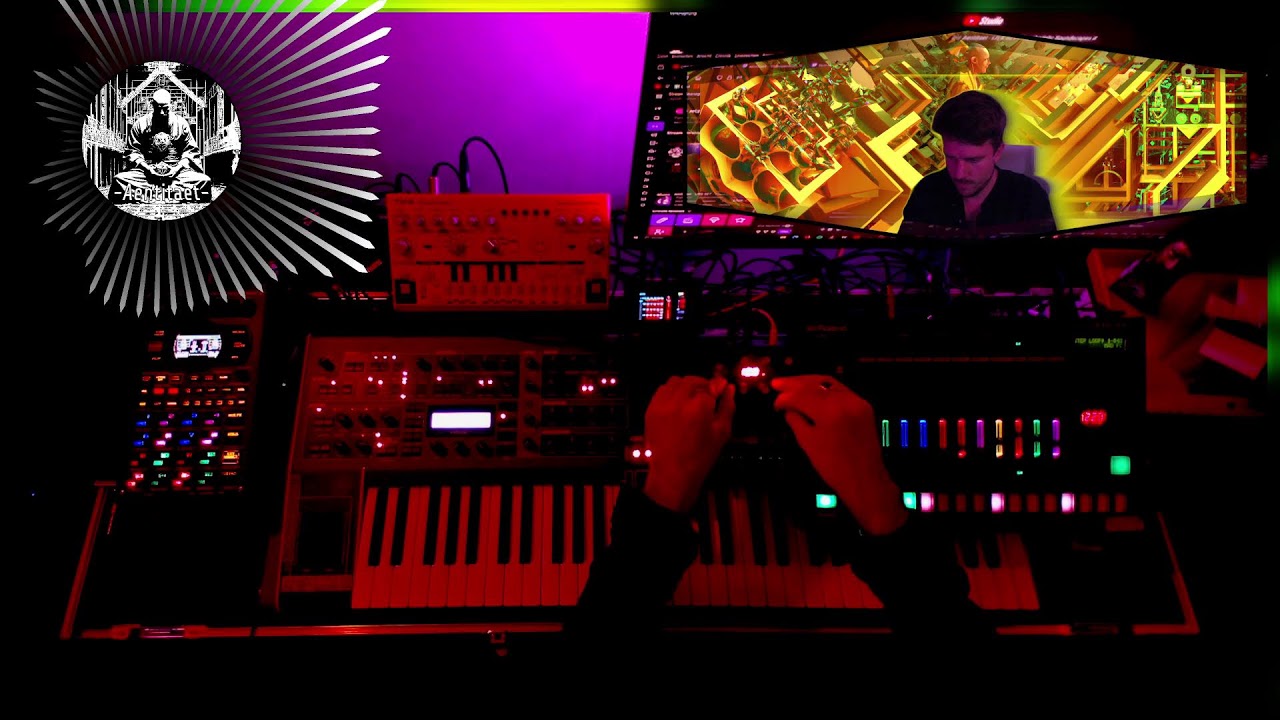
Finally integrated my Korg NTS-3 in my system. If you are curious you can check my Live Stream from yesterday on YouTube and follow for more to come.
6 Likes
This device is great, I’m having a lot of fun with it, and I think I have barely scratched the surface!
(chaining in so many effects in so many different ways can be complex)
Now, super nerdy question: has anybody been able to control the on/off of individual effects via CC #106, 110, 114 and 118?
(MIDI implementation chart - page 34 of the manual)
I’m pretty sure the problem doesn’t come from my MIDI setup as I can successfully control other parameters from my FaderFoxUC4 using the relevant MIDI CC’s (e.g. Total FX Touch = CC 102, or Total FX Depth = CC 14).
Not 100% sure but it could be an omission on the NTS-3. I have already contacted Korg tech support to ask for confirmation.
EDIT: Sorry guys, another case of user mistake, things work as they should 
You said tiny
This might do it but never tried one.
2 Likes
Somebody please make a case for this thing!
I think it’s going to stay in my setup for long so I’d like to have it a bit more protected than it is at the moment.
3 Likes
Agreed. I’d be happy to have a printable version but haven’t seen one in thigiverse.
1 Like
Just got it this week and connected it to assign outputs of MC-707 so I can route any tracks through it. It’s a lot of fun and sounds really good, touch controls feel very responsive and it’s intuitive to work with, even with that minimalistic screen. It does lower the signal quite a bit, but I pumped the gain on return channel on MC-707, so it’s good. It actually feels sturdier than I though it will, but it’s far from rugged so better case would be very welcome.
2 Likes
You can adjust the gain of the NTS in the settings, I believe by default it’s set at -6 db
2 Likes
Thanks, I’ll look into it. I only just scratched the surface, tried different FX etc.
Has anyone who purchased from thomann EU in the last few days/weeks found the latest firmware already installed or did they have to update?
thanks
Please post audio/video of this little beauty in action!
Has anyone been able to totally eliminate the usb hum on this? It’s there no matter what cable or configuration I use (mains/battery/laptop).
I can clearly hear it if I place my ear to the device with just the power connected and no headphones. It’s not coming from the speaker either as that’s turned down. As soon as I plug in headphones to the output, the noise from the unit disappears, but is still audible through the headphones. Thanks
Hmmm, I am just using a usb cable from the NTS into an old iPhone charging block, plugged into an outlet and I can’t say I have noticed any hum at all
1 Like
Thanks. Here’s a quick video of mine just powering from a small power bank, with the hum hopefully audible. It’s really annoying and as I say I can’t seem to find a way to get rid of it. The hum changes frequency slightly as the text scrolls across the display, and as mentioned above it goes from the unit as soon as I plug headphones in, but the hum then goes to the headphones.
Well…I suppose it’s also possible that I’ve just never listened that closely. I’ll try it later tonight
1 Like
So, I powered mine up and put my ear up to it. You are right! There is definitely a high pitched whine/hum. Even when powered by an iPhone block into an outlet.
Great. Something else to obsess over, thanks a lot! Haha
5 Likes
Sorry about that! Oh well, it’s hardly noticeable through my Lyra, which is the main reason I got it. Would be annoying if I used the nts on productions though. Thx for checking 
1 Like
I’m going to use it on productions anyway. Honestly it’s within the realm of tolerable for me, can barely hear it
1 Like
in the midi implementation chart what does total fx touch (CC 102) mean? the sum of x+y/the position of the finger on the touch pad?
Thanks
CC# 102 is just whether the pad is touched or not.
You can independently CC control X and Y values.
Which is cool if you want to use the NTS-3 as an automated CC destination
(because it you use the physical touch pad, X and Y will be defined by where you touch)