Im beginner user of Digitakt and just to set up my studio room and try to get it functioning. I want to record digitakt and vocals to Ableton. I have ableton 10.
How can I record Digitakt to Ableton? Getting lost in menus and havent succeeded
Do I need extra soundcard? What are the steps?
Could it be I can record vocal to Ableton thru Digitakt using digitakt as a soundcard? Just a random idea since I got some advice that I need to purchase extra soundcard if want to record vocals.
Hi, congrats on your DT purchase. It’s a fine piece of kit. Using overbridge will allow you to use DT as a sound card. Or a separate sound card is an option if not using overbridge. I recommend searching this forum for a bunch of info on the subject of integrating DT with a DAW. Also the manual can be very helpful and definitely is worth reading twice. I download it to my phone so I can search for stuff as needed. Best of luck.
You’ll probably want to install the newest overbridge. Pretty sure the elektronauts homepage has a link. You’ll also want the newest digitakt OS (upgrading the OS is relatively easy using C6 software). If you’re going to upgrade the OS, you may want to back up your device (I’m not going to get into that).
Assuming you have a somewhat recent version of overbridge and a recent DT OS, a crucial step is to switch the USB MODE of the digitakt into overbridge mode (this is in the settings menu in the digitakt).
Do you have a Mac? I use a Mac and was able to connect my digitone, digitakt, and soundcard all at the same time by creating an aggregate soundcard…
—> Applications/Utilities/AudioMIDISetup (or something like that). From there, create an “aggregate device” (name it something easy to remember) that combines your sound card and the DT. Once created, that device will be accessible in your DAW as a soundcard and will have regular DAW inputs (mic pres/whatever) followed by the DT tracks.
=====edit======
Pretty sure with overbridge (even without an additional soundcard) you should be able to route the external inputs from the DT to their own tracks in ableton (this would give you 2 inputs for mics or whatever else). The gain might be a little low… I have not tried this.
You can use the Digitakt as a sound card via overbridge, but recording vocals this way is awfully shoddy. For one, vocals need to be at mic level not line level, and the DT doesn’t have any XLR inputs. For another, if youre using a condenser mic, I don’t think the DT has phantom power–but I could be wrong as I don’t own a DT
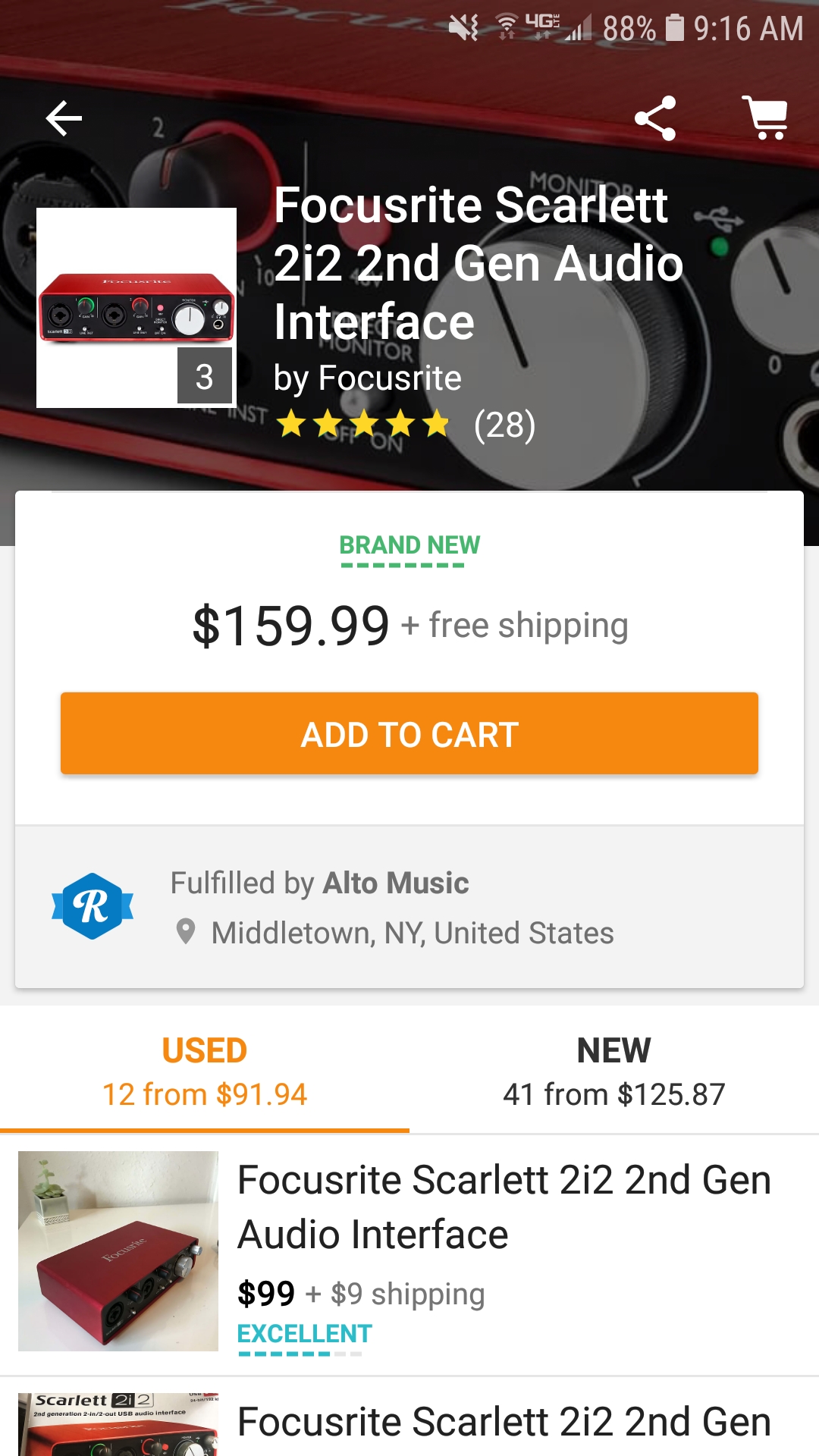
I would recommend investing in a little audio interface aka sound card. One of those focusrite two channel guys should get you there. It’ll just save you a lot of trouble on down the road, and also take off some stress on your computer since the interface will be in charge of audio computing. Plus if you ever want to NOT use your DT but still make stuff you can use it.
(can’t figure out how to share links to reverb on mobile)
So yeah you can get that guy. Bare in mind that if you want to record stereo DT and single vocal at the same time, it won’t be possible as that thing only has two inputs. But you could always just record your stereo DT parts into the interface and then overdub the vocals after.
I also don’t know if it’s possible to have the DT using overbridge and the scarlett acting as your interface at the same time… If it is possible, that’d be ideal
If you just wanna record vocals and the Digitakt and no future intentions to add more external gear (and perhaps on a budget) the DT is a excellent external sound card on it’s own (headphones out, monitor outs and stereo in) way better then onboard devices. What was mentioned before it doesn’t have xlr inputs nor phantom. You can However use a USB mic but i assume a small cheap analog mixer with decent preamps (or just a mic preamp) connected to the DT audio in’s can work better because you don’t have to deal with differences in latency’s which can be very annoying using different AD/DA converters.
As you can read from other comments a lot of options. If it’s just for fun you also have the option to buy an field recorder. Stereo condensor mics, pre amp so the line out can be used straight into digitakt imputs and you can use it to record some nice samples on the road for filling the plus drive !
…time for some desicions
… Im willing to pay more if nessesary to make recording more simple and easy.
just in middle of purchasing another expensive toy
getting it in few months time so maybe its worth to wait bit with purchasing soundcard
if it will cover my soundcard needs if thinking about recording vocals…?