Duh! That’s a great point. Although I should also think that I should be careful to follow a standard layout for track construction.
2 Likes
I just checked this and track swapping doesn’t mess with the outbox routing, which is huge. It’s a really quick and fun way to try different tracks to different outputs.
7 Likes
This probably isn’t relevant, but I discovered a surprise on my Outbox8 today. I hooked it up to the web app, and noticed that Track 8 was set to far less than 100% volume. It was at like 27 or something. I don’t remember having changed it, but it’s totally possible that I had done so, unknowingly, through my Digitakt.
I clicked the handy ‘reset to defaults’ in the web app and the level went to 100 as expected. So: maybe worth checking levels in the web app? Or maybe not relevant!
Is the app the only way to control the volumes on the Outbox?
This is the detail I left unspecified in my message… I assumed that the levels could have been set in my DT/DN etc., but in this case the web app was extremely straightforward and skips any page-flipping / menu-diving, etc.
1 Like
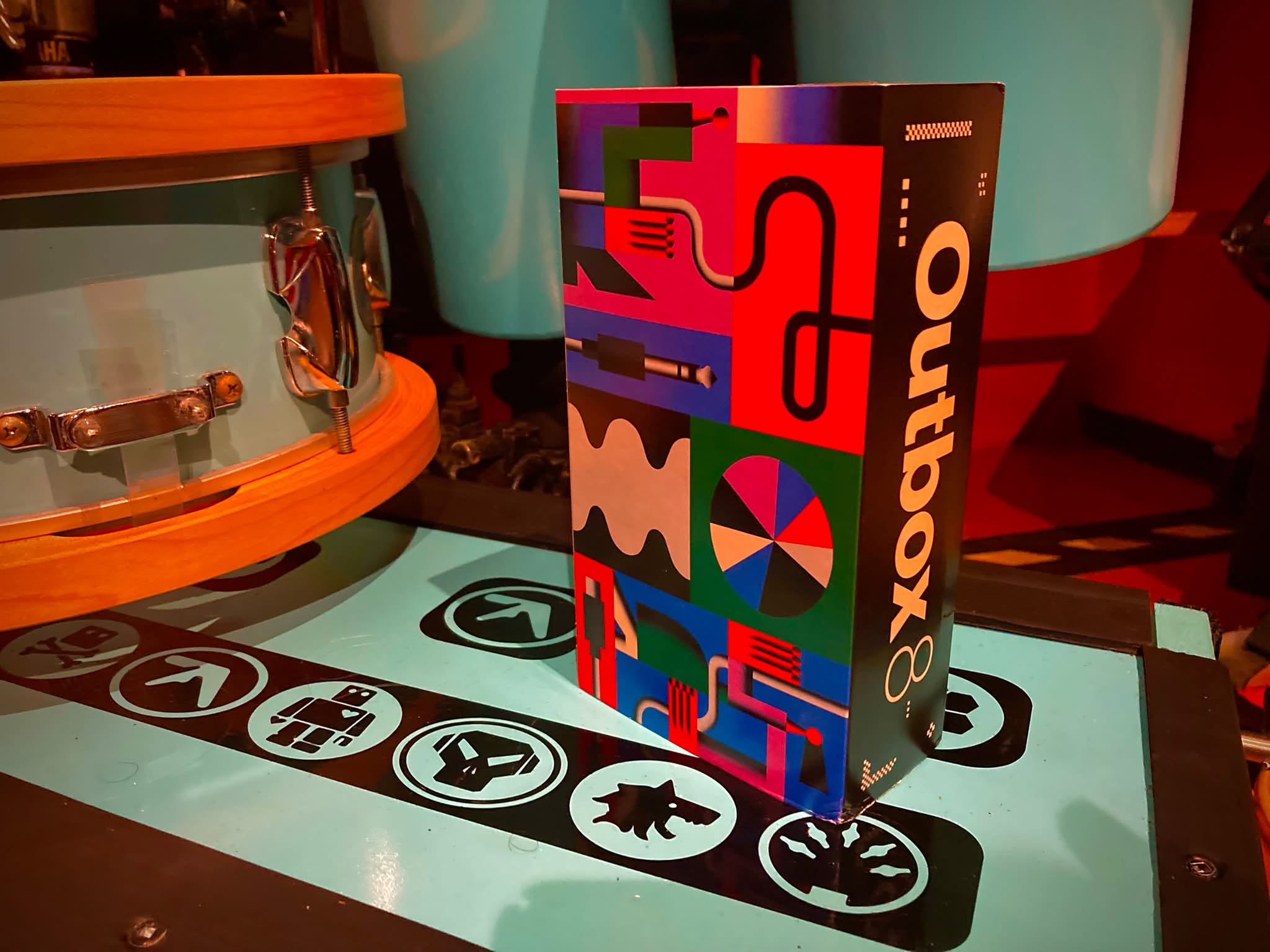
I misunderstood your question, now i see what you mean by “messing up”. I had different mess in my head 
1 Like
Outbox 8 is really gonna screw up my “build the pattern as you go, but the sound anywhere who cares what track it’s on” approach.
But at least now we know why the buttons say “cowbell” and whatnot.
1 Like
I switched away from the approach of any track doing any duty a while ago. My brain needs order so I can’t remember what’s where on each song and have a chance in hell of performing them.
I’ve got set tracks doing specific things, and a strategy for which patterns are which type of section of a song.
Not that you asked, but…
- Drums are always 1-4, 5 for drum loops, and 9 for my low kick): OB8 stereo pair 1, except the Kicks which I leave internal.
- 6-8 for leads: leave internal or midi controlling an external mono synth.
- 10 is texture, 11 is SFX: they both go on OB8 stereo pair 2.
- 12 and 14 are poly and arp: OB8 stereo pair 3 but mainly MIDI controlling an external synth.
- 15 and 16 are bass: leave internal or MIDI to bass mono synth.
Why do I have 3 leads and 3 basses? Sometimes I can mute one and unmute the other to create variations in the pattern or sound, sometimes to have two parts interplay with each other - it’s great for contrapuntal leads, and if my bass is controlling a mono synth then I can have one line playing and use a second midi track to play additional notes over the top which has a really nice effect of pulling the mono voice in and out of its normal part, usually emphasised by a bit of glide.
Each of these track groups have their own midi channel assigned so I can use my midi controller to send Mod Wheel, Aftertouch and Breath control to the each group of tracks as a whole, and I programme each sound in the group to do the right thing with that macro. For example Mod Wheel up on the drum group beefs up the kick, adds some delay send to the snare, makes the hats start panning and become thinner, etc. I tend to use Mod wheel to emphasise a part, aftertouch to radically change the sound (eg apply comb filter to the drums to turn something rhythmic into something tonal). Breath control I like to apply to everything all at once and use it as a one-knob build up or breakdown control, depending on the section of the song. (Made possible by using some midi processing on the way in to have one midi channel fan out to all my track group midi channels.)
All the OB8 audio channels go through external fx of some sort, or sometimes through a synth’s input to apply cohesive fx or do sequenced filtering of the sound, etc. Still working out the exact routing and FX assignment but at the moment I have: a Strymon Deco on my drums; Texture/FX goes through my Polyvera’s FX section, to be cohesive with my poly pads, etc.; sometimes I’ll play poly loops on the Digitakt II and use my UNO Synth Pro X which is normally on Lead or Bass duty to apply filter sequencing to the poly loop, so that channel is routed that way.
I’m toying with a Walrus Mako M1 in that last chain, or I might try the FX on a TE Sidekick or possibly a Kaoss pad of some sort.
The mix of everything external comes back into the Digitakt II’s input. Compressor side chained to kick is applied to pretty much everything including the external input, not too much, just enough to get things pumping. Master Overdrive applied to everything. I’ve been using the Digitakt II out as my master to speakers & recording, but I’m going to try sending the master mix over OB8 stereo pair 4 to see if it helps with avoiding phase issues with latency, which would open up sending my top layer kick with the rest of the drums and keeping only my low kick internal (for side chaining duty).
The Outbox 8 feels like it has been the final piece in the jigsaw of how to sent things up in logical groups to give the sound within groups cohesion and create distinction between the groups. Combined with how I’m using macro controls it feels massively more performance oriented than when I first started using the Digitakt.
Some of the guys I know do jungle and DnB using only the Digitakt II to sequence mainly loops. I think doing that with an Outbox 8 routing the different parts into a pair of TE Sidekicks could be a really fun way to extend how you can apply performance fx in a targeted way.
The OB8 feels way more impactful than I expected it to be.
I have to note though, that my friend and I have both managed to create setups where the audio drops out. I’ve got mine stable now in my studio setup but my DJ mixer I’d hoped to use live seems to cause the issue every time I hooked up the audio cables. Perhaps the OB8 has some sort of sensitivity to ground loops or power noise causing the Overbridge connection to drop. Whatever it is, it’s been frustrating and caused us both to lose confidence in it being reliable for live performance. Especially as we’ve not been able to pin down the cause yet. More effort needed to diagnose and document then I’m going to raise it with Elektron. Let me know if any of you have seen similar issues.
10 Likes
Yeah it’s great, i will for sure get one more for dn2, my only reservation for now is needing more inputs plus more cables and more external fx pedals and such. But great little utility device.
1 Like
Yep this £250 device easily costs £1k when you start thinking about the pedals and mixers you need to get the most out of it.
I’m actually thinking about trying out some of my own fx development using raspberry pis, Arduinos and a bunch of knobs and sliders salvaged from broken tech, to see if I can make some cool fx chains without spending a fortune.
2 Likes
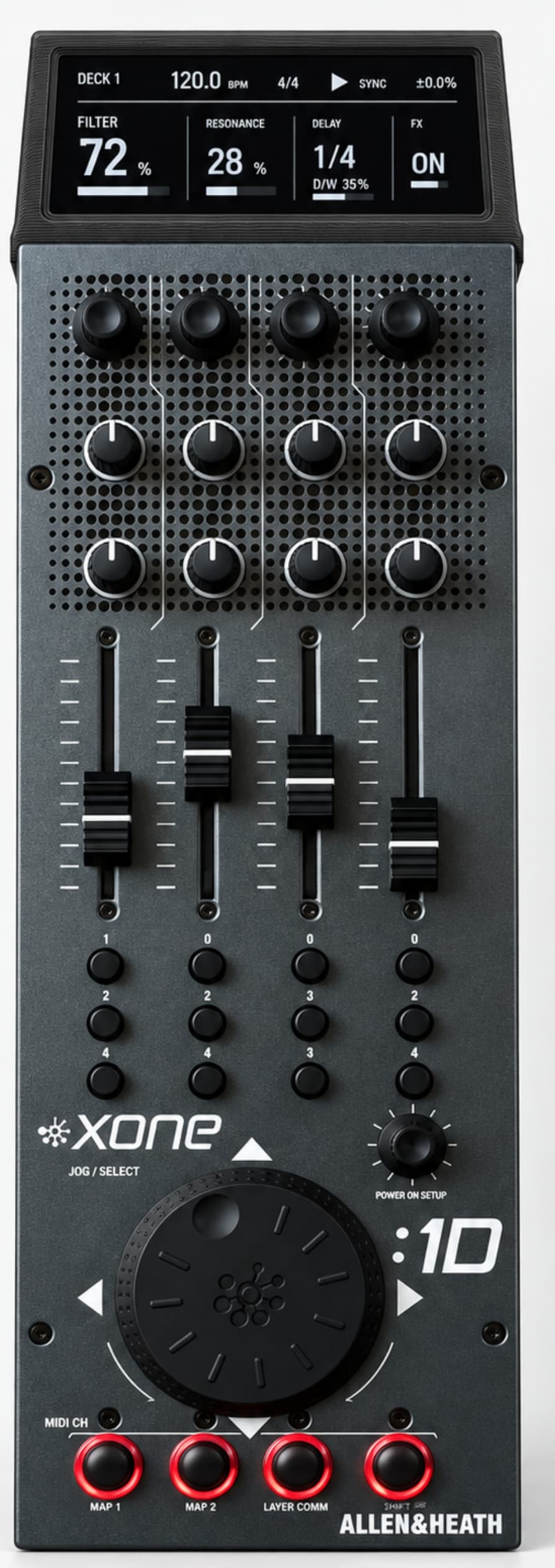
That’s got me thinking too. I’m considering pairing a Xone:1D with a Teensy 4.1 and just the bare minimum extra hardware to build a DIY FX box. The Xone would give me the hands-on controls, and the Teensy would handle the effects. If I can keep the extra bits cheap, it could be a fun way to avoid spending a fortune on pedals and mixers.
3 Likes
Here is another experimental Ob8 morning jam. Chroma Console, Messor Compressor all from Dt2. Few channels going into Messor for compression and sideshain, and few to Chroma for fx, rest main out of Dt2. And ofc Live as a “summing mixer” for post and master.
12 Likes
Apologies if this has already been discussed somewhere already in the thread but what are the chances the Outbox8 will work with the SP404mk2? I’d love to be able to get separate outputs out of that box, despite it being somewhat antithetical to the traditional 404 workflow (haters be damned). Thanks all.
1 Like
Does the 404 support multi-track output via USB if you hook it up to a computer? If not, the chances are basically zero.
1 Like
See about 300 posts ago…
1 Like
Hello all. I have done a quick search and no results in this thread so wanted to ask; has anyone used it with a Roland TR-09?
Using usb into Ableton you get access to 5 pairs of outputs, like I might expect.
However, on the TR-09 itself, it seems like they are sent via 4 (plus the main) usb buses.
I’m thinking this might just be a clunky way of naming the output groups/pairs as it all shows up on a single usb bus in Ableton. I suppose it might mean ‘virtual outputs’ rather than ‘usb bus’.
Just wondered if anyone was able to clarify please?
(my explanation might be somewhat garbled. I’m good at that.)
I think it won’t work like in Ableton because the TR-09 is not class compliant. AFAIK you need to install drivers on you computer for them to send Audio over USB and the Outbox 8 needs it to be class compliant.
2 Likes
Interesting! I haven’t installed any drivers as they aren’t available for my (Mac) Os. The plot thickens!
Thanks for the reply 
I have other gear It would get used with so may just bite the bullet. I’ll get some non sticky keys while I’m at it!
If you are able to test it please add you findings here: Outbox 8 Audio Compatibility Wiki
As of now no one has tested it yet. The TR-09 should have 6 audio outs from USB and the TR-08 seems to have 10 channels so would be very cool if it could be tested. 
1 Like