Lightning to USB adapter works? I thought you needed the camera kit. Oh man, I hope you are right because that will save me $40. I love sampling off my phone.
This is the one I’m using. It even works with a USB hub, so you can have both the Digitakt and lets say a midi controller connected to your ipad/iphone.
1 Like
Ok yeah. Thats the camera kit/adapter.
It’s €40 well spent, tbh
2 Likes
Yeah I am definitely going to get one. Just wanted to see if I could save the $$ first…haha.
Maybe it’s already been mentioned, but I’ve discovered an essential point in the approach to sampling and to the quality of the overall mix:
Loading samples containing a large amount of stereo information (e.g. some reverb) makes them difficult to use in mono after import.
Adding stereo effects at this stage overloads the frequency range and the stereo field, making the mix difficult. Basic EQ work doesn’t help much. Hard pan work but it’s quite drastic.
I get much better results when I import samples as dry as possible and add stereo effects afterwards.
Now I’m sure it’s a rule of thumb, but it hasn’t been obvious for me from the start, so maybe it’ll help others.
14 Likes
Today, on day ~800 of owning a Digitakt, I found out pattern copy-paste is way more powerful than I’d thought and allows direct jump between pattern states.
For instance, for multi-step control-all effects, you can get where you want, copy the pattern like that, then, with sequencer running, paste its state to an empty pattern slot (PTN + [Trig] + PASTE), then Func + No. Later, for a direct-jump fill, retrieve that state with PTN + [Trig] + COPY (copying other pattern without switching to it) then Func + Paste, for a fill, then Func + Paste again to undo paste, at whatever step in pattern, instant switch…
Control-all got even more interesting with the 1.50 update, and I’ve been having a fun evening with this approach…
[Edit: above, it’s PTN + [TRIG] + COPY, PTN + [TRIG] + PASTE, I had it the wrong way around]
13 Likes
This is part of a technique for super-quick, one hand ctrl-all-reload action, similar to what you’d do with a pitch-bend on a keyboard synth. Really playing the DT
Tx for sharing,could you share a vid ?
3 Likes
Good one! I feel like I know the DT quite deeply but I never realized you could also copy patterns from other locations. Thanks for sharing!
1 Like
I won’t have an opportunity to make a video for at least a week, unfortunately, but I realize I can explain it more clearly, as there are 2 new-to-me ideas:
-
Pattern COPY (FUNC+ COPY) can work alongside FUNC + YES as a second, independent saved pattern state (until you copy something else). Pasting the copied pattern state, like FUNC + NO, will revert to that state seamlessly, mid-pattern.
-
I’d known you can paste a copied pattern elsewhere without moving to it (PTN + [TRIG] + PASTE), hold while it confirms), but being able to also COPY from any pattern without moving to it (PTN + [TRIG] + COPY) means that any pattern state can be saved to another slot for later, and recalled (again, pasted seamlessly), without leaving the “home” pattern.
Together these open up an easy approach to making “alternate” or “fill” patterns that are easy to make and use without interrupting playback or waiting for a 4-bar pattern to end.
8 Likes
I got it!nice workaround,tx for explaining!ll try it
1 Like
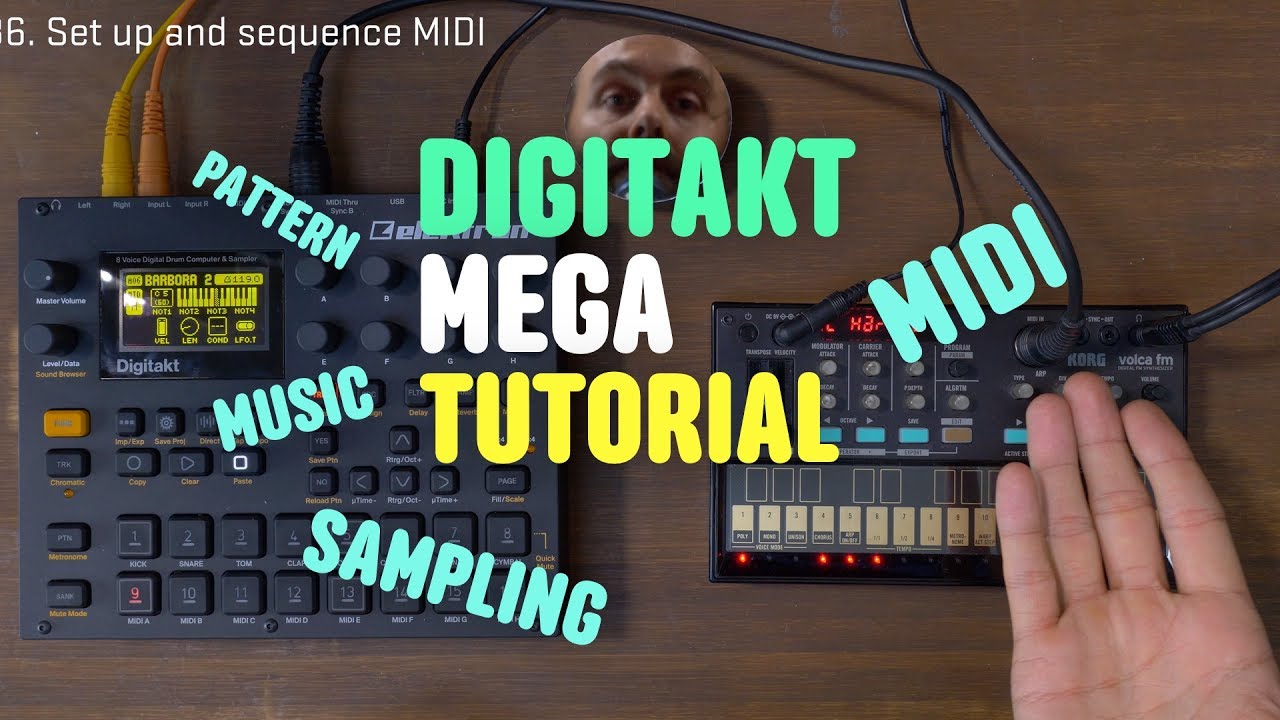
I use True Cuckoo’s dusty old save / reload / copypasta pattern(s), a lot.
6 Likes
undo comes in handy too!
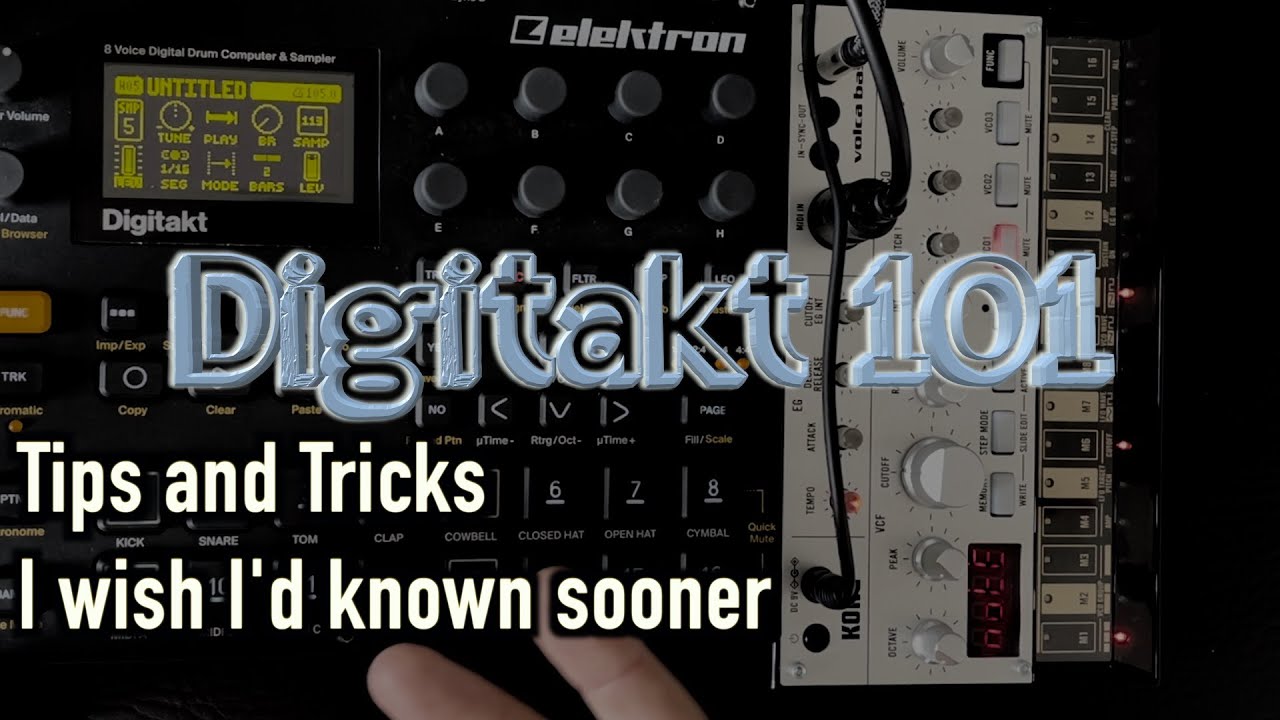
Transient Designer/Compression style effect on individual tracks:
Not sure if anyone’s posted this on here but I’ve started using LFOs to get a bit more snap on snares, hats, kicks etc like a transient designer or compressor would do.
So you set an LFO to volume (and make sure your volume isn’t maxed out on the page’s parameter) and select the EXP wave. Can try different timings but I normally go for 1/16 (speed 16, multiplier 126). Then adjust LFO depth to taste (I normally go for around 15-20)
So you’re basically using the LFO to increase the volume of the initial transient, making it a bit snappier.
For extra bite I like to do the same with LFO2 set to overdrive.
You’re loosing one or both LFOs but saving time adding a compressor, transient designer etc later on….and you could always resample to free up the LFO’s.
18 Likes
That’s doable on the model:samples too. (With a few less options but the essentials are there).
3 Likes
Extra comb filter using the delay effect (should also work for Syntakt):
Since comb filtering is basically a milliseconds length delay I figured I’d try doing in digitakt to see if musical results can be achieved.
Load a single cycle waveform or a short noise source or transient sample, if you’re using a SC wave there’s no need to have it loop, we just want to ping the delay. On the delay page start by setting a fairly narrow base width filter, don’t let it be too bassy for now to avoid going over the feedback threshold. Set the delay time as fast as it will go. Very slowly increase the feedback while playing a note until you hear the delay feedback enough to create a note. Be very careful here because it can get out of control and very loud quickly if you overshoot the threshold amount. Between 103-110 should do the trick but depending on the base width it can be higher or lower than that. Apply a bit of positive filter envelope on the filter page of the sample to add more pluckiness and play with the cutoff and resonance. You can get everything from hand drums, to basses, to interesting plucks with this method. Changing the delay filter base width also alters the sound. Changing the SC wave or the transient you use to ping the delay can drastically change the timbre so experiment with that too. Then resample so you can play it chormatically. You can also change the delay time to be even faster by increasing the pattern bpm, just be very careful with the feedback, use a limiter if you can.
On Syntakt, since you can control FX parameters with an LFO you can go a step further with the sound design. Admittedly I haven’t tried this yet (only tried on Digitakt). For example you can have a one shot ramp LFO modulate the base width or delay rate.
11 Likes
Hey there,
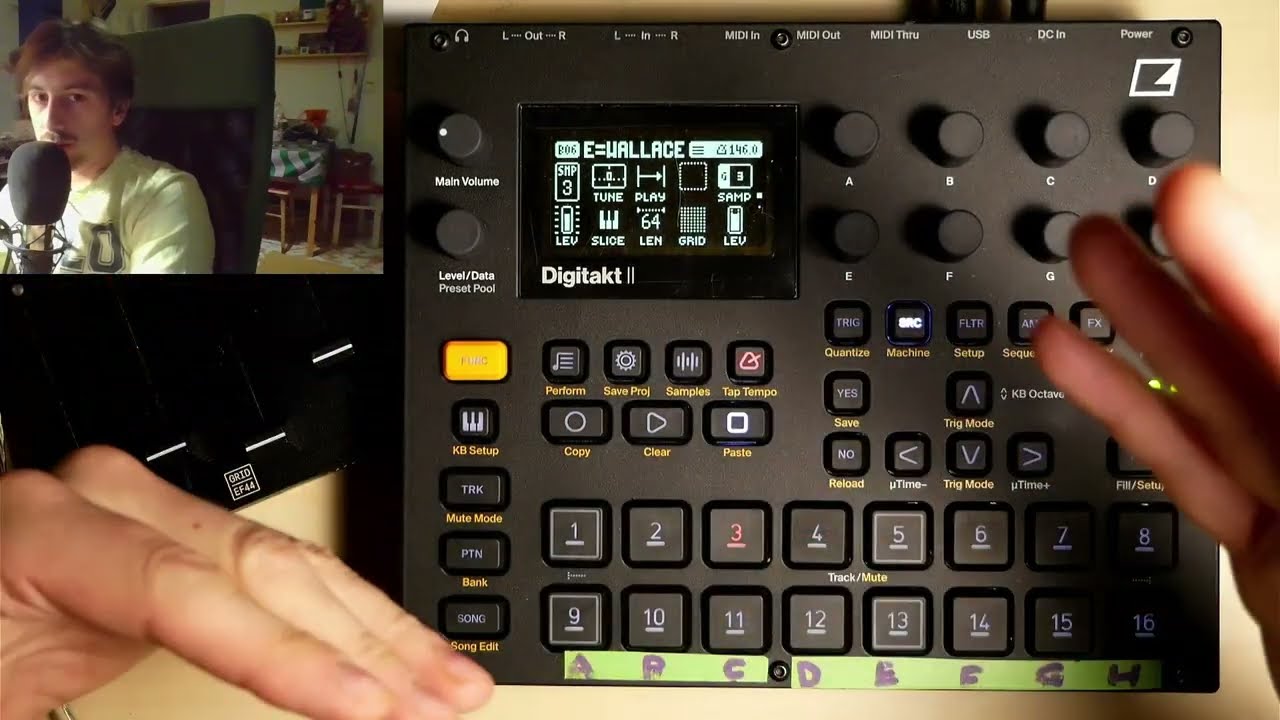
I put my vid here aswell, I demonstrate some advanced tips and tricks for the DT2, which I will follow up with using the FILL for variations of melody and rythm.
Enjoy, hope you learn something new!
4 Likes
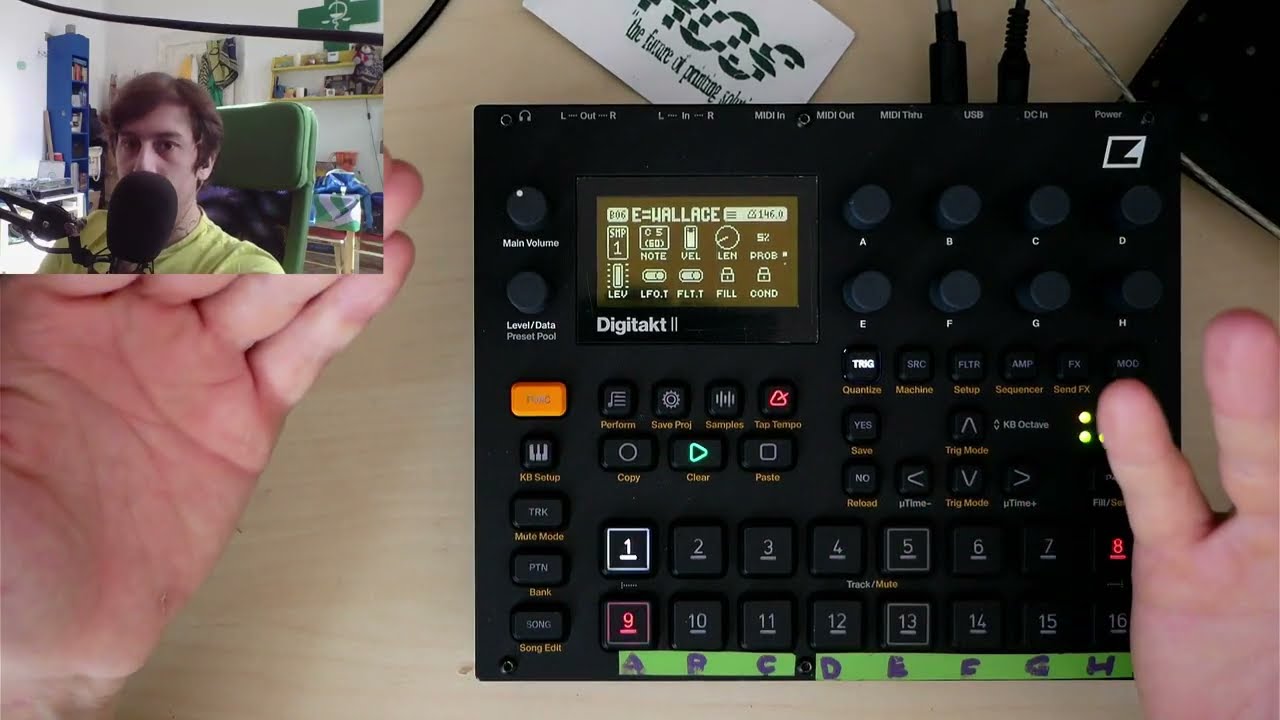
Another one about using the FILL condition to have rhythm variations
3 Likes