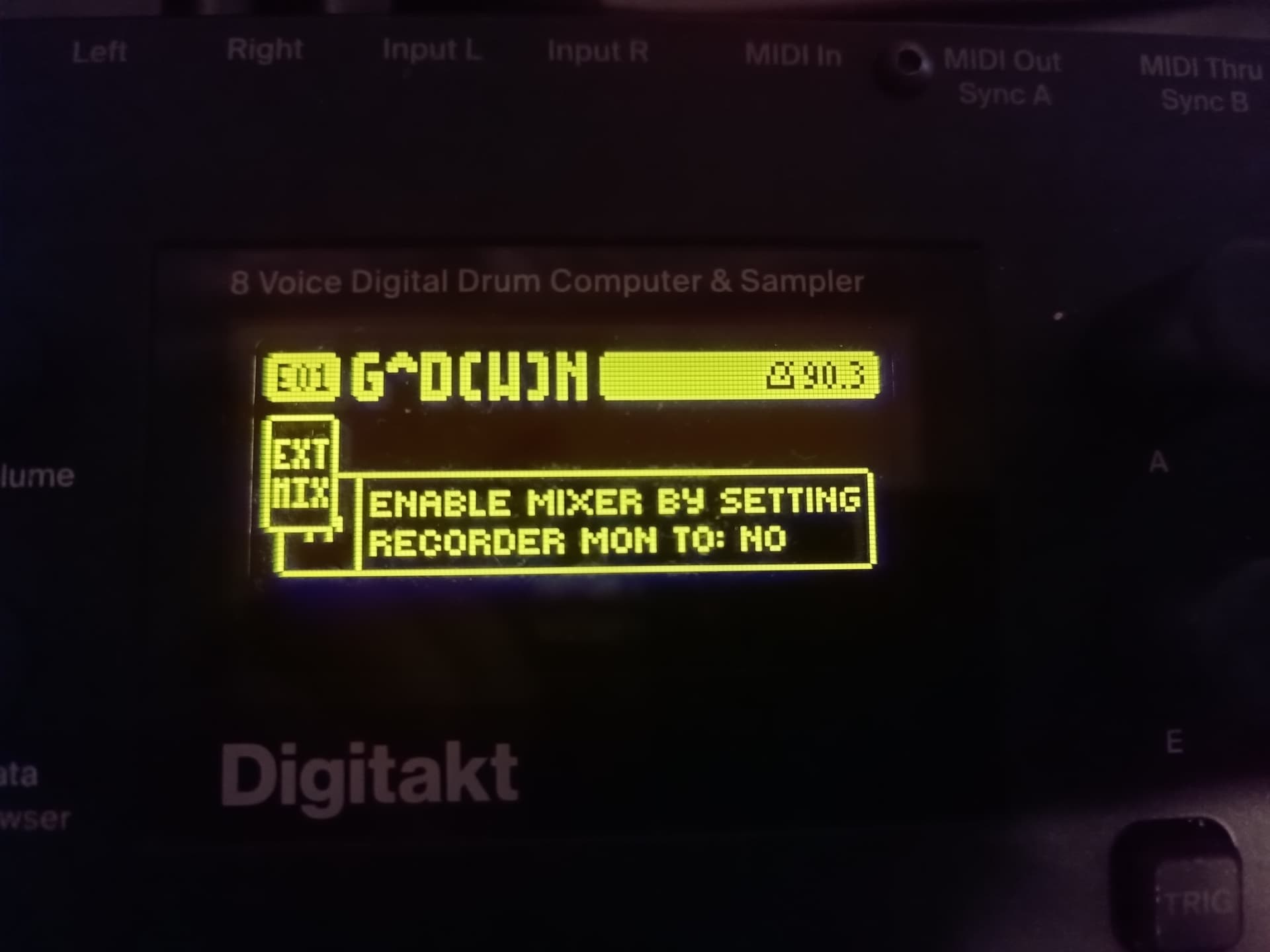
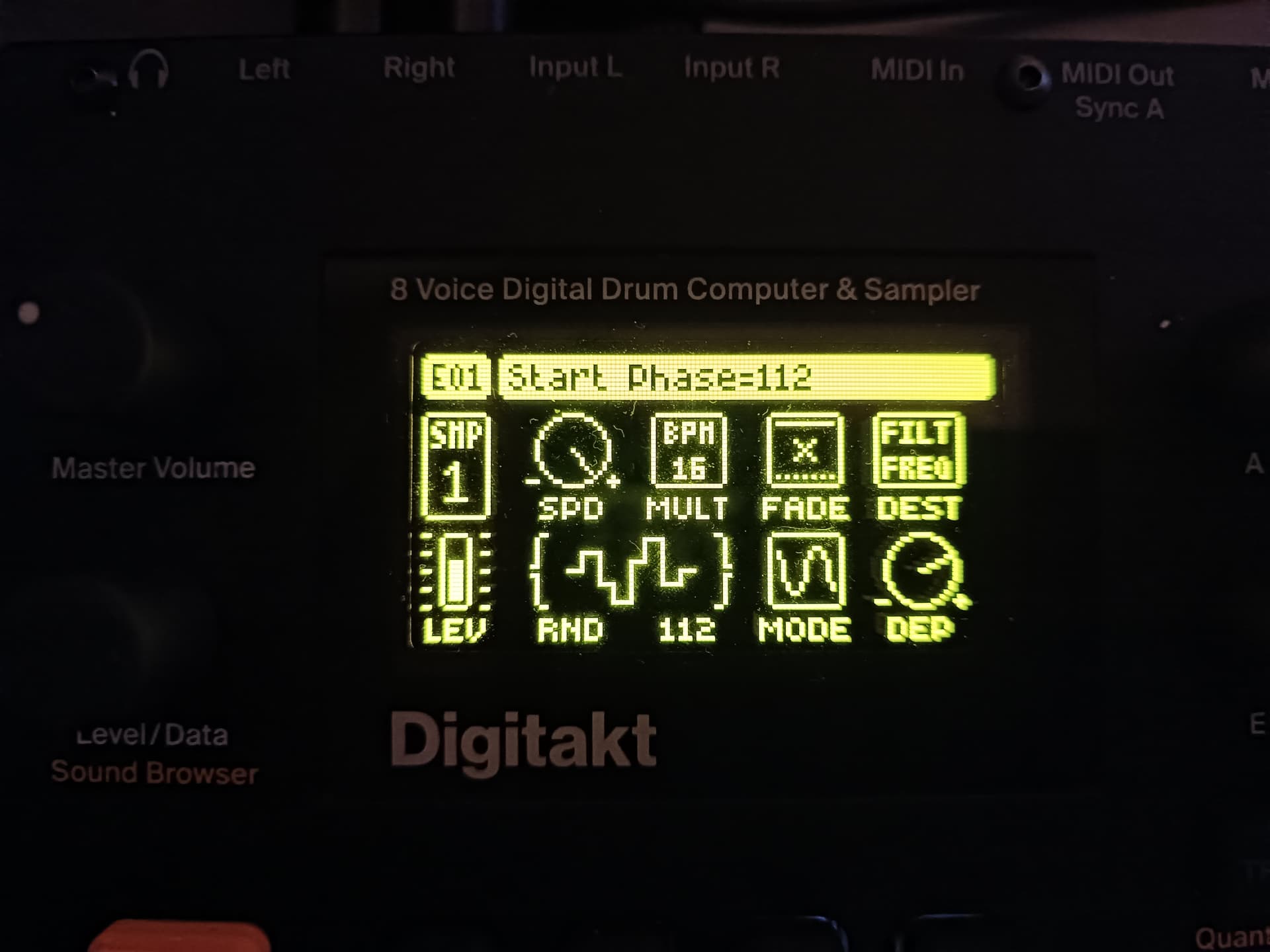
one project (let’s call it project A) has had all of its “sound” data - everything on the SRC, FLTR, AMP, LFO pages - overwritten with info from a different project (project B).
the step sequencer info for project A has remained in place. it seems that the samples slots from project B have for some reason been loaded into and overwritten the sample slots for project A.
has anyone else experienced this problem? any tips for preventing it happening again beyond just making regular backups?
Has anyone else encountered this issue? When I’m using the Digitakt in Ableton through Overbridge, I’m having it drop several notes on playback (i.e. kicks are missing when they’re clearly programmed). Just wondering if there’s a fix for this? I reinstalled the OS and Overbridge…same issue.
Randomly dropping notes or dropping the first notes and then correctly playing them after it loops?
Is the issue consistent as to which notes get dropped or is it at random? Is it every time or only sometimes?
Are the notes sequenced by ableton or programmed into the digitakt step sequencer with the transport then synced to and triggered by ableton?
You’ll probably need to be more specific if you want to figure this out and the reality is that you may need elektron support to help you figure out where the problem is, so opening a support ticket as soon as possible is the next logical step.
If it gets fixed, then t’s easier to tell them you resolved the issue without their help than it is to submit the ticket after becoming frustrated and then have to wait for a response.
First thing that I would suggest is if the notes are programmed into the digitakt step sequencer, to make sure that you don’t have probability or any other trig conditions locked to the steps which are dropping notes.
This is just a typo - that text should be at the Digitone & Digitone Keys section. For Digitakt it should be : “This OS adds some Outbox 8-related features. For a full list of changes, see the release notes.”
I don’t know if this is a bug or just my Digitakt getting old but I was using it last night and I couldn’t stop it, I had to turn it off and back on again. This has never happened before, it’s probably just a component wearing out or getting too hot or something.
I also had a rather strange incident with my Digitakt. It happened only once and never recurred. After a jam session, the unit started producing a glitchy sound whenever I turned it on or off. The Digitakt is connected to a MOTU Ultralite mk3 Hybrid, which in turn is connected to my studio monitors. Has anyone else experienced something like this? (Google translate)