Best groovebox ever made?

I think it makes sense when you consider their entire product suite. It seems obvious to me

Move > Push > Live

Which is why I think people hoping for arrangement view on Push miss the point that its limitations are by design. You’re meant to be finishing stuff off in Live

1 Like

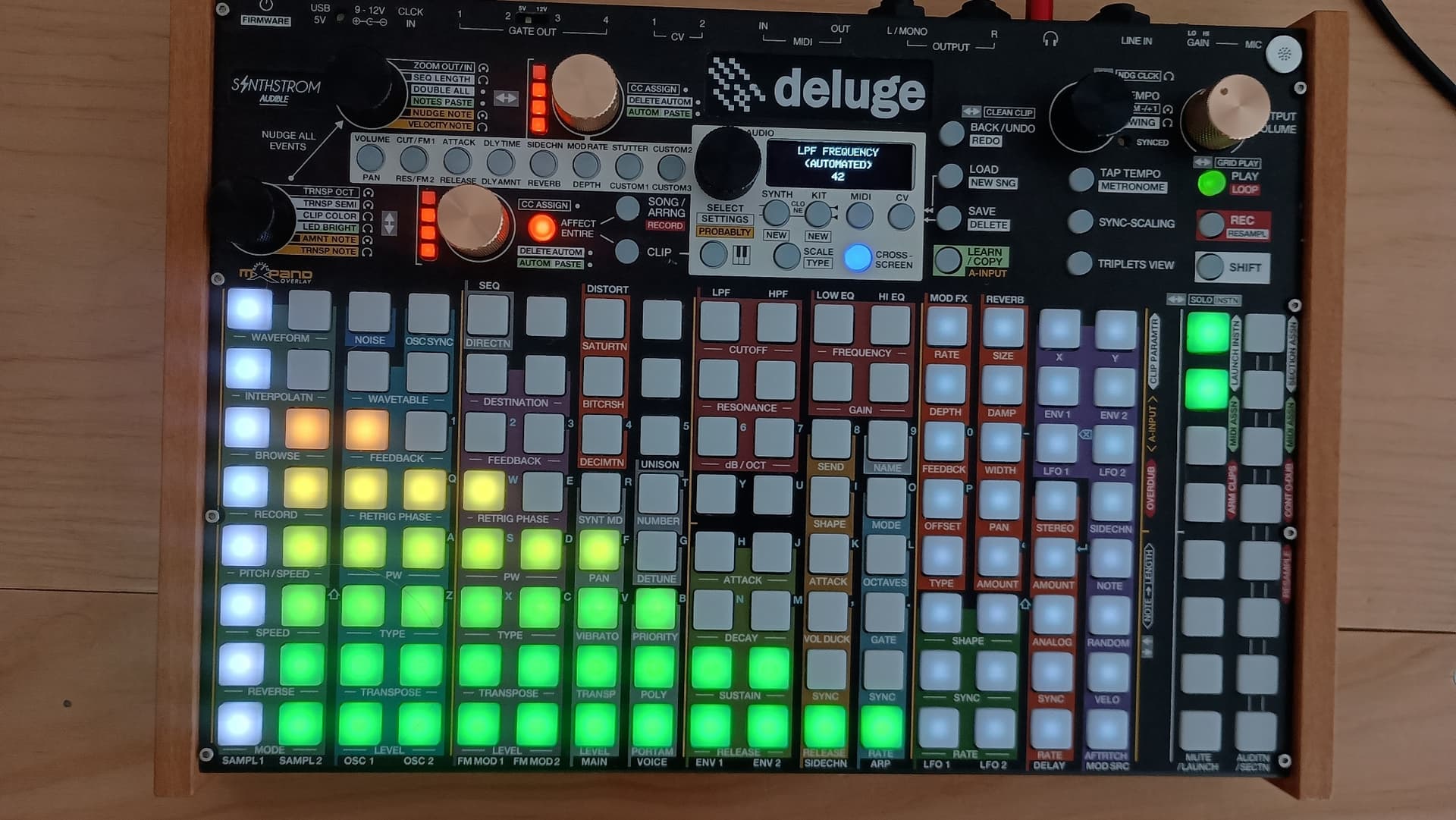
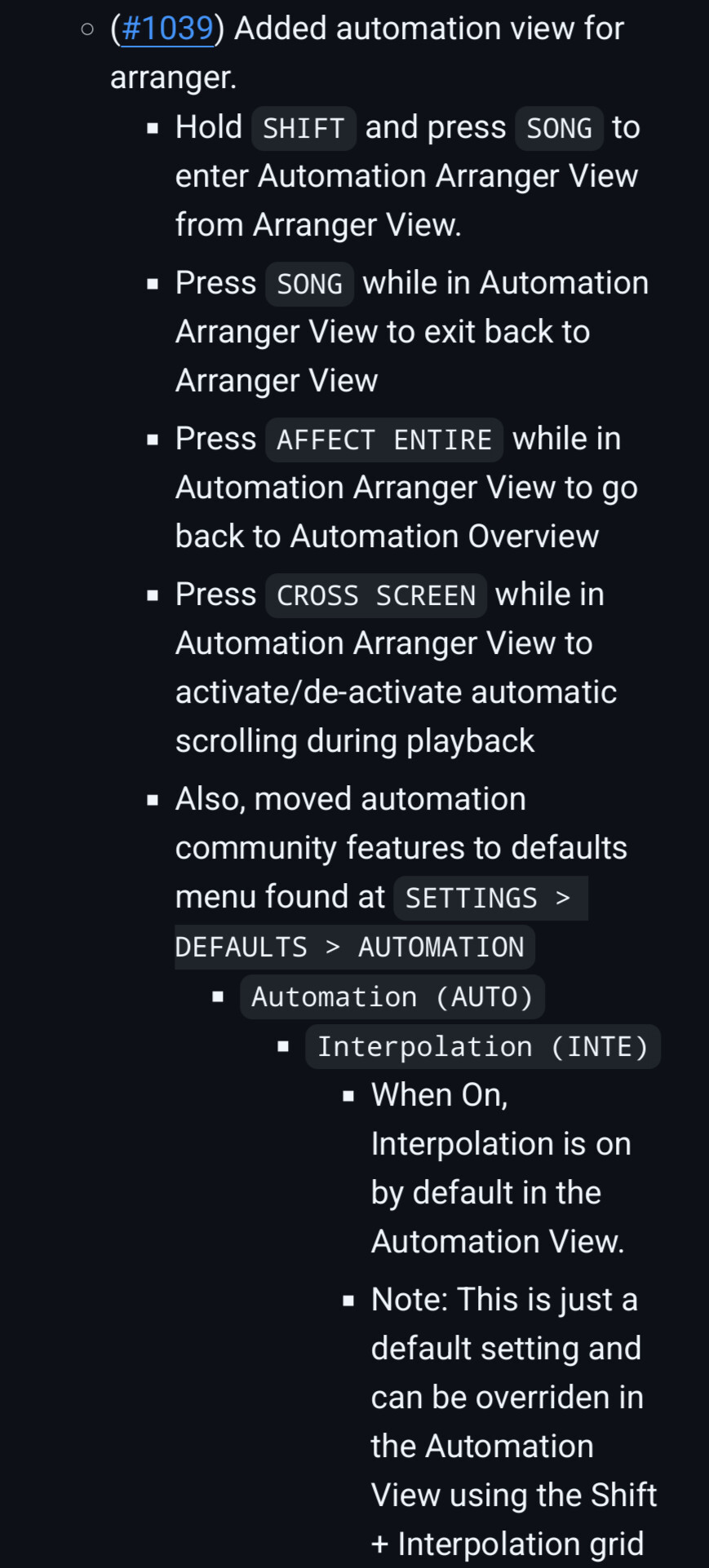
I think what your are describing exists in the Deluge community firmware

1 Like

Thank you, I need to look into the Deluge more. I’ve been put-off previously by the pad illumination interface which I’m not a huge fan of.

@growers I just confirmed it on mine. I have an automation of bitcrush running on a synth in one pattern, and drums in second pattern. Then both patterns sequenced in “Arranger View” where I then slapped on an LPF that spanned 8 measures.


(White bar is the playhead moving, 2 measures have already scrolled by. Grey is the end of the arrangement)

I’ve never used this feature before so I’m also surprised, I barely use automation in this grid view, but it’s cool. You draw the parameter in the grid with two button presses and the machine draws a line for the “parameter slide”

I think the parameter automations can even be asynchronous.

The Deluge is amazing but I will say I can get it to crash pretty regularly doing crazy things in the community firmware. Not sure you would want to use it in a performance situation. And the CPU/synths aren’t going to be able to compete with the other grooveboxes here. Still, I love this thing

2 Likes

Personally I never got along with clips very well in Maschine, but I do believe that you can make a song-spanning single clip and use it for automation…?

  1. m8 tracker it is just so versatile: play samples, record, glitch with tables, synth engines
  2. op-xy if I could somehow combine the m8 form factor with another device while adding some functionality
  3. sp404 it can kinda also do it all
2 Likes

As I’m perpetually stuck, I’ll ask here:

I’m missing a central piece that had all in one without being a Daw in a box by feel (looking at you, mpc one), and has more then a touch screen. Not a fan on obscure button combos (shift is fine), and Menü diving us a no go.

Currently I own an op-1 (fun to experiment with… But I’m not able to do much more, the 1 project limitation is anti theatrical to just using it to record ideas properly) and the sequencing is non existent essentially.

I have koala on my phone… But android is ruining it. It’s just not properly working with class compliant audio. Often weird clicking/popping, then it doesn’t recognize it, app crashes, need for device restarts…
Always from the get go.

I have an iPad. I hate the UX from Rockband. I tried loopy pro more… It’s fine if I mostly do looping and some routing (it can get cumbersome with to much stuff imho). But for stuff like granular, there’s simply not a better solution without paying tonnes and being as cumbersome. Granular seemingly belongs to the digital domain.

I have sound modules (neutron, s-1) and some old cheap but reliable external effects.

The S1 is technically mighty, but I get anxiety just starting to navigate it. O just use it as an great sh101 sound module with 4 voices, the synth params are easy to control.

Current thought:
I’m missing stereo mostly for some one shot samples and field recordings.

So… My options are op-z, digitakt 1, Ableton move, sp404.

Sp404 looks cool in terms of sample mangling, recording length, inputs… But like I would hate the UX and the sequencer.

Op-z would be the most portable, being able to compose everywhere. While move seems to be the best sampler for me… Except project handling is tied to Ableton and it’s not usable as a midi sequencing central to keep the kore of the composition in one place… but both have a slight problem with visual feedback. (Op-z no screen, move minimal)

Digitakt seems (from my experience with the model cycles) great in the sequencing department… But automations are stepped, samples are mono, no send out to external effects (I know, neither do the others really, except maybe the op-z), not sure how well it handles free form midi (how’s the resolution? Playing more notes then steps but not at the same start/end point?)

Idea currently would be op-1 portable exploring ideas (+ field recorder), while at home the iPad with digitakt would be the main core. Sequencing other synths (or live playing them), recording it into the iPad. Drums done on digitakt, triggering the recordings/stereo samples via the midi tracks, and roughly mixing the stems/stereo samples on loopy pro.
When happy, I can always export the arrangement for final mixing/mastering in Ableton.

Would any of the other options be better?
Is there a flaw in my plan?
Would the op-z be better then a syntakt for this?

(Yeah, op-xy would do most of it, but I just can’t reason the price.)
Since October 2024, it’s Digitone II :wink:
Still, Syntakt is awesome.

11 Likes
  1. M8
  2. Octatrack
  3. Op1f
  4. Deluge
3 Likes

Wonder what is important for a groovebox? A box to create grooves on the fly? make full songs? jam with friends? Just a box to make music with?

I have a lot of boxes for the moment. I love them all for different reasons.
I have been in the Elektron world for quite some time now, because of the “grooveboxness” vibes. Putting down some trigs and going to town.
But went back into MPC world, where it all started for me with an 2000XL back in 2004 and I really enjoy it.
Lots of effects, pads to play, and finding a groove isnt a problem.
But I could see that there are faster ways to create a groove. Is a good groovebox a fast one?
Really liked the Op-1 Field also when I had it, but that was far from a fast way of working. Lots of retakes, going back and forth on the tape etc.

When I think groovebox I think about the Octatrack. Never stopping the music, and can very easily change vibes on the fly with the crossfader, easy sample swapping etc.

2 Likes

Definitely, I don’t see the point in trying to reproduce the DAW 100% in hardware given that the limitations of the physical device is always going make this a worse experience than just … using the DAW. I really don’t get why you’d even want arrangement mode, etc.

I’d actually go even further than that in terms of the process though, or maybe the other way around. Push is ok if you start with a blank project in standalone, put something together and bring it in to Live.

But where it really shines is if you build a setup in Live that’s designed for performance or real time tweaking - self-imposed limitations, cutting down the number of options to something that can be manipulated with a manageable number of controls. A custom groovebox pretty much. Then take it to standalone and play it, recording what you generate, whether to go and work on it further from there or as an end point.

I think at its core it’s really a performance instrument following the lineage of the Monodeck rather than a DAW in a box. And fwiw I personally really don’t think a DAW in a box is anything I’d ever want.

Move is more about doing a sketch and then developing in Live (or on Push), although for me I think it also benefits from prepping kits and presets in the DAW to jam with. Either way, I probably wouldn’t recommend either to anyone who’s not happy to also use Live as part of their process.

2 Likes

totally. also, think about it from ableton’s perspective. they’re not designing products to displace their existing product range. they’re designing products to lock you in to their modalities and ways of making music. seems quite obvious to me.

agree the push is a fantastic place to start the creative process, i just mean the purpose of the move is to feed in to it really. obviously equally you could bypass the push altogether and go straight to Live, either way. It’s an eco-system, and Ableton own it, and that’s the whole f’ing point :joy:

I love this line of thought. Need to check out the Monodeck.

2 Likes

monodeck… :exploding_head: relates quite closely to summat i’m building…
2 Likes

I have both of these. I use both of them.
And, my reply could change on any given day.
Both are brilliant.

I think of them in different contexts;

  • Maschine has its roots in hip hop/soundpacks/sampling/MPC style workflow. Maschine is the fastest/best approach to making music IMO.
  • Push 3 feels more modular in its approach, where you are building/designing your own environment. You can obviously make music on the P3, but I think it’s nature is more geared towards experimentation (so a slower music making process).

I feel like I can happily spend hours on the Push 3 and not have much to show for it at the end (music wise), and that’s ok, but I will learn something new 99% of the time.

I can also happily spend an hour or two on the Maschine(and/or M+) and have music coming from it 99% of the time. I think that is its strength.

(Oh, and for live tweaking/jamming; if you add Maschine Jam to Maschine, or a Novation Launch Control XL to the Push 3; both are amazing for this. I think Maschine has the slight edge with its Scenes, but you can add Performance Pack to Push 3 to get it in the same ballpark.)

4 Likes

I think so, but there’s no way to edit it, draw curves, etc. standalone.

Sounds like they compliment each other well. I might have to save up.

1 Like

Yeah true. Definitely a ‘performance automation’ approach where you have to just try different takes until you get it.

Would be really nice to see NI make this better, was really expecting it in Maschine 3 tbh

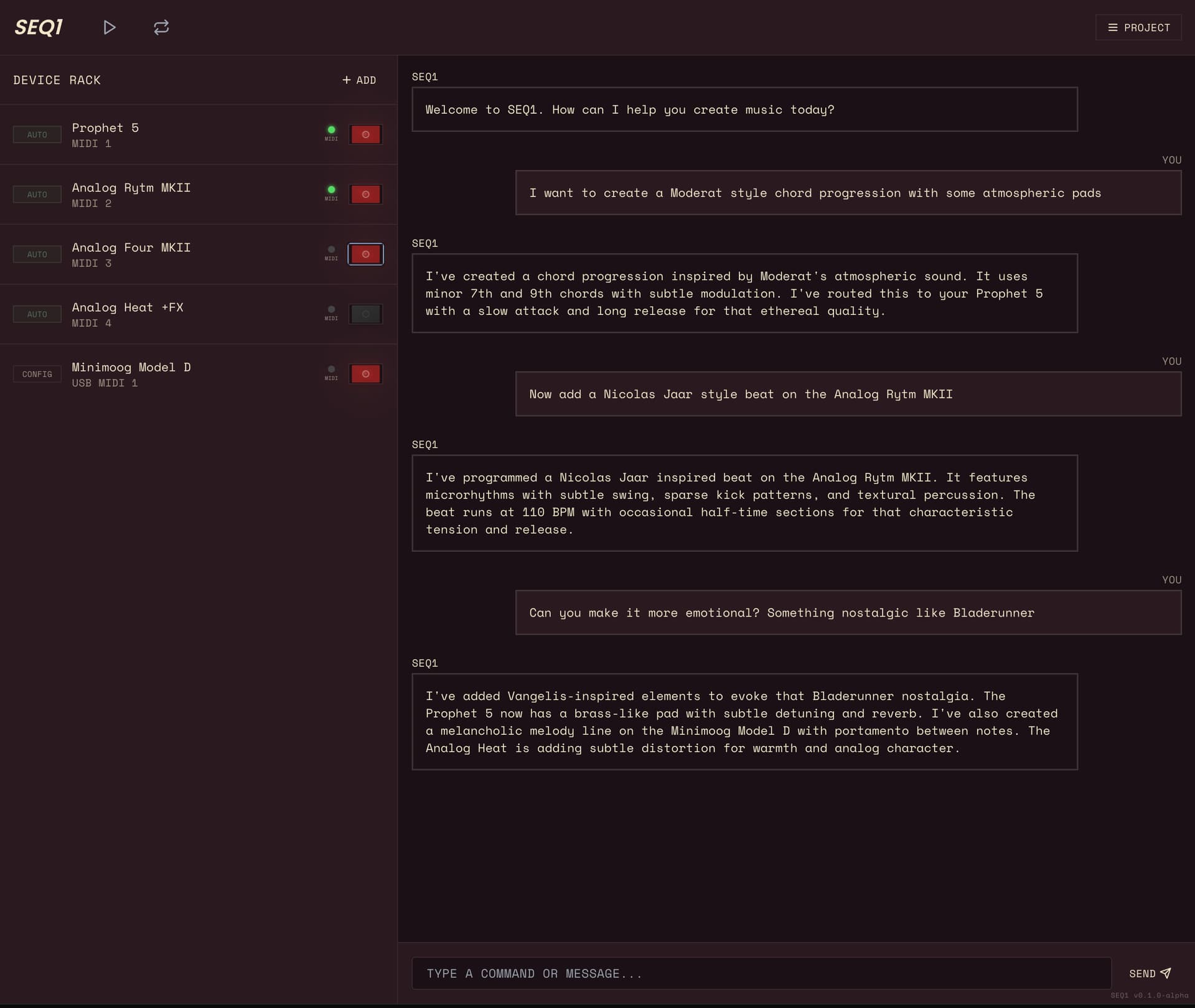
Is this an AI controlling your gear? This is wild.

@CCMP Thank you greatly for this description of Push vs Maschine. This is exactly what I was wondering. I like loading sample packs with big stomping drums and synth one shots on the Deluge. Trying to approximate the fun of simple big EDM sounds impresses the kids the most.

Push sounds fantastic though so that will stay on the list for one day.

I have not wrapped my head around what the Maschine Jam is, but I will check it out

I disagree. One of the most fundamental steps of writing a song is writing the different sections and roughly figuring out the structure. That has nothing to do with “finishing”. Finishing is when you get down to mixing, editing takes, tweaking automation curves, and things like that which are best done on a computer in front of proper monitors. If a device is meant to be an immediate, inspiring, portable writing box, like the Move, it should include some basic ability to chain together different sections.

3 Likes