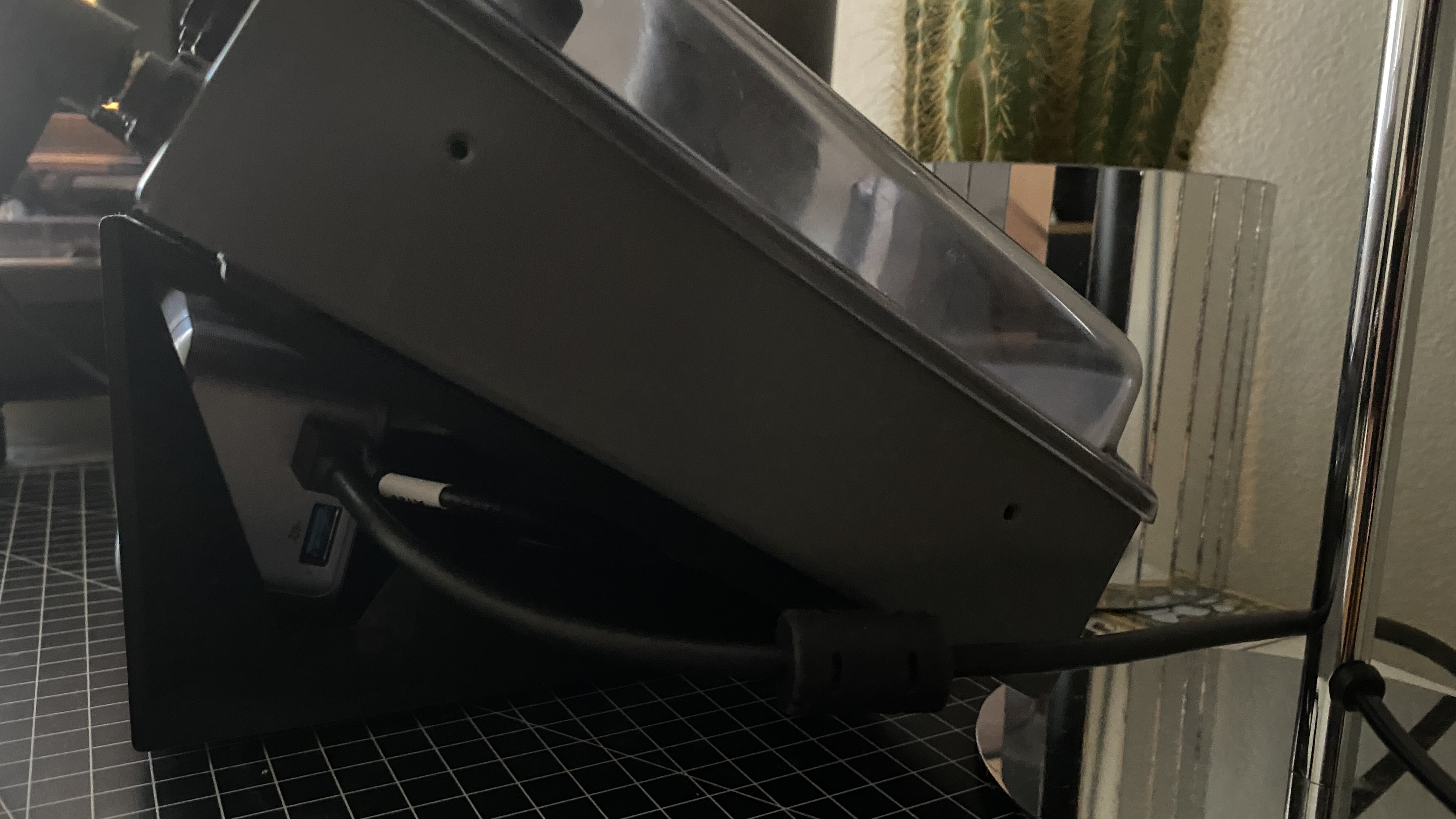
On the Move directly, I don’t think so (there is a way in Live with a rack). You could use 16 pitches on the Move and simply play a different note/octave one sound at a time. Not really practical if you’re finger drumming but pretty convenient if you are willing to work pad by pad.
Edit: I guess the 16 pitches mode also isn’t very helpful if you’re trying to repitch after recording a sequence.
Hi! I’m looking for a new live-performance gear. Right now I’m carrying Push 3, which I use as both a MIDI controller and an audio interface. I run my guitar through it (after a preamp), control effect mix in Ableton, switch rack presets, and in a few songs I also play simple parts on the pads.
I’m wondering if Ableton Move could become a lighter alternative — mainly as a controller, but ideally even without bringing a computer at all. My only concern is the lack of examples showing real-time use of effects directly on the audio-in monitor. Is that possible?
And is it possible (and easy enough) to jump between the following tasks?
1. Controlling the mix level of one or two effects on the input signal.
3. Switching between two guitar rack presets with pads (dry / wet).
4. Playing pads (Drift) and simultaneously controlling an additional effect on that track.
5. Are there any options to create macros that control multiple effects at once?
The thing with the Push 3 is that it can probably do everything you ever want it to do in the future. Compared to carrying an amp and pedal board it’s pretty lightweight.
I used to gig with a Vox AC15 I know Push 3 isn’t that big, but it’s nice to be able to pack everything into a small carry-on. I don’t use the screen or pads that much, so most of the time it feels like overkill… and it leaves me with less room for clothes
I’ve enjoyed using the Move in control Live mode a lot. With the current Black Friday sale, I’m fighting the urge to buy a Push 3. Curious if others have both and actually still use both frequently.
To help fight the gear lust, I realized I could probably do more with Live and the Move, so I looked for documentation on all of the features but I didn’t find anything in the Move manual or Ableton site as specific as I was hoping for.
So I used a transcript from this Youtube tutorial to create a cheat sheet. I tested everything and the only one I can’t get to work is changing the count-in. I thought I’d share in case others find it useful. I’m sure the release of 12.3 will add some things, I know that scrolling through more than 8 device parameters is coming.
I did it the other way around and I bought a Move after buying a Push 3. I did this after being frustrated getting stuff off other Grooveboxes into Ableton Live, so I thought I’d go all in into the Ableton ecosystem.
Move is a surprisingly good controller for Live and obviously works really well in what’s its designed to do. But the Push 3 and Live partnership is a whole different level of control. And with the latest updates, XYZ Control, sidechain mapping etc, Push 3 really is a fantastic device.
The nature of all (i guess) linux computer in a box unfortunately. I have/had Maschine, MPC, Force, Move (and i assume push as well)…all the same behavior. Syncs good via link though.
What is your advice on push 2/3 vs. move on terms of breakbeats for live music? If I prepare some variations in Live and put it on move, could it be an endless break choppage monster or would I need a push for smth like that?
For example 1 track with a sliced break into a drumsampler and
1 track with multiple sliced different breaks?
A midi random device or Arpeggiator in front of the sampler and et voila?
We recently got full access to Drift, so you have its envelopes and LFOs. For effects, you get Auto Filter, Chorus / Vibrato, and Phaser / Flanger, plus modulation options on Delay. The melodic sampler has a filter LFO in Note so I’m pretty sure there’s one on Move as well. Drum Sampler is light on options, but you get a pitch envelope effect at least. And the next update is bringing Auto Pan / Tremolo. I really wish it had freely assignable LFOs like on the Digitakt, but the options are still pretty reasonable. As far as I can tell, you can modulate every parameter — I did some informal tests shortly after launch and I didn’t find a cap. Technically Move just records Live Clips with automation, so I suspect it’s essentially unlimited just like in Live.
They don’t have a public roadmap, but they take a lot of feedback on Discord and so far they’ve done a pretty good job reacting to user feedback IMO.
Depends on how portable you want, but I got the OT currently supplied by an Anker Prime 250W. Fits neatly inside the stand I have and has a ridiculous amount of power. I was using it for maybe 4 hours yesterday and it had like 78% left They have smaller ones too, and generally seem to be a reliable brand. Just make sure you have enough power and the right cable.
Still no auto-quantization of live note entry. I’m voting for it again after selling the Move.
This may seem like a silly feature but for live improvisation it’s essential. For now the circuit tracks has my loyalty. I think the Move has potential to be a live jam powerhouse and usurp the Circuit Tracks. the sketchpad focus is too narrow
Cool thanks, instead of waiting for a reply I just went ahead and ordered something on Amazon last night which happened to be… the Anker Prime 250w haha. Didn’t even consider that it could power Elektron boxes too!


 They have smaller ones too, and generally seem to be a reliable brand. Just make sure you have enough power and the right cable.