Move is saving and purging the current Set and loading a new, separate one when changing Sets, so I’d be surprised if there was no gap. I hope they’ll work on making the gap as small as possible and to synchronize the switch with transport (e.g. to happen at the end of a bar, so that would allow to pre-load new data a bit ahead).
Also, Move wasn’t designed for performing live sets in front of audience
It’s reallllly noticeable with delay effects and long release times but I think you can get around it while designing your set by locking your transition scenes to more staccato sounds.
Also, i haven’t checked yet, but I know other, much-older grooveboxes let effects ring out provided you don’t load a different effect with the pattern change.
Edit: or maybe you could resample the last scene of your set, load the sample into the next set’s Drum Rack, and trigger that as your first scene. Still some thinking and planning required, but I bet you could hack together a smooth “crossfade” with careful use of the Hold and Decay parameters!
Edit-Edit: or create a pseudo-tape stop with the Pitch Env effect, or just massacre it by automating the Stretch effect. Fingers crossed Ableton updates Drum Sampler so that max Hold time on one-shots plays 100% of the sample length instead of the first 60 seconds.
I personally think that the set switching is lightning fast compared to what other gear can do. If it’s still too slow, you can always pair it up with a looper pedal or some other gear and handle transitions using that.
I will 100% perform live shows with my Move. Having a proper MIDI CC implementation would really help blending in tracks and mapping out macros that I use across multiple sets, but that’s a limitation I can live with.
Those grooveboxes usually have a hardwired send effect (like the Elektron boxes) and the software/DSP doesn’t replace them, only the parameters change. With the Move you only have insert effects, which might change between sets.
Thanks for the replies everyone! I guess a follow up question is can scenes have different sounds per clip/pattern? In other words, if you have 32 scenes per set, does that equate to potentially having 32 drum racks per each of the 4 tracks or is each scene bound to your selected racks/instruments?
In a set you have 4 tracks, each can only contain a single device (except for the Drum Rack, which contains 16 Drum Samplers), so you only have 4 devices in a set. You can’t mix and match devices between clips, they are basically tied to the track they are on. A scene in Move only means the four clips that are in a column, but don’t do anything special at the moment. (Unlike in Live where you can assign a specific BPM to a scene)
No. It’s “just” Live in a box - 4 tracks, each with one instrument BUT without ability to swap those instruments in given Set (e.g. no possibility to change instruments on a track via Chain Selectors in Instrument Racks).
This is definitely the best reason for me not to get one (glances uncomfortably at Ableton projects folder)
That said, I still want one because starting ideas is fun, and it would be even more fun to start them away from the computer on a lightweight and focused instrument.
It’s good, definitely a compromise vs. Push 3 but also preferable to lugging Push 3 through airport security. The biggest thing is that it still relies heavily on your computer screen for visual feedback on devices, which puts it more in line with Novation controllers than Push IMO.
At a high level:
Session View lets you launch clips for seven tracks and four scenes, with the last column dedicated to Scene Launch. You use the bottom sequencer steps for track selection and can scroll through your project with the arrow keys. It feels very much like Push or any other grid controller.
Note Mode uses the left hand buttons for track selection and the step selection buttons for sequencing, so you can only jump between four tracks at once. The vertical track arrangement initially feels different if you’re used to basically any other Ableton controller, but I stopped thinking about it in a matter of seconds. Compared to Push, i immediately missed 16 Velocities on Drum Racks. Live also doesn’t support 16 Pitches or Capture for automation; otherwise Note Mode feels identical to using Move in Standalone.
The step sequencer works really nicely. Automation recording works really nicely. Nothing to report there. The Loop Select function lets you create clips up to 40,960 bars and you can scroll through with the arrow keys.
You can fold and unfold groups from the controller, then use the arrow keys to switch your device focus. The “one parameter” screen means you’ll spend a lot of time tapping knobs to find out what you’re controlling, but once you find the parameter you want, recording automation is a snap.
They’ve integrated Undo History in Controller mode as well, so you can actually read what you’re undoing. I like this a lot.
The Shift function menu works exactly like you’d expect. Workflow Settings is limited but remembers your settings, which is nice. Groove affects Global Groove Amount instead of being locked to 16th note swing. Scale selection is immediately reflected in Live. Note Repeat works, but Arpeggiator doesn’t — Live’s device is way more powerful anyways.
It works as a 2-in / 2-out audio interface. I only have Live installed right now so I can’t test my theory, but I’m pretty sure it’s class-compliant on MacOS so you could use the mic/line in and headphone outs with a different application provided you don’t need any visual feedback.
Hopefully this helps! I’ve been meaning to make a video on this — there are lots of questions and very few answers available. But I don’t particularly enjoy making videos and I’ve been too busy anyways…
The TLDR is, in my opinion it’s a perfectly competent Live controller with a lot of great features. But it’s no Push. If someone is considering the Move to replace their Push 2, it can work in some very specific cases but you should be ready to make compromises. And given the price difference vs the new Launchkeys (which also have tons of features that are absent in Move), I would only recommend buying it if you’re also interested in Standalone mode.
Thank you for this information. I’m very curious about controller mode and currently, there is almost no in-depth info available.
I’ve also been using Push for years. I had Push 1 and currently have Push 2. I decided Push 3 wasn’t for me because I wanted the standalone version and I felt like it didn’t suit my purposes.
This is the reason I’m keeping my eye on Move. I think it might be a capable standalone device for what it’s designed for but I also want to know if it can be a proper controller.
The Push devices allow you to interact with Live in a way that’s extremely tactile. I imagine I might feel the compromises you raised but I’m ok with making them if the experience is fun or inspiring.
The size of Move is also appealing. I’ve also done a lot of traveling with the Push 2 (a little smaller than 3 I think).
Never owned a Push, have used a Push 1 and 2 at a friends house frequently, imo Move is a similarly tactile controller for Live without the informative display, but the mapping and pads are really great without tweaking any settings.
Many say that the 4 track limit on Ableton Move is, well, limiting, so I decided to try if ONE track is enough for a Jam/Sketch.
Only one track/drumkit/16 samples used. Also only one pattern with some live tweaking and mutes.
I haven’t used Move as a controller. Probably won’t ever do that.
But if I was to do it again I would have bought Push 3 controller instead of the Standalone cuz I hardly ever use it in standalone mode.
And then have the move for standalone. Cuz the push 3 is just too big to be moving around and I mainly use it as a controller which I love. I do think the added buttons and especially the MPE pads add a lot over the push 2 (which I had before).
I would probably not think of Move as replacing your Push 2 controller and instead being a good portable controller and standalone unit. But when home in front of the computer you’d still probably want to just use Push.
Again, my thoughts without ever using the move as a controller itself and owning a push 3SA.
popping in to mention that, while I haven’t yet travelled with Move, i’ve so far found it’s battery life adequate for my needs mostly because of how often I end up plugging it in to the computer to use as a controller.
This differs from my experience with some devices like the M8 Model 1 where the similar battery life felt much shorter because I never casually plugged it in to a computer, I always wanted to use it standalone, and thus the battery life felt like 1-2 sessions, where as so far with the Move it seems like I can just use it standalone when I want and it has enough battery to get me to my next computer session without ever really thinking about it.
I’ve the unit for a day now. Still kinda learning it but it’s mostly intuitive in the way that Push is. Example: how do you turn up and down the volume of a sample or track? Hold down button and twist volume knob. It’s just the kind of stuff that makes sense.
I like how everything is backlit. This is a great device to use in a low lit environment. Compared to say, Deluge which has lots of tiny printed text under back lit buttons that makes it very hard to see in a dark environment (though the OLED display helps a lot with navigating menus rather than using the shortcuts, but I digress).
Build quality feels good and in line with Push. It doesn’t feel like a “cheaper” unit just because its price is lower in other words (compared to, say the Model series vs the Digi series by elektron). Pads feel as good as the Push 2s were (which were my second favorite pads behind Maschine MK3 until the Push 3 came out and took the crown).
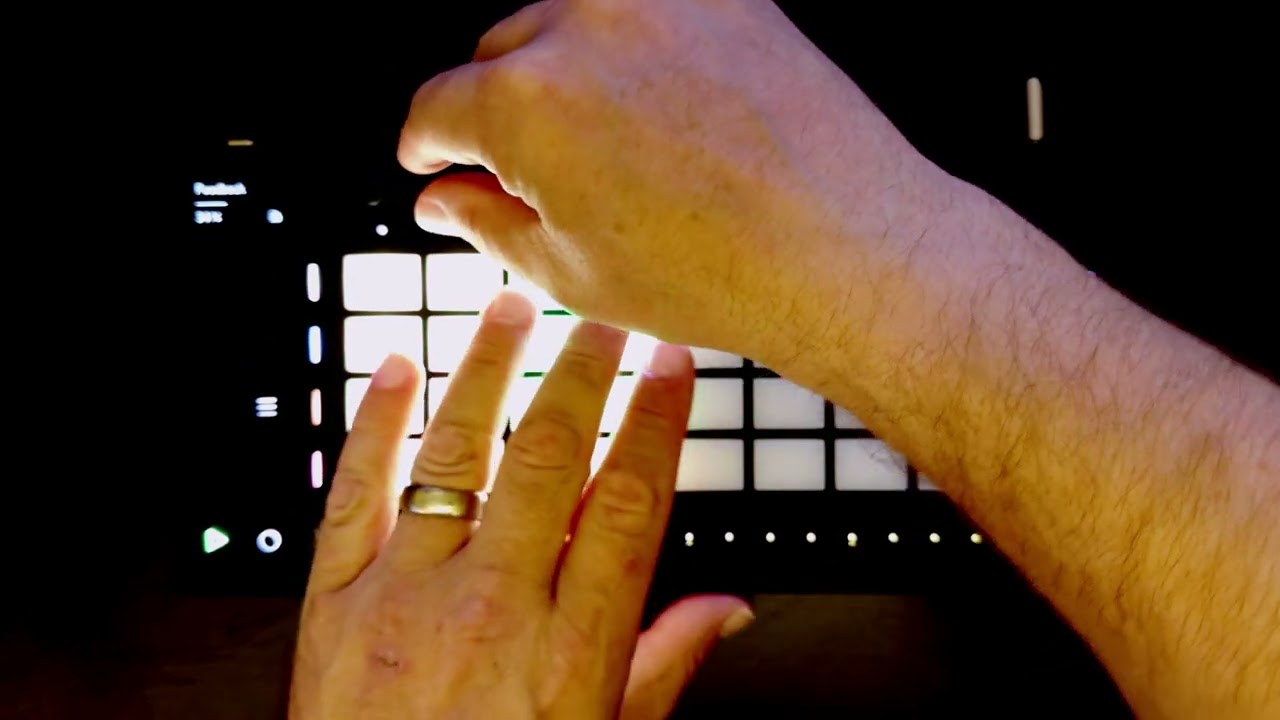
It is interesting to see that if you shine a flash light under the step buttons you that light up when you hold shift that there clearly are LEDs for options that aren’t added yet. I wonder what they’ll be.
I think it’s totally manageable to make a song with four tracks. I think resampling is easy and making use of that will take you a long ways and the drum sampler is very straight forward but powerful here. It’s obviously no Simpler but it’s a lot of fun and can easily get you into glitchy IDM territory if you want it to.
I do hope they extend this to 8 tracks though. Just for the compatibility with Note. I don’t think it’s something people should have to consider and it makes the Move feel like first step where you might move a project to note and then live. But you’d never start in Note and then move to Move if you tend to use more than 4 tracks. Just for compatibility’s sake I hope they extend the functionality to 8 tracks but it’s definitely capable with 4.
Overall though, I’m having a fun time on the couch with this thing. It’s not so small where I feel like I have to hunch over at it and not too big that it feels heavy and cumbersome. It’s a good size for a portable device that you lay on your lap. I’m not having to decipher tiny text on a screen or printed on the device and I can comfortably use this. The screen itself might be small but it displays everything clearly.
You didn’t completely master it in one day? Slippin’ a lil’ I guess.
My old eyes don’t mind the little screens, I have a couple devices like that. I agree that text just printed on stuff isn’t easy to decided when chilling on the couch, lights low and watching a movie.